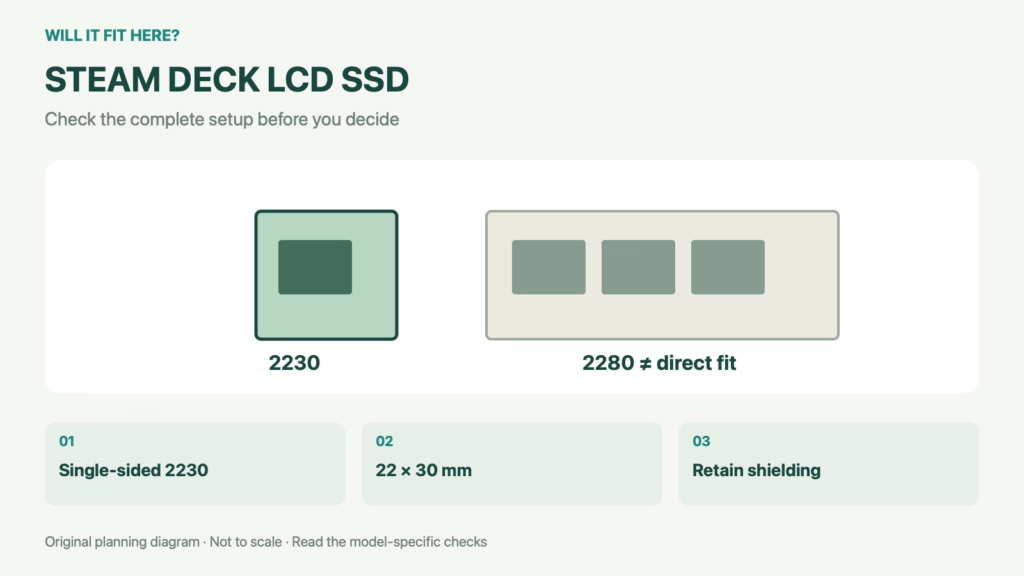
Fit verdict: The Steam Deck LCD SSD replacement guide from iFixit specifies a single-sided M.2 2230 drive. A longer 2280 desktop SSD is not a direct physical replacement. Confirm the exact Deck version, supported drive specification and shielding arrangement before buying; matching storage capacity alone says nothing about physical fit.
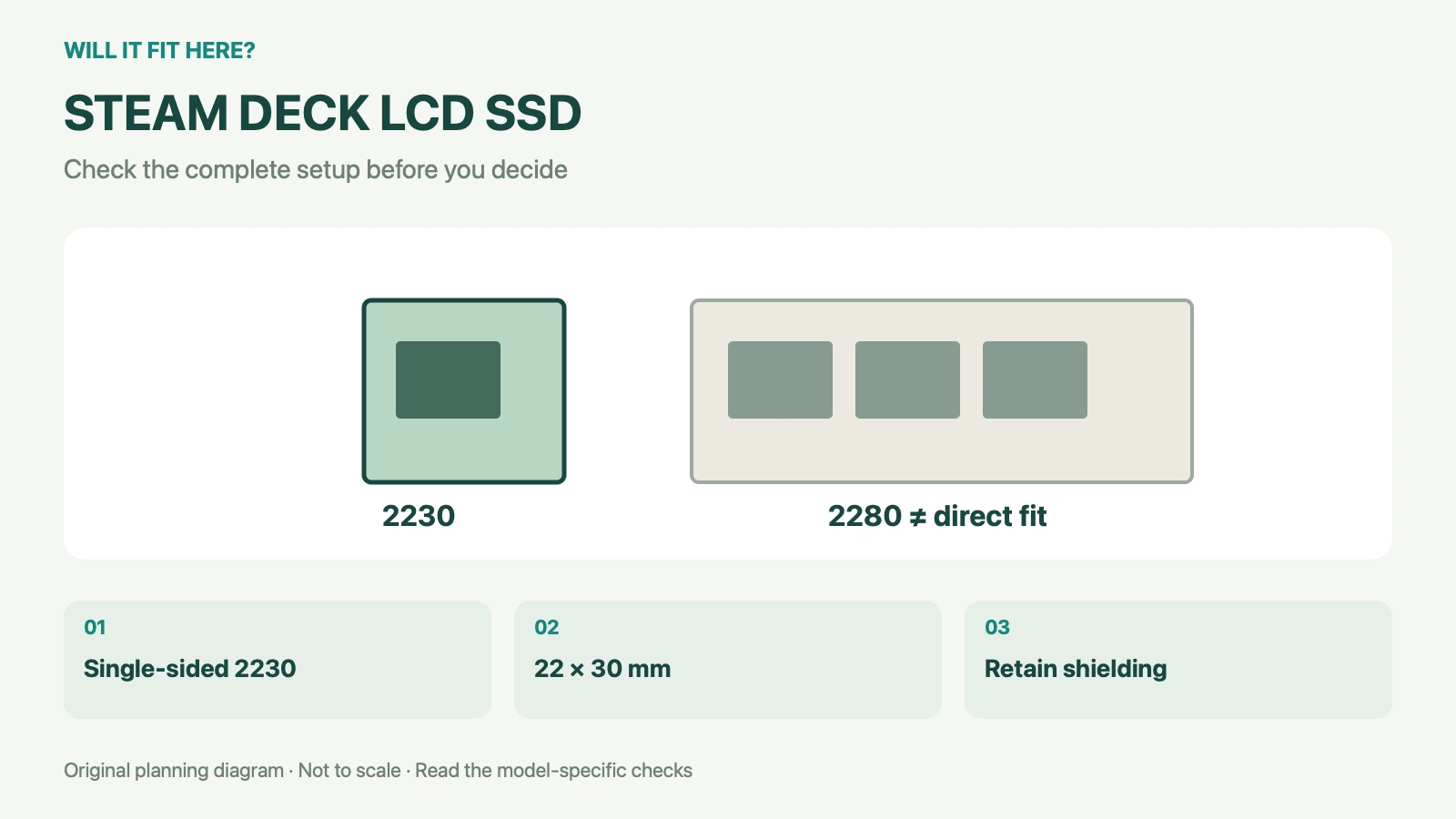
Dimensions and conditions
| Check | Reference | What it means |
|---|---|---|
| Referenced device | Steam Deck LCD | Use a different guide for OLED |
| Physical format | Single-sided M.2 2230 | 22 × 30 mm form-factor designation |
| Comparison format | M.2 2280: 22 × 80 mm | 50 mm longer; not a drop-in substitute |
| After replacement | Operating-system recovery or installation needed | Physical installation is not the whole job |
1. Identify the Steam Deck LCD SSD format
Start with the device version and the drive’s exact part number. Capacity labels such as 1 TB or 2 TB do not describe the board size. Read the manufacturer’s form-factor and component-layout information, including whether the board is single-sided. Do not assume a photograph showing only the top surface proves the underside is empty. A seller’s broad “handheld compatible” label is less useful than a clear specification for the exact replacement.
2. Respect the board and shielding envelope
The iFixit LCD guide describes transferring the SSD’s ESD shielding to the replacement, or using a suitable replacement shield. This is part of the physical fit, not an optional item to discard when the drive feels tight. A longer board or a tall add-on heatsink changes the surrounding clearances. Do not bend a board, move unrelated parts or improvise a mount to force a different format into the space. Use the device-specific procedure and a drive intended for the application.
3. Plan the repair and software work together
Follow the full illustrated repair guide, including its preparation and electrostatic-discharge precautions. This fit article is a purchasing checklist, not a substitute for the disassembly procedure. Preserve required data and prepare the official recovery process before opening the device. A new drive is not automatically ready to boot merely because the screws and shielding fit. After the repair, complete setup and verify the storage and controls before reinstalling games or treating the device as ready for travel.
4. Keep a Steam Deck LCD SSD fit record
Save the drive's exact part number and component-layout specification with the device version. Note the shielding arrangement and the recovery procedure you plan to use. Keep the removed drive safely identified until the replacement has been checked. If a seller changes the supplied model, repeat the fit review rather than assuming an equal-capacity substitute has the same board layout.
Steam Deck LCD SSD: a worked fit example
Form-factor comparison: 2230 and 2280 both begin with 22, describing the nominal board width in millimetres. Their lengths are 30 and 80 mm respectively. The second is 50 mm longer. A shared connector and width therefore do not make the larger drive a direct replacement for the space described in the LCD guide.
Before you decide: 5 checks
- Confirm that the device is the LCD version.
- Check the exact drive’s M.2 2230 specification.
- Verify the single-sided component layout.
- Retain the specified shielding arrangement.
- Prepare data preservation and operating-system recovery.
FAQ
Will a spare 2280 SSD fit because the connector looks right?
It is much longer and is not a direct physical replacement for the cited 2230 format.
Can I use the LCD repair procedure for OLED?
Use the separate device-specific guide; iFixit links an OLED procedure.
Is the repair finished once the drive is screwed down?
No. Software recovery or installation and functional checks are still required.
Related fit guides
- Logi Bolt Receiver Fit: 5 Device Checks
- 120mm Fan Fit: 5 Essential Slim-Slot Checks
- Installation & Setup fit guides
Sources
Sources checked 3 November 2026. Product-specific facts are attributed above. Worked examples and measuring methods are planning guidance; example dimensions are not product specifications. Recheck the exact model or current travel policy before acting.