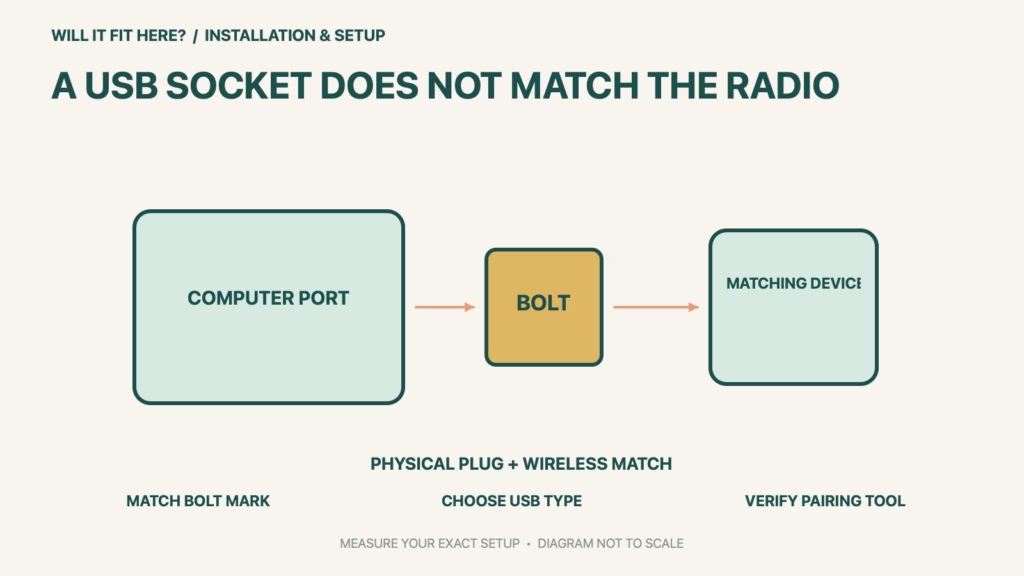
Fit verdict: A Logi Bolt receiver pairs with Logi Bolt keyboards and mice, not with Logitech Unifying or an arbitrary Bluetooth device. Match the wireless protocol before choosing the USB connector. Logitech now lists USB-A and USB-C receiver versions, so the computer’s available socket and the device’s Bolt compatibility are two independent checks.
This guide concerns receiver and peripheral compatibility, plus practical port access. Logitech permits up to six compatible Bolt mice and keyboards on a single receiver, with its current supported pairing software. It does not mean that every Logitech product, every operating-system feature or every six-device mixture is automatically supported.
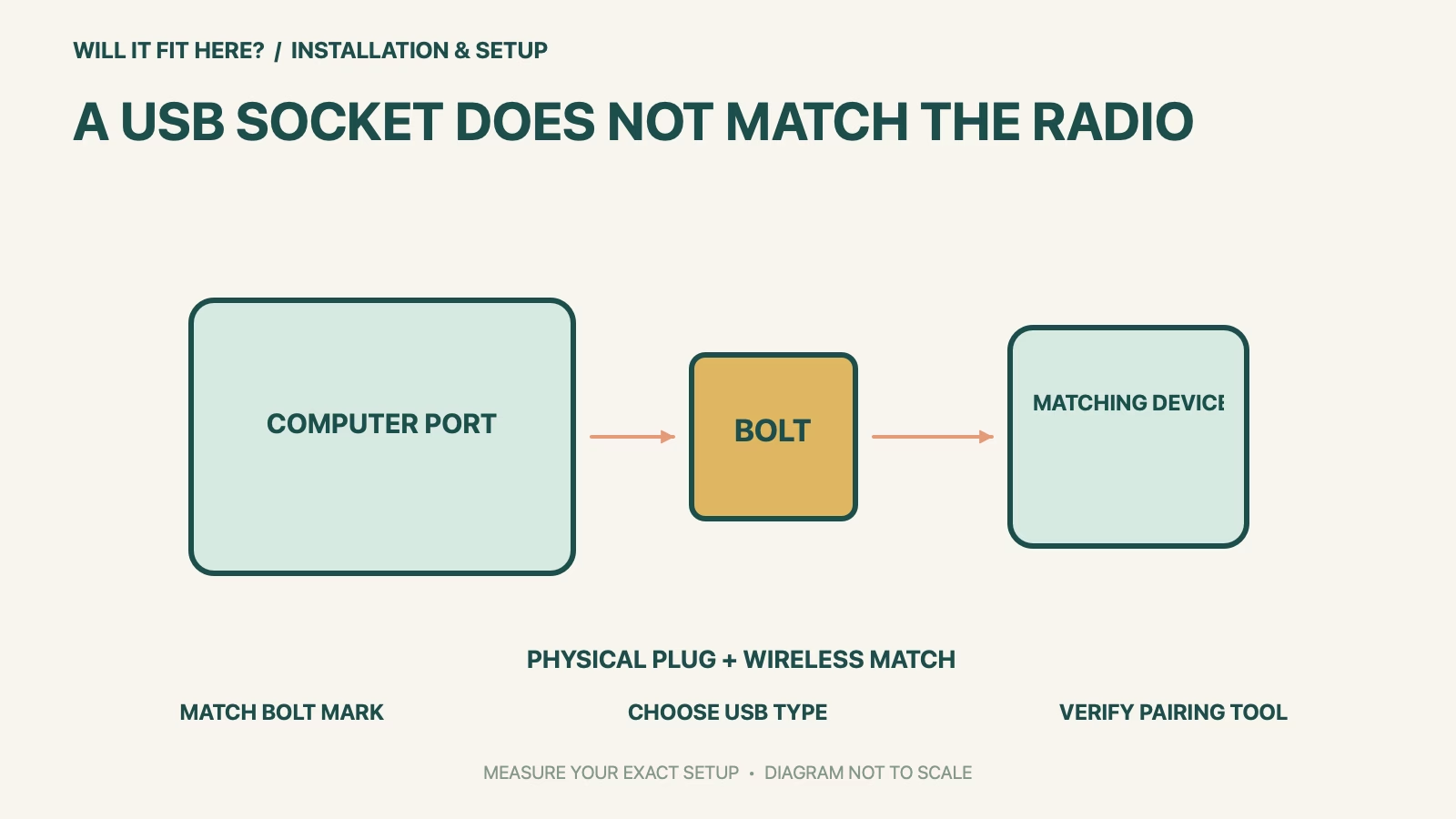
Dimensions and conditions
| Check | Official reference | What to verify |
|---|---|---|
| Peripheral identity | Look for the matching Logi Bolt mark | Confirm the exact device variant. |
| Unifying devices | Not cross-pairable with Bolt receivers | A USB adapter does not change the protocol. |
| USB connector choice | Type A or Type C versions listed | Choose for the actual available port. |
| One-receiver limit | Up to six compatible Bolt mice/keyboards | Count the intended paired devices. |
| Pairing tools | Check current Logi Options+ support | Separate pairing from basic operation. |
1. Match the Logi Bolt receiver to the device variant
Inspect the underside of the mouse or keyboard and its official model information for the matching wireless mark. A similar product name or the same brand printed on the top is not sufficient, because different product variants can use different connection methods. Keep a note of the receiver type alongside each peripheral when replacing a lost receiver or combining desk setups. If the device only has an unidentified wireless symbol, establish its exact model with Logitech before buying a receiver. Do not interpret an unsuccessful pairing attempt as evidence that the USB port itself is incompatible.
2. Choose the USB version for your actual port layout
Logitech’s current receiver page offers both USB-A and USB-C connectivity. Inspect the computer or dock port you intend to use and the space around it, including neighboring plugs, protective cases and any cover that must close. Check the actual receiver variant’s dimensions when a recessed port or narrow arrangement makes clearance critical; this guide does not copy one version’s body size onto the other. A suitable USB adapter may address connector access, but it cannot make a Unifying peripheral speak the Bolt protocol.
3. Plan pairing and daily operation as separate checks
List the compatible devices you intend to keep on one receiver and check the current pairing-tool requirements for the computer where you will configure them. Logitech’s business guidance refers to Logi Options+ on Windows and macOS for pairing multiple devices. Basic operation on another platform does not automatically establish availability of the same configuration or customization tools there. Use the official software instructions and, on a managed computer, the organization’s normal approved process. Confirm the intended mouse and keyboard work before retiring the old arrangement or relying on it for travel.
Before you decide: 5 checks
- Record each peripheral’s Logi Bolt receiver compatibility from its mark and exact model.
- Keep Unifying, other wireless receivers and direct Bluetooth arrangements distinct.
- Choose USB-A or USB-C for the intended computer or dock port.
- Inspect neighboring plugs and any recessed-port or case restriction.
- Count the planned devices and verify current official pairing-software support.
Keep a short Logi Bolt Receiver fit record with the exact product or service identity, the official rule you checked and the measurements from your own setup. Mark anything you could not verify as unresolved. Recheck the record if the product, accessories, route or surrounding space changes; an earlier fit result belongs to the configuration that was actually checked.
FAQ
Can a Logi Bolt receiver replace a lost Unifying receiver?
No. Logitech states that these receiver systems are not cross-compatible for pairing.
Will a USB-A-to-C adapter make a non-Bolt mouse compatible?
No. Changing the physical USB connection does not change the peripheral’s wireless protocol.
Does support for six devices mean I can pair any six Bluetooth accessories?
No. The stated multi-device arrangement is for compatible Logi Bolt mice and keyboards.
Related fit guides
Continue with Sonicare Brush Head Fit: 5 Handle Checks or browse Installation & Setup fit guides. Check each item against its own specifications; a related guide does not establish this product’s compatibility.
Official sources
- Logitech: current Bolt USB-A and USB-C receiver versions
- Logitech: Bolt identification, pairing limits and cross-compatibility FAQ
- Logitech: identify Unifying versus Bolt markings
Sources checked 30 October 2026. Measurements and conditions are attributed above; room and packing checks are planning guidance. Recheck the current official instructions before purchase, installation or travel.