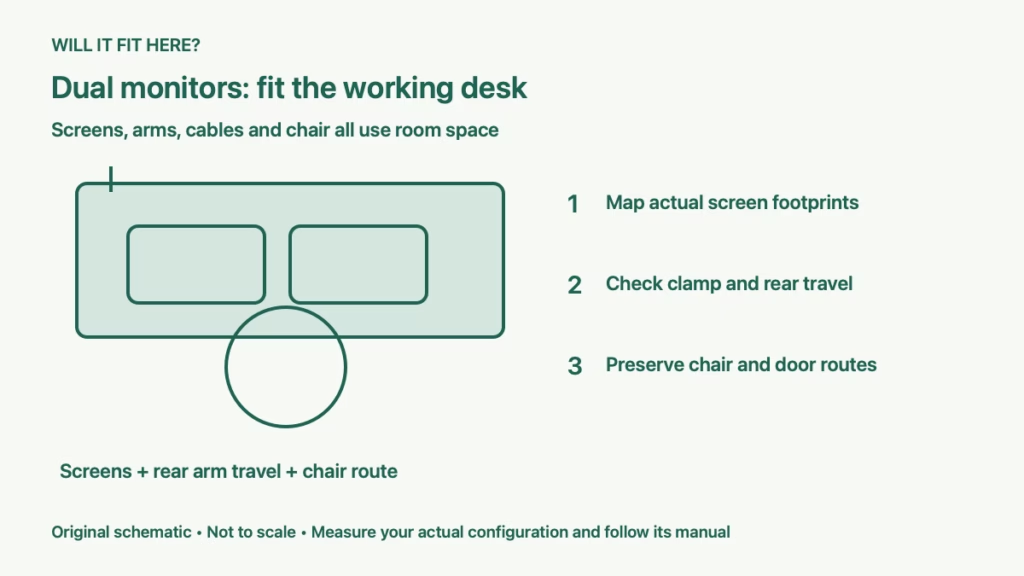
Quick answer: A dual monitor desk fits a small home office when the complete screen arrangement, mounting hardware, keyboard area and chair movements fit together. Measure the actual monitor bodies, the arm’s rear movement and the usable room depth. Screen diagonal and desktop width alone cannot confirm a workable layout.
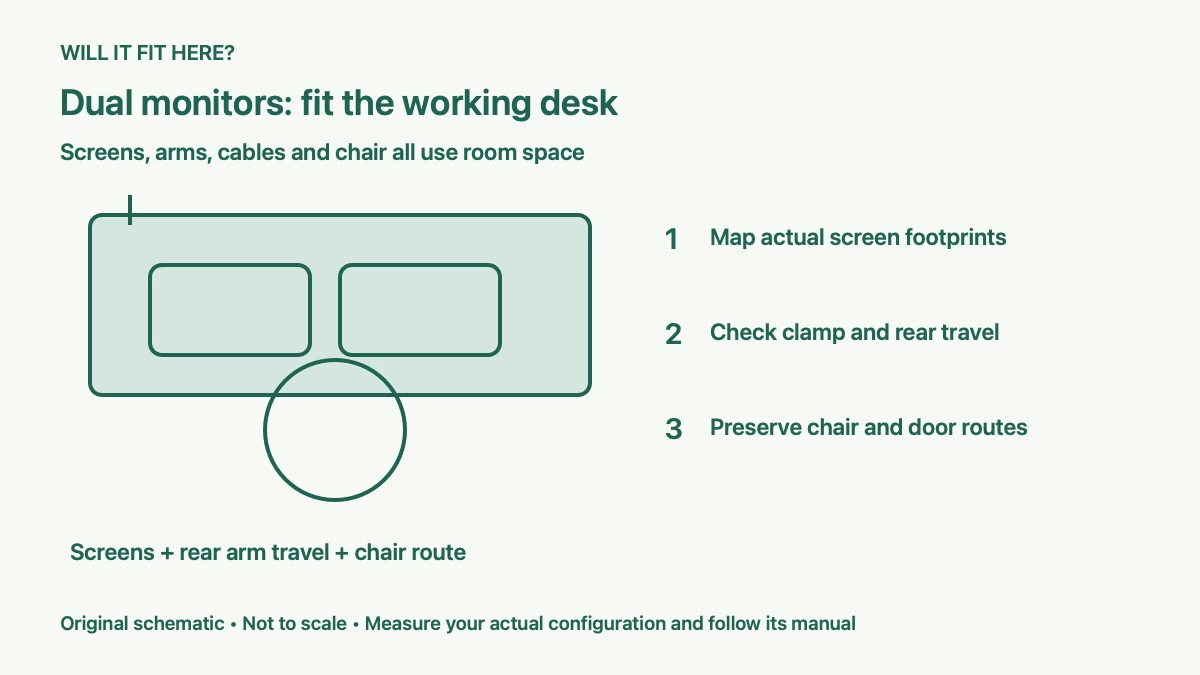
This guide is for someone adding a second screen in a room where the desk is near a wall, bed or door. The goal is to test the entire working position before buying a larger desk or an arm. A setup can look compact in a product photograph while its clamp or moving joints need space you do not have.
1. Measure the dual monitor desk screen envelope
Write down each screen’s outside width, height and depth without relying on its diagonal size. Two monitors with the same diagonal can have different aspect ratios, bezels and curved bodies. Include any speakers or controls that protrude, and use dimensions in the intended landscape or portrait orientation.
For a flat side-by-side layout, add the two body widths and the gap you want between them. If each body measures 24 inches and the gap is 1 inch, the combined span is 49 inches. These are hypothetical body measurements, not a claim that every monitor of a particular diagonal is 24 inches wide.
Angling screens changes their width across the desk and pushes parts of them forward or backward. Make cardboard rectangles matching the actual bodies and test the proposed angle. Overhanging a desk edge may be physically possible, but check nearby doors, shelves and the route through the room. A screen must not become an obstacle people brush past.
2. Check the mounting system and desk structure
Choose between the monitors’ original stands and an arm using the exact equipment. With stands, measure each base and the screen’s position relative to that base. With an arm, check each monitor’s supported weight range, VESA pattern, body dimensions and any adapter requirement. A diagonal-size label is only one part of compatibility.
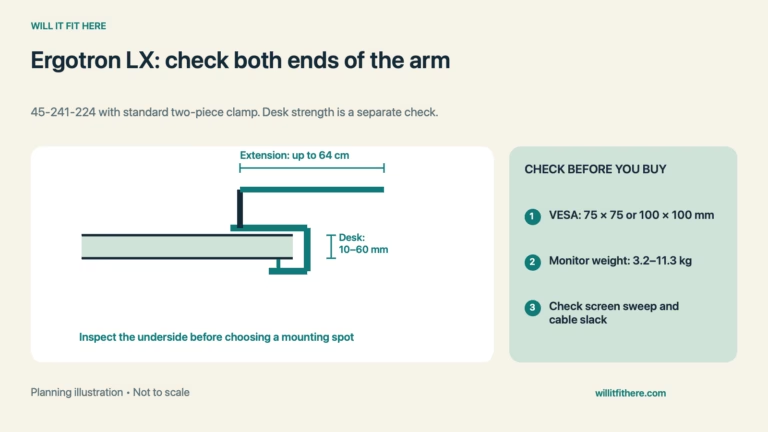
For example, Ergotron’s LX Dual Side-by-Side product page describes a two-screen arm with up to 25 inches of extension. That is an example of available reach, not a statement that the desk needs 25 inches behind it or that every screen arrangement will fit. Check the exact part number and its documentation before using its specifications.
Inspect the dual monitor desk at the mounting point. An apron, cable tray, rear rail or beveled edge can prevent a clamp from seating even when the desktop thickness seems suitable. Confirm the clamp’s full contact area, permitted thickness and the desk maker’s load or mounting instructions. Do not assume a thin or hollow top will support an arm because the clamp closes.
A grommet mount needs the approved hole, access underneath and the supplied fastening arrangement. Avoid drilling until both the desk and arm instructions support that location. Include the monitors, arm and other equipment in the load review rather than counting screen weight alone.
3. Reserve rear movement and cable clearance
A folding arm can place the screens near the wall while its elbows project behind the desktop. Measure the rear envelope through every adjustment you expect to use. Check high and low screen positions, both screen angles and any seated-to-standing movement. The arm’s maximum forward extension does not describe its minimum rear clearance.
Leave the space required by cable plugs and permitted bend radius. Rear-facing ports, power bricks and thick connectors can make the screen assembly deeper than the display body. Route cables so adjustments do not pull connectors tight, trap a cable in a joint or drag equipment off the dual monitor desk.
Map the nearest wall, window sill and shelf. A small gap that works in one arm position may disappear when the screen rotates. If the room cannot accommodate the rear envelope, consider a different documented mount geometry or reposition the desk. Do not force the arm against the wall to create an apparent fit.
4. Test the dual monitor desk and chair together
Set up the actual keyboard, pointing device and other everyday items at the proposed position. Check that you can sit, work and reach controls comfortably without pushing the screens into obstructions. There is no single desk depth that guarantees this for every monitor size, arm and user.
Measure from the wall behind the desk to the nearest obstacle behind the chair. Subtract the installed desk depth, including any required wall gap, to find the remaining space. Then test the chair while seated, pulled out for entry and moved back to stand. Its stored footprint is smaller than its full movement area.
If the chair is backed by a bed or cabinet, include that furniture’s moving fronts. The bed and desk chair-clearance guide covers a shared bedroom layout. Our office chair under an IKEA ALEX desk guide addresses armrest and under-desk fit, which is a separate check.
5. Mock up the complete room before ordering
Tape the dual monitor desk footprint on the floor and mark its required rear gap. Place the screen templates, keyboard and chair where they will be used. Open the room door and nearby drawers, then walk the normal route while someone sits at the desk. Include equipment access and the cable path.
Record the exact monitor models, mounting part number, desk construction and measured clearances. Ask the relevant manufacturer about missing clamp dimensions or a borderline load case. If the working arrangement cannot be confirmed, revise the screen orientation, mount or furniture position before buying.
Final check: the dual monitor desk should pass screen-span, mount, rear-movement, cable and chair-access checks as one setup. Keep the measured room layout with your purchase notes so a different screen or arm does not silently invalidate the fit.