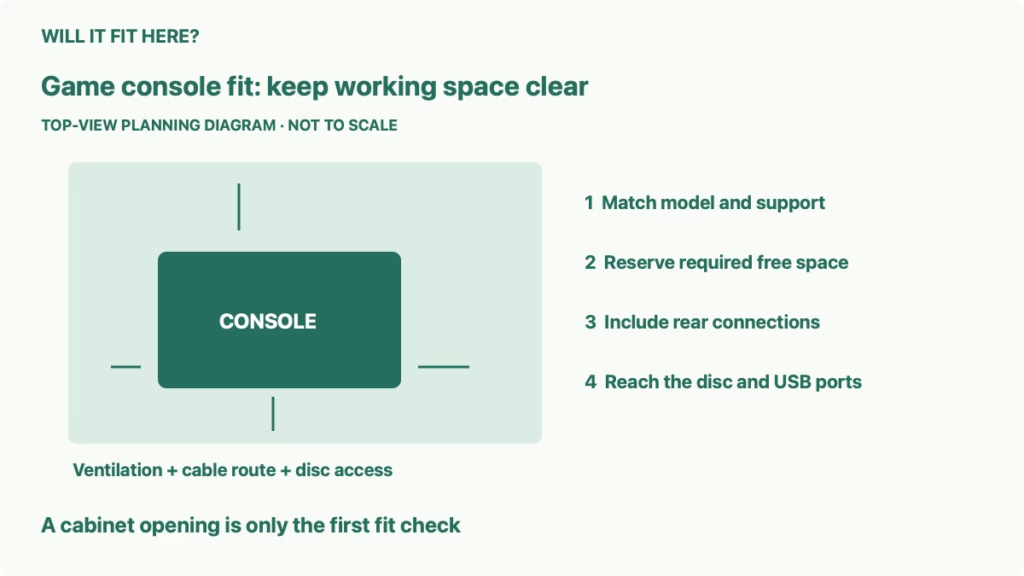
Quick answer: Game console fit on a TV shelf means the exact console configuration must fit with its required base or feet, connected cables, manufacturer ventilation space, and room to use the disc slot and ports. A console sliding into a compartment does not establish that the compartment is suitable for running it.
This guide is for choosing a position in an existing media unit before buying furniture or rearranging the TV area. It uses PlayStation 5 support guidance as a concrete example, while explaining a measurement process you can adapt to another console with that device’s own instructions. The decision is whether the proposed shelf works in normal use, or whether an open position is needed.
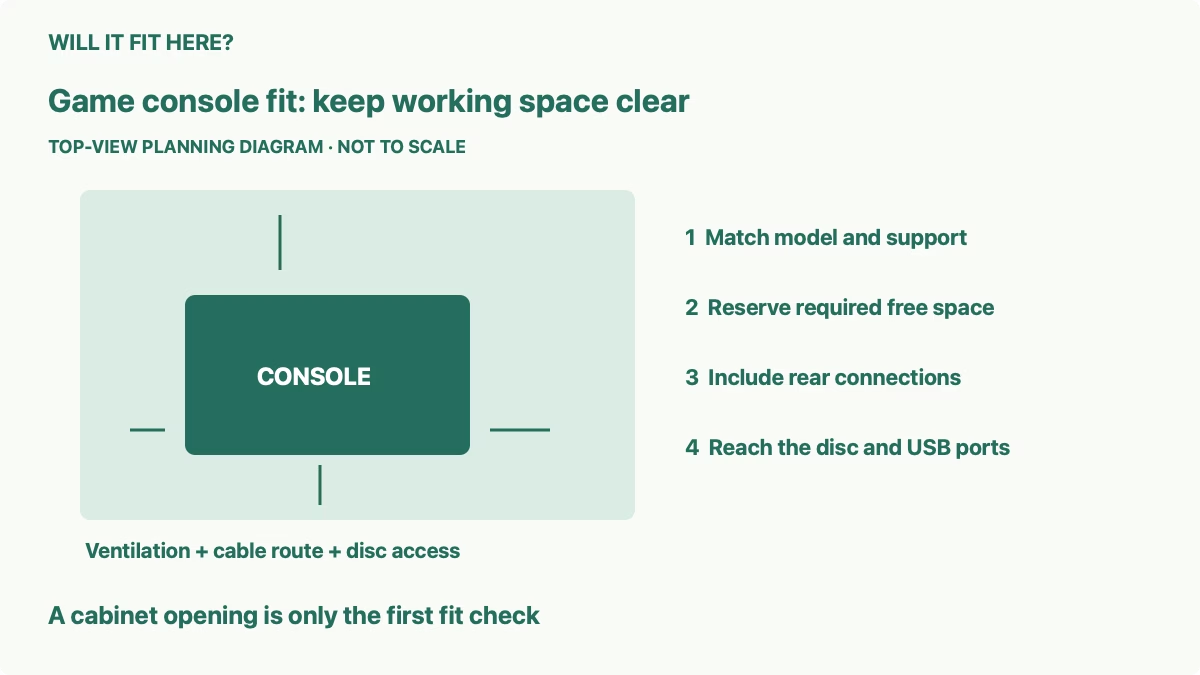
1. Match the model before measuring game console fit
Read the console’s model number and identify whether it has a disc drive, which covers are installed, and whether you want a horizontal or vertical position. A product-family name is not enough to choose dimensions. Different versions and configurations can have different shapes and required supports.
Sony’s setup guide separates the CFI-1000 PS5 group, the CFI-2000 slim group, and the CFI-7000 PS5 Pro group. It requires the original group’s base before use and describes horizontal feet for the latter groups. Its slim and Pro instructions also specify a separate vertical stand for vertical placement. Match the relevant instructions to your actual model instead of copying another owner’s arrangement.
Measure the fully supported console in the intended orientation. Include the base or feet and the fitted drive. Do not remove a required support to gain a little extra height. If shopping before delivery, use the exact model’s current official specification and check what its listed dimensions include. Ask for clarification when the stand allowance is unclear.
Write down the supported width, height, and depth, then mark the actual contact points on a paper outline. The case’s curved outer shape may not tell you where the support touches the furniture. All required contact points must rest on a stable surface consistent with the manufacturer’s instructions.
2. Measure the shelf and keep ventilation space separate
Measure the clear internal shelf width, height, and depth. Check front frames, door hinges, dividers, shelf clips, and back panels. Record the entry opening as well as the final compartment. A console may appear to fit at the back but be difficult to insert through a narrower framed opening.
Sony’s PS5 cooling guidance says to keep the side and rear vents unobstructed, leave at least 10 cm of free space around each side, and avoid a narrow or cramped position. It also warns against long-fiber carpet or rugs and dust around the vents. Treat that guidance as operating requirements, not optional space you can trade away for a tidier cabinet.
As an illustrative width calculation, a supported device 30 cm wide plus 10 cm on its left and 10 cm on its right occupies 50 cm across those three parts. This fictional device measurement is not a PS5 specification. The calculation also does not prove that a 50 cm compartment satisfies every other placement requirement or avoids a cramped environment.
Mark required free areas on the shelf outline. Keep them free of another console, a receiver, game cases, controllers, and decorative objects. Space that exists only with the cabinet door open is a different arrangement from space available when the door is normally closed.
| Measurement | What the fit decision needs |
|---|---|
| Supported console size | Exact model, drive configuration, orientation, base or feet |
| Compartment | Clear opening, internal width and height, usable depth, door position |
| Ventilation | Manufacturer-required free space and unobstructed vent paths |
| Connections | Actual rear plugs, cable bends, and accessible cable outlet |
| Daily use | Disc path, buttons, USB access, cleaning, and removal route |
3. Check rear cable depth and the furniture door
List the connections you will use, including power, HDMI, network, and any external accessory. A specification’s console depth does not automatically include attached plugs and the room their cables need to change direction. Measure the intended cable arrangement without forcing a sharp bend against the cabinet back.
Locate the furniture’s cable opening relative to the console’s actual ports. A small opening can be in the wrong place even when its area looks adequate. Confirm that the required connector can pass through and that the finished route will not press the cable onto a sharp edge or into a hinge.
Consider where the console’s front ends up after reserving cable depth. Moving it forward may solve a rear conflict while leaving part of the required support off the shelf or placing the case in a door’s swing path. Check the whole position rather than solving one measurement in isolation.
Keep rear routing clear of the vents. A tightly packed cable bundle behind a device may occupy the space you meant to reserve for airflow. Follow the console and cable instructions when connecting or moving equipment, and plan the arrangement without cutting or modifying the furniture as an assumed solution.
4. Make room for discs, USB ports, and buttons
For a console with a disc drive, identify the slot’s position in the chosen orientation. You need a clear path to insert and remove the disc without striking a shelf edge, door, or adjacent device. Check the path with the console’s actual slot location rather than drawing a generic slot at the center of the case.
Include your hand’s approach. A front opening can expose the slot yet make it awkward to hold a disc or reach the eject button. A taped outline is useful before you lift the console into place: mark the controls and pretend to perform the ordinary actions from the position where you will actually stand or sit.
Check any front USB connections you expect to leave attached. Their plugs and cables can extend beyond the case and interfere with a furniture door. A charging lead that works with the door open may be pinched when it closes. Do not count on bending the plug to make the door latch.
Think through routine access to the rear ports and the manufacturer’s cleaning guidance. A device trapped behind a television can be frustrating to remove later. Plan a clear route for lifting the supported console out when needed, without dragging cables or moving a heavy TV as an improvised first step.
5. Decide with a complete working-space mockup
Make an outline of the fully supported console and add its required operating areas, cable projection, and front-use zone. Place it in the proposed compartment, then put the cabinet doors in their normal position. If something occupies a required space, record the conflict instead of treating it as a small cosmetic issue.
Check the intended arrangement with the other equipment in place. A receiver’s heat and clearance needs, a center speaker’s support, and a TV lift’s moving parts can create additional constraints. Each device must meet its own requirements; one device’s successful fit does not approve the whole compartment.
Record separate results for supported physical fit, ventilation and routing, and daily access. Accept the position only when all relevant checks pass. If it fails, compare an open shelf or another stable furniture location that can satisfy the exact console instructions. A short trial session or a quiet fan does not establish that the installation requirements have been met.
Common questions
Can I remove the feet to fit a shorter shelf? Follow the exact model’s support instructions. Do not gain clearance by omitting a support required before use.
Does a back-panel cable hole prove the shelf is suitable? No. Check the complete operating environment, vent paths, and required free space.
Do disc and digital configurations need identical measurements? Verify the exact fitted configuration. Do not transfer another version’s case measurement without checking.
For related media-unit decisions, see AV receiver fit and ventilation, center speaker shelf and screen clearance, and TV lift cabinet component travel.
Official sources and limits
Checked October 7, 2026: Sony’s PS5 setup and support instructions and PS5 cooling and placement guidance. Apply your exact model’s current instructions. No universal console dimensions, firsthand temperature test, or approval for an enclosed cabinet is claimed.


