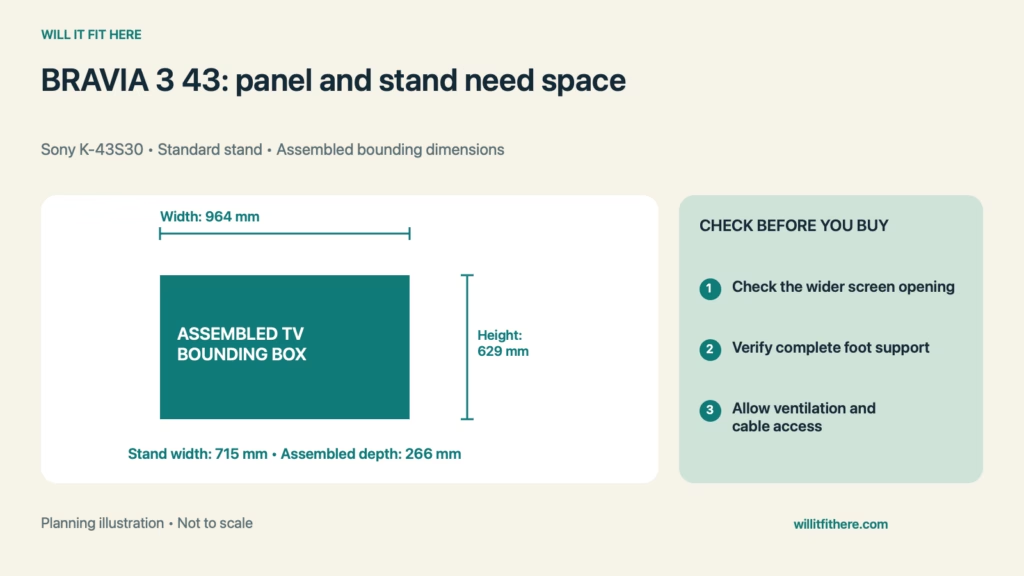
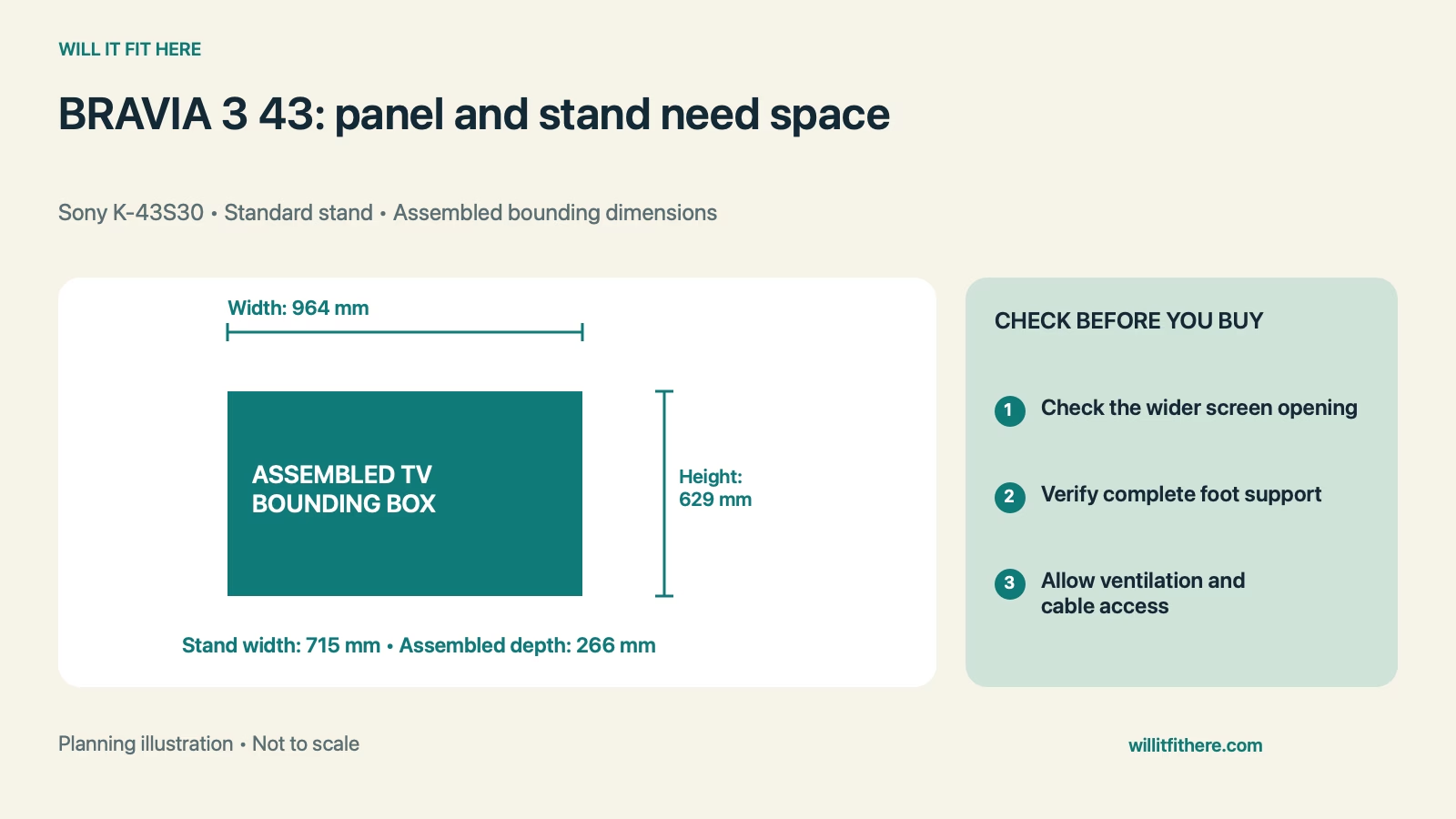
Fit verdict: BRAVIA 3 43 Fit on furniture starts with Sony’s K-43S30 assembled dimensions of 964 × 629 × 266 mm, in width × height × depth order. Its standard stand width is 715 mm. The stand being narrower than the panel can help with furniture selection, but it does not remove the need for full support, screen clearance, suitable ventilation, and stable placement.
This guide uses published specifications and planning calculations, not a firsthand product test. Examples are hypothetical.
Dimensions and conditions
| Measurement | Published specification |
|---|---|
| Model covered | Sony BRAVIA 3 K-43S30, US specifications |
| With standard stand, W × H × D | 964 × 629 × 266 mm |
| Without stand, W × H × D | 964 × 563 × 69 mm |
| Standard stand width | 715 mm |
| Weight with stand | 10.1 kg (22.3 lb) |
| Package dimensions, W × H × D | 1070 × 695 × 141 mm |
| VESA hole pattern | 200 × 200 mm; other mounting requirements still apply |
1. Match the exact model and stand position
Begin BRAVIA 3 43 Fit with K-43S30 on the carton or product label. “BRAVIA 3” alone covers several screen sizes, and another size’s feet or depth should not be transferred to this one. Use the supplied standard stand and the correct setup instructions when planning the dimensions in this guide. A replacement pedestal or wall mount changes the assembled arrangement. If buying secondhand, confirm that both original stand pieces and the correct hardware are included before measuring a furniture footprint around them.
2. Mark the screen width above the furniture
Make a 964-mm-wide panel outline at the intended screen height. Include cabinet sides, nearby shelves, a wall return, and anything that projects into that level. BRAVIA 3 43 Fit requires this wider outline even though the listed stand width is only 715 mm. A low console can be narrower than the space around the screen, while a tall cabinet may constrain both. Measure the actual clear opening rather than the outside width of an entertainment unit. Leave the ventilation space required by Sony’s instructions around the installed television.
3. Verify complete stand support and usable depth
Measure the flat, load-bearing tabletop after subtracting raised edges, curved corners, and any area occupied by other equipment. Sony’s stand-width figure is useful for planning, but it is not a full drawing of every foot contact point. Confirm those points with the setup guide or actual stand. The assembled depth is 266 mm, substantially greater than the 69-mm screen-only depth. BRAVIA 3 43 Fit must support the complete stand on suitable furniture. Do not improvise narrow blocks under the feet to rescue a tabletop that is too small.
4. Check height, soundbar space, and connections
Use 629 mm for the assembled height beneath a shelf. Subtracting the screen-only height from the assembled height gives 66 mm, but that arithmetic difference is not a guaranteed clear soundbar opening. The shape of the feet, bezel, and equipment placement still matters. Measure the actual gap and check that a soundbar does not obscure the image or receiver area. BRAVIA 3 43 Fit also needs reachable connections. Test your real cable plugs and bend space, particularly if a cabinet side sits near the television’s side-facing ports.
5. Separate delivery and mounting from tabletop fit
The carton is 1070 mm wide, 695 mm high, and 141 mm deep, so the unpacked television dimensions do not settle the delivery route. Check entrances, turns, and a safe unpacking area. Follow the carton’s handling instructions rather than assuming any transport orientation is acceptable. If switching to wall mounting, the 200-by-200-mm VESA pattern is only one check: bracket compatibility, fasteners, weight rating, wall structure, cable access, and the manufacturer’s installation requirements must also be satisfied. A tabletop-fit result is not a wall-mount approval.
BRAVIA 3 43 Fit: a worked example
Imagine a media unit with 1000 mm of clear width at screen height, a 760-mm-wide flat top, and 300 mm of usable depth. The panel-width allowance is 1000 − 964 = 36 mm total, or 18 mm per side if centered. The listed stand-width allowance is 760 − 715 = 45 mm total. Depth allowance is 300 − 266 = 34 mm before considering cables and positioning. This BRAVIA 3 43 Fit example passes three simple size comparisons, but it does not establish a compliant installation. The small side allowance must be checked against Sony’s ventilation requirements, and actual foot support still needs verification.
Before you decide
- Confirm K-43S30 and its standard stand configuration.
- Measure the 964-mm panel envelope at screen height.
- Verify every foot contact point and the 266-mm assembled depth.
- Check shelf height, soundbar interference, and connected cables.
- Review furniture stability, ventilation, and the carton route.
FAQ
Is a 715-mm-wide console automatically enough?
No. BRAVIA 3 43 Fit uses 715 mm as the published stand width, not a universal minimum furniture width. Confirm complete foot support, suitable furniture, stability instructions, and space around the wider panel.
Can I plan a cabinet around the 69-mm depth?
That is the television without its stand. Tabletop use requires the assembled depth, and either setup needs additional attention to connectors, cable routing, access, and the installation instructions.
Will a soundbar fit below the screen?
Measure the actual clear opening with the stand installed. The difference between total assembled and screen-only heights does not guarantee that a rectangular soundbar of that height can pass between the feet.
Related fit guides
How screen width and stand support differ and Cable clearance inside a television niche.
Official sources
Specifications and instructions checked November 6, 2026. Confirm the exact model and current instructions before purchase or installation.