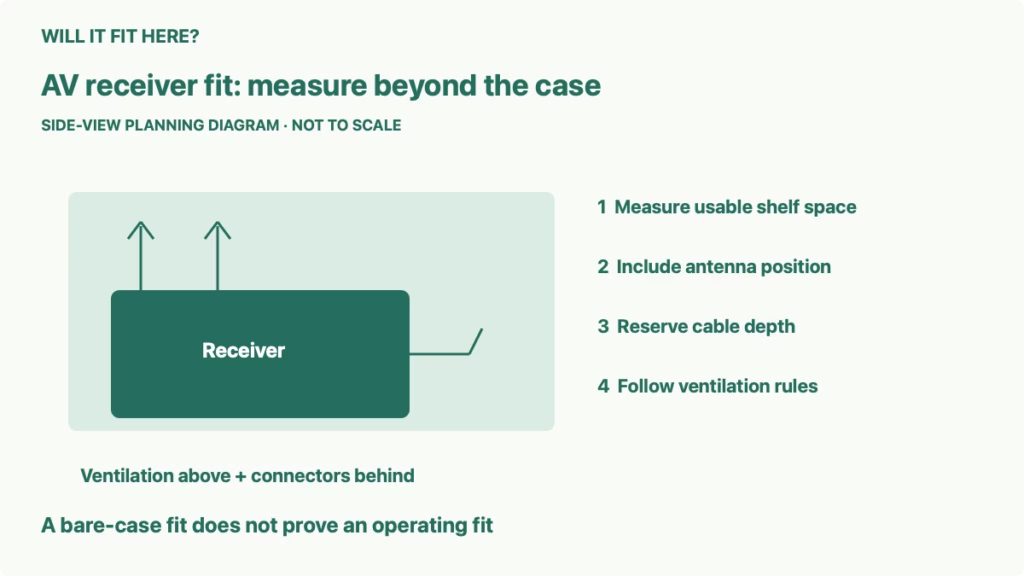
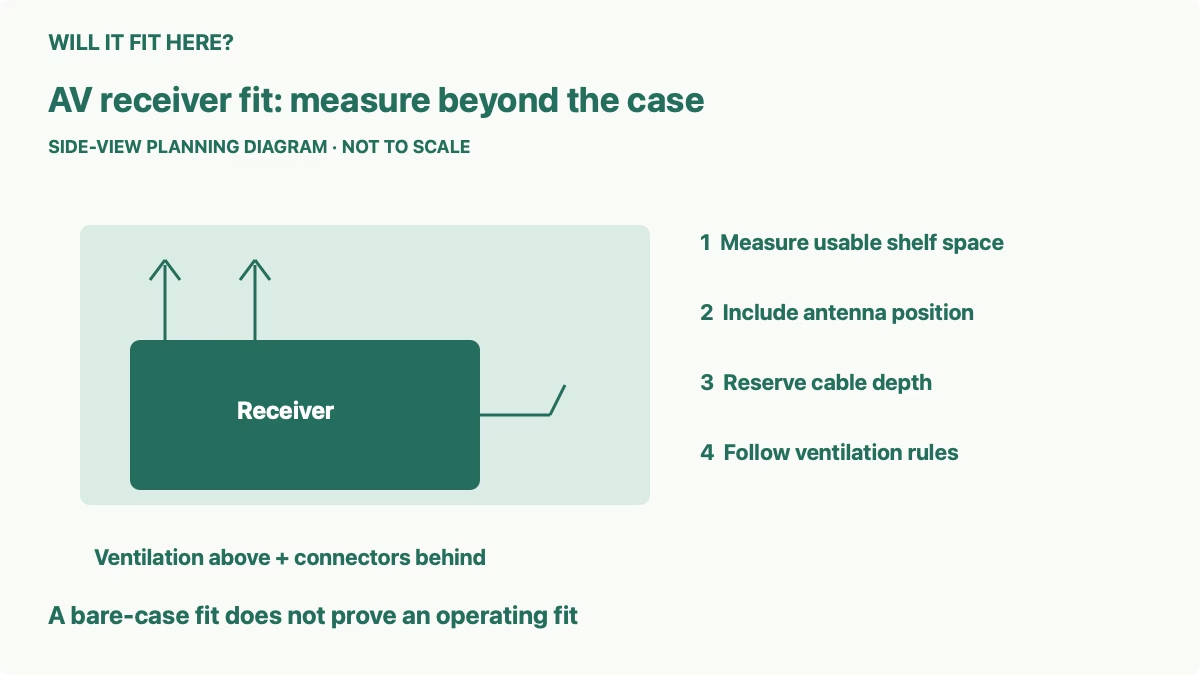
Quick answer: AV receiver fit means the usable shelf opening must accommodate the receiver, its working antenna position, connected plugs, cable bends, and the ventilation required by its manufacturer. A receiver sliding into the opening proves only a physical case fit. Keep the operating-space check separate before using it inside a TV cabinet.
This guide is for a home-theater receiver going into an existing media unit rather than onto an open stand. The reader’s decision is whether that particular shelf can hold the fully connected receiver in normal use, or whether the receiver needs another location. It covers measurement and layout planning, with a model-specific dimension example and clear limits on what dimensions alone can establish.
1. Measure the shelf opening for AV receiver fit
Measure the cabinet’s internal width at the narrowest point, its clear height above the shelf, and the useful depth from the intended front position to the rear obstruction. Door hinges, shelf clips, front frames, back panels, and cable outlets can reduce those measurements. The media unit’s overall external dimensions do not answer this question.
Also measure the entry opening. A compartment may be wider behind its front frame than at the doorway, making insertion difficult even when the final interior space looks sufficient. Check whether the cabinet instructions permit removing an adjustable shelf for access. Do not assume a fixed support or back panel can be removed without affecting the furniture.
Locate all of the receiver’s feet on the proposed shelf. The case extending past an edge is different from a foot losing support. Check the furniture’s load rating and condition, including whether the rating applies per shelf or to the whole unit. Use the receiver’s weight together with everything else on that shelf.
2. Read the dimension drawing, including antennas
Denon’s AVR-X1800H manual provides a useful example. Its dimension drawing shows 434 mm width, 339 mm overall depth, and 151 mm height to the main upper profile, with 215 mm height when the illustrated antennas stand upright. It lists a weight of 8.6 kg. These dimensions apply to that receiver; use your exact model’s drawing for a different unit.
The difference between 215 mm and 151 mm is 64 mm, calculated from those published dimensions. That shows why checking only the shorter height can miss an operating obstruction. Antennas may have permitted positions or connection requirements described elsewhere in the manual, so select a valid configuration rather than folding them solely to fit a shelf.
Read each arrow’s reference points. Depth can include knobs and rear projections that a plain chassis measurement omits. Height can include feet, accessories, or only the metal case depending on the specification. When a retailer’s size order is unclear, compare it with the manufacturer’s drawing rather than swapping width, height, and depth by guesswork.
| Check | What to include |
|---|---|
| Usable width | Narrowest opening, hinges, and required side ventilation |
| Usable height | Receiver feet, working antennas, and required space above |
| Connected depth | Rear terminals, plugs, cable bending, and back-panel clearance |
| Shelf support | Foot positions, receiver weight, other devices, and rated capacity |
| Everyday access | Front controls, remote reception, cable servicing, and cleaning |
3. Measure depth with the actual connections
List the planned cables: power, HDMI, speakers, network, antenna, and any other connection you need. Each plug has a physical length, and the cable must change direction without being sharply bent or pressed against the cabinet back. The bare receiver depth is therefore a starting point rather than the finished connected depth.
Measure the complete arrangement where possible, with the receiver disconnected from power while handling connections as its instructions require. Check the cable manufacturer’s minimum bend guidance instead of assigning one universal allowance. A thick HDMI cable and a flexible speaker lead do not necessarily need the same space.
A cable hole helps only if its position works for the connectors and routing. Measure where it falls relative to the rear ports, and check that its edge does not press on the cable. If the receiver must move forward to clear plugs, confirm that its feet remain supported and that cabinet doors can still close without touching the controls.
4. Treat ventilation as an operating requirement
Find the installation and safety instructions supplied with the exact receiver. Record the required clearances and any restrictions on enclosed furniture or stacking. This guide does not offer a generic minimum gap because a dimension drawing is not a ventilation specification. If the required information is missing, ask the manufacturer before treating the shelf as suitable for operation.
Denon’s AVR-X1800H troubleshooting guide explains that excessive internal temperature can activate the protection circuit and directs the user to a well-ventilated location. That supports checking the operating environment; it does not turn an arbitrary gap into an approved clearance. A successful short playback session also does not prove the cabinet meets the instructions.
Consider where air can enter and leave when the furniture doors are in their normal position. A rear cutout alone may not solve a restricted compartment. Do not place another device, a fabric cover, or decorative objects over the receiver’s vents. Do not treat ECO mode or an added fan as permission to ignore required clearances unless the manufacturer approves the complete arrangement.
5. Check access before making the final decision
Place a cardboard outline of the receiver on the shelf and mark the antenna height and connected depth. Keep the required ventilation area empty in the mockup. Open the cabinet doors, check their hinge movement, and make sure the volume knob, power control, display, and front connections remain usable.
Think through maintenance as well as the initial connection. You may need to add a source, replace a cable, clean an accessible vent area, or remove the receiver for service. A tightly trapped receiver may require dismantling the whole media unit for a simple change. Plan an access route consistent with the receiver and furniture instructions.
Write the result in two parts: “case and connections fit” and “operating requirements satisfied.” Confirm both before putting the receiver into use. If only the first passes, compare an open shelf or another furniture position that can meet the complete requirements. The useful outcome is a workable arrangement, not just a receiver hidden inside a cabinet.
Common questions
Is the listed depth enough for my cabinet? Only after you verify what the drawing includes and add the actual plug and cable arrangement that sits behind the receiver.
Can I place a game console on top? Do not assume stacking is permitted. Check both devices’ ventilation and placement instructions.
Does a rear cable hole prove the cabinet is ventilated? No. It is a routing feature; the complete cabinet still has to satisfy the receiver’s operating requirements.
For related planning, see our guides to TV lift cabinet and component fit, TV movement and cable clearance, and usable space around a TV stand.
Official sources and limits
Checked October 7, 2026: Denon AVR-X1800H Dimensions / Weight, the dimension drawing on page 282 of its official owner’s manual, and Denon’s power and temperature troubleshooting guidance. Manufacturer dimensions are model-specific. No hands-on temperature test, universal ventilation gap, cabinet modification, or approval for a particular enclosed installation is claimed.


