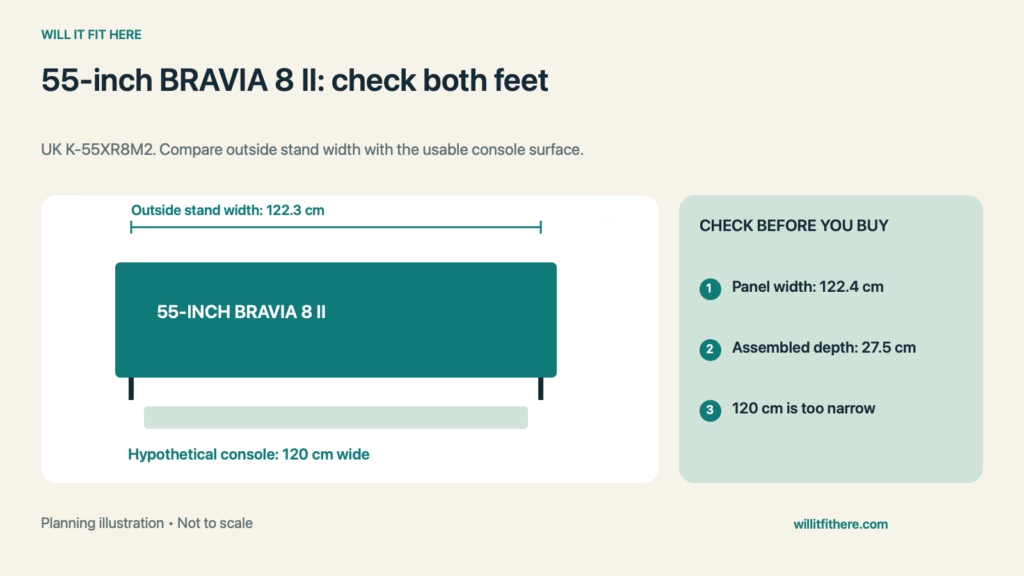
Fit verdict: BRAVIA 8 II Fit on a console needs the stand width for the exact screen size. Sony UK lists the 55-inch K-55XR8M2 outside stand width at approximately 122.3 cm, nearly the full 122.4 cm screen width. Its listed stand positions are outside and outside-for-soundbar. Do not assume this 55-inch model has a narrow-foot setting simply because another Sony television does.
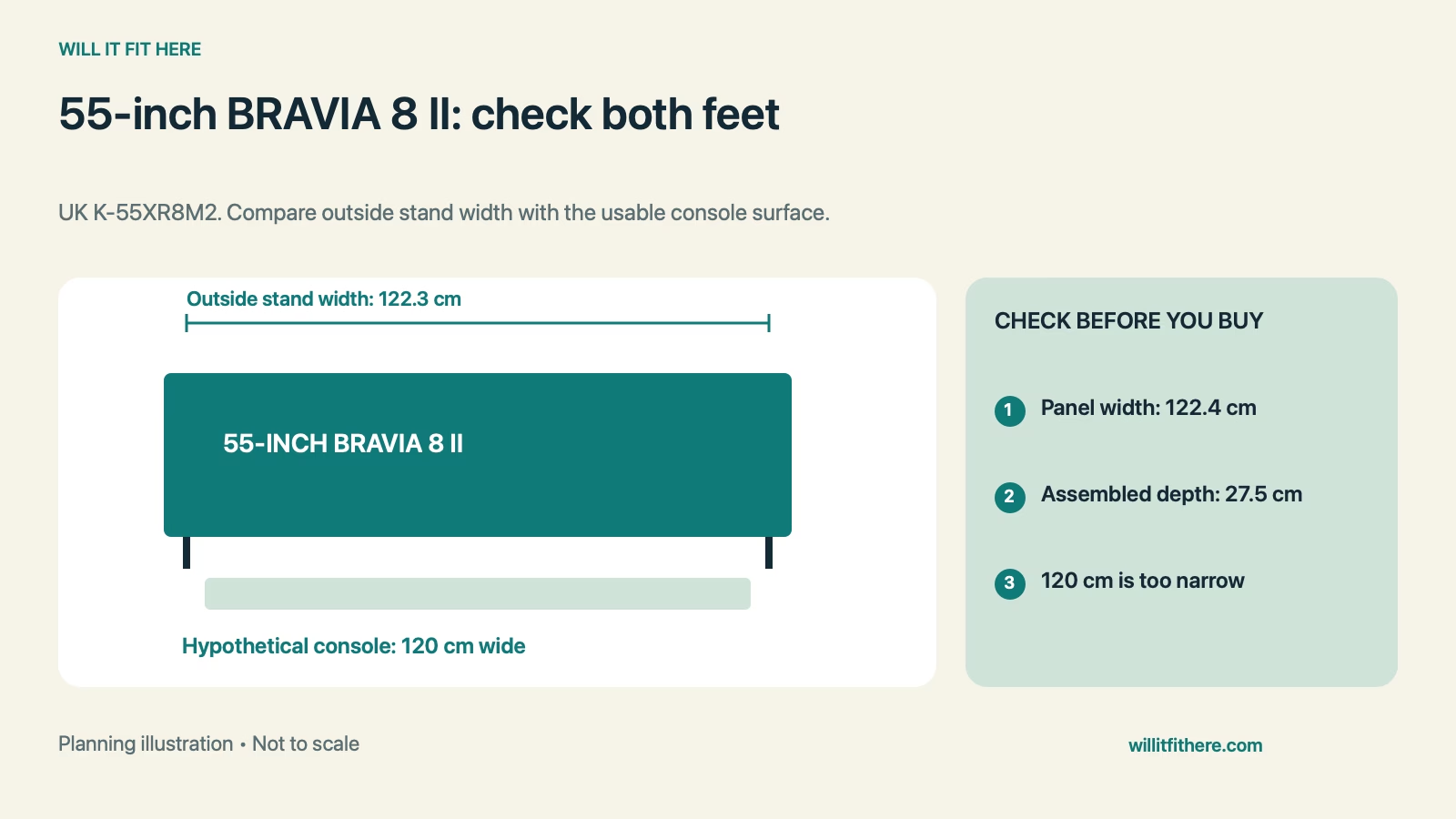
This guide uses published specifications and planning calculations, not a firsthand product test. Examples are hypothetical.
Dimensions and conditions
| Measurement | Published specification |
|---|---|
| Model covered | UK K-55XR8M2, 55-inch |
| TV without stand, width × height × depth | Approx. 122.4 × 70.7 × 3.4 cm |
| TV with outside stand | Approx. 122.4 × 72.2 × 27.5 cm |
| TV with outside-for-soundbar stand | Approx. 122.4 × 78.3 × 27.5 cm |
| Outside stand width | Approx. 122.3 cm |
| Weight with stand | Approx. 18.4 kg |
1. Check the size-specific stand options
Start BRAVIA 8 II Fit with the model number, region, and screen size on the product documentation. Sony specification pages can contain shared labels for several stand configurations, but the actual stand-position entry matters. For the UK 55-inch model covered here, the listed choices are outside and outside-for-soundbar. Verify the supplied setup guide before planning around a configuration. Never move feet to unapproved attachment points to rescue a console that is too narrow.
2. Measure the supporting top, not the cabinet body
Measure the flat, usable surface across the top of the console. Rounded edges, raised trim, and recessed sections can reduce useful support even when the furniture is advertised as wide enough. Compare that surface with the complete foot placement in the setup drawing. The screen being centered above the furniture does not prove that both feet are fully supported. A decorative overhang should not be counted as structural support without confirmation from the furniture maker.
3. Include the assembled depth and load
BRAVIA 8 II Fit requires about 27.5 cm of assembled depth before checking cable routing and the surrounding installation space. The 3.4 cm screen-only thickness is not the tabletop footprint. Confirm that the console can support the television and everything else placed on it. Sony lists approximately 18.4 kg with the stand. Follow the setup instructions for stability and any required anti-tip measures; a successful tape-measure comparison does not replace those steps.
4. Treat soundbar height as a configuration change
The soundbar stand position increases the listed overall height from 72.2 to 78.3 cm, a 6.1 cm change. Check the upper shelf or wall feature again if you raise the television. Do not automatically interpret that difference as a guaranteed clear opening for every soundbar: cabinet shape, feet, cables, and the soundbar position still matter. Mark the soundbar footprint on the console and inspect the viewing line to the lower screen and receiver area.
5. Recheck connections and access before moving furniture
Leave the actual HDMI, power, and other connections accessible without stressing their plugs. BRAVIA 8 II Fit beside a wall or cabinet side also depends on how cables approach the sockets. Use the television instructions for ventilation rather than inventing a generic clearance. If considering a wall mount instead, assess mounting pattern, supported weight, fasteners, wall construction, and installation separately. A wall-mount alternative is not a shortcut around those requirements.
BRAVIA 8 II Fit: a worked example
Imagine a console with a measured usable top 120 cm wide and 35 cm deep. The approximate 122.3 cm outside stand span exceeds the usable width by 2.3 cm, so the supplied outside-stand arrangement fails the width check. The extra depth does not fix that. On a different hypothetical 130 cm top, the geometric width difference would be 7.7 cm in total, but foot support, load rating, cable routing, and the manufacturer installation requirements would still need checking. This BRAVIA 8 II Fit calculation evaluates a candidate, not a completed installation.
Before you decide
- Confirm the 55-inch model and local setup guide.
- Measure the genuinely usable supporting top.
- Check the full foot span and 27.5 cm assembled depth.
- Verify the selected stand height with the soundbar and shelf.
- Confirm furniture load support, stability, and cable access.
FAQ
Can the 55-inch feet be moved into a narrow setting?
The cited UK specification lists outside and outside-for-soundbar positions. BRAVIA 8 II Fit should follow the exact model setup guide, not stand options from a larger size or another series.
Is a 122.4 cm console automatically sufficient?
No. Published dimensions are approximate, and the entire feet must rest on suitable support. Edge shape, measuring accuracy, assembly, and the furniture instructions still matter at such a close match.
Does raising the TV make every soundbar fit?
No. Raising it changes the screen height, but the soundbar still needs suitable width, depth, connection access, and an unobstructed placement. Check its actual shape against the assembled television.
Related fit guides
Sony BRAVIA 5 soundbar fit checks and Using an existing mount with a new TV.
Official sources
Specifications checked November 5, 2026. Confirm the exact model and current instructions before purchase or installation.


