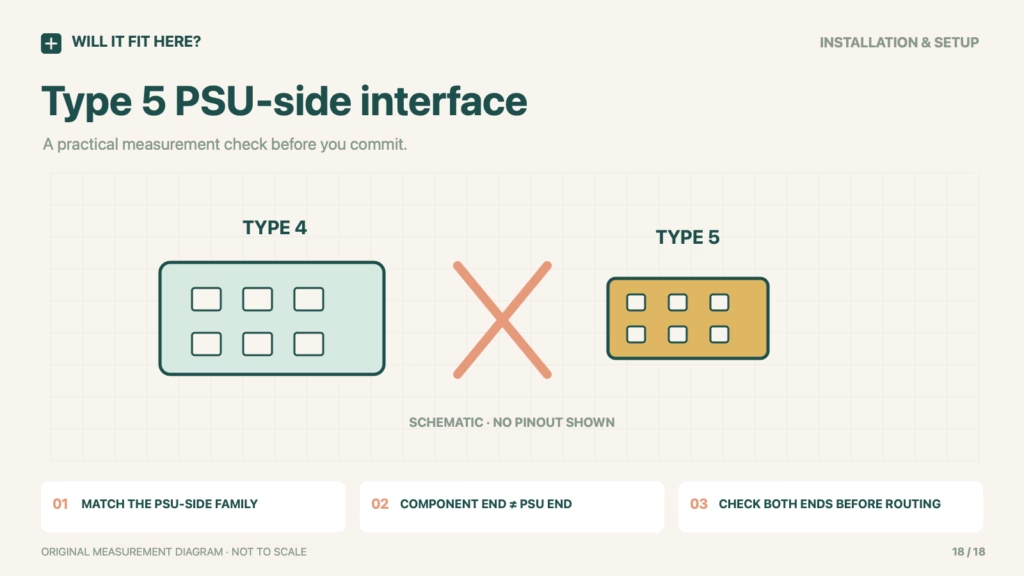
Fit verdict — No as a direct Type 4-to-Type 5 swap. Corsair Type 5 cable fit is decided at the power-supply end and by Corsair’s compatibility information, not by a familiar motherboard or GPU connector. Corsair states that Type 5 modular leads are not compatible with Type 3 or Type 4 power supplies. A PC component’s standard socket does not make every cable leading to it electrically or mechanically interchangeable.
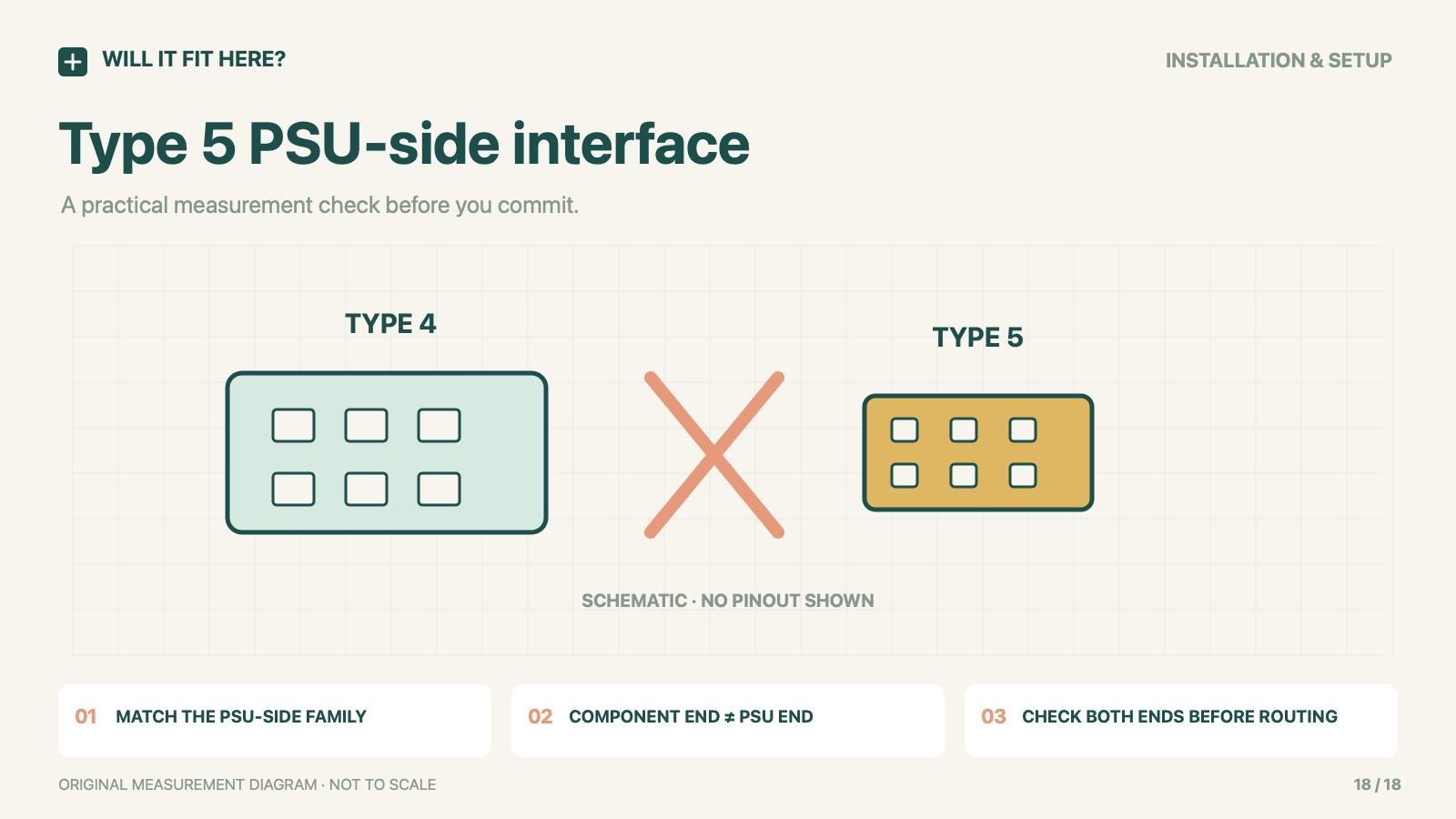
Corsair Type 5 cable fit: scope
CORSAIR modular PSU Type 5 versus Type 3/Type 4 cable families. Exact PSU model, generation and the intended cable function must be identified.
Dimensions and conditions
| Check | Reference or condition | What it means |
|---|---|---|
| PSU-side interface | Type 5 uses a smaller Micro-Fit connector | The manufacturer identifies this as the changed end. |
| Type 4 lead into Type 5 PSU | Not compatible | Do not force or adapt based on appearance. |
| Type 5 lead into Type 3/4 PSU | Not compatible | Keep cable family and exact PSU together. |
| Component-side socket | Familiar shape is insufficient evidence | Identify both ends and the cable’s intended function. |
| Cable length and routing | Measure after compatibility is established | No universal lead length or bend allowance is invented here. |
1. Identify the PSU and Corsair Type 5 cable marking
Record the complete power-supply model and generation before opening a box of spare cables. Identify which lead performs the required function and keep that identity attached to it. A brand name or wattage is not a cable-family identification. If a lead is unmarked or its history is uncertain, obtain a confirmed replacement for the exact PSU rather than inferring compatibility from the shape or colour of the connectors.
2. Separate the two ends of the cable
Draw the PSU end and component end as different interfaces on the checklist. The CPU, GPU or motherboard side can look familiar while the power-supply end belongs to another family. Do not treat a connector that appears to enter a socket as proof of the correct electrical mapping. Avoid trial-powering an uncertain combination. Use the manufacturer’s compatibility reference and the intended accessory part number before considering any physical routing measurement.
3. Check routing only after the family match
Once the exact cable is confirmed, measure its route inside the case with the intended components in position. Include access to latches and the space occupied by plugs at each end. Keep the matching cable and component instructions for connector engagement and bending. Replacing the PSU body is not a reason to reuse every cable already routed through the case. Treat the removal of old incompatible leads as part of the component-change plan.
Keep each confirmed Corsair Type 5 lead with the exact power-supply identity in your build notes, so a later PSU change triggers a fresh cable-compatibility review.
Before you decide: 5 checks
- Record the exact PSU model and generation.
- Identify the cable family and its intended CPU/GPU/motherboard function.
- Verify both ends using Corsair’s current compatibility information.
- Keep Type 3/4 and Type 5 leads separate; do not test uncertain combinations by applying power.
- Measure route and plug access only after confirming the cable.
FAQ
Does a standard GPU plug make the entire cable universal?
No. The PSU-side interface and cable compatibility still have to match the exact power supply.
Can I force a Type 4 connector into a Type 5 socket?
No. Corsair states the cable families are incompatible. A forced physical connection would not establish a correct electrical connection.
Does matching wattage prove a cable can be reused?
No. Wattage does not identify the cable family, PSU generation or intended lead.
Official sources and scope
Checked on 26 October 2026. The cited product, variant and region control. Follow the matching current instructions. The measurement workflow is editorial guidance; no firsthand installation or universal fit is claimed.