Result — The official Raspberry Pi 4 Case is not a confirmed reuse option for Raspberry Pi 5: Raspberry Pi’s own product FAQ says the Pi 5 will not fit that case. A nominally similar board outline does not establish matching ports, component clearance or cooling. Use an explicitly compatible case for your actual board and planned accessories.
1. Identify the Raspberry Pi 5 and the actual case
The manufacturer’s direct answer concerns the Raspberry Pi 4 Case, rather than every open frame or third-party enclosure ever sold for a Pi 4. Record the board generation, case model and the case maker’s compatibility statement. A listing saying Raspberry Pi case without the supported model is incomplete information. This guide does not certify a modified enclosure or a third-party cross-generation design; those need the actual manufacturer’s specification and assembly instructions.
2. Dimensions: distinguish the nominal board from its envelope
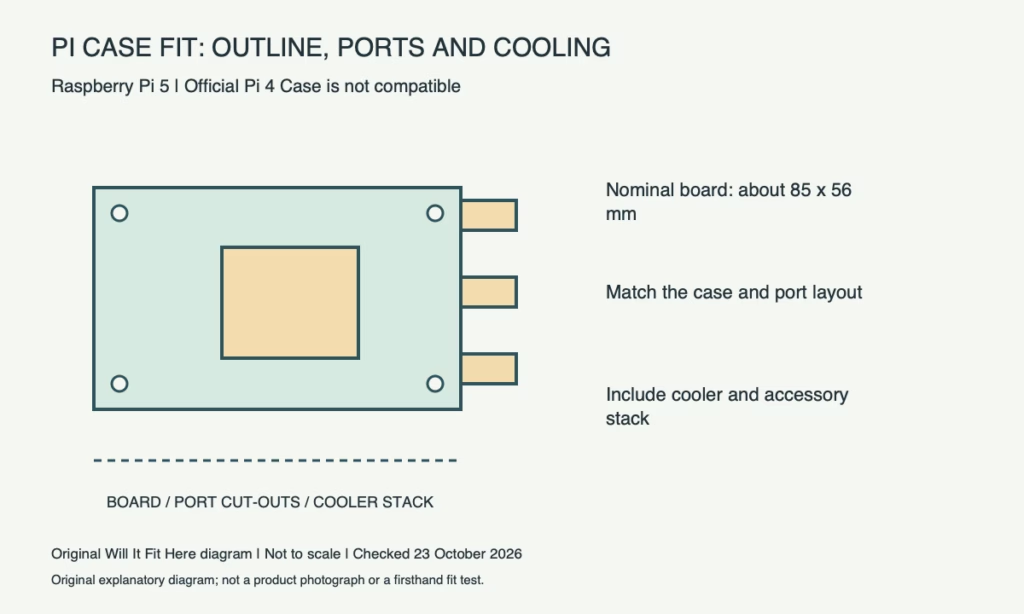
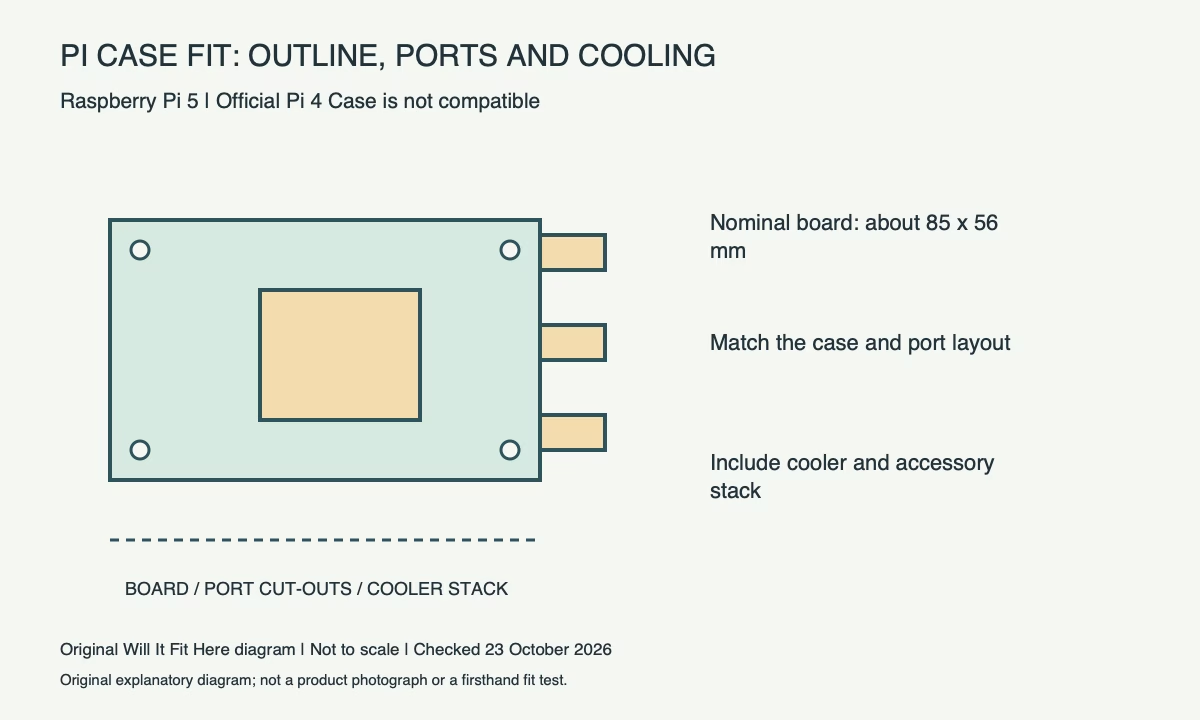
Raspberry Pi documentation describes the Pi 5 board as approximately 85 × 56 mm and provides a mechanical drawing for more detailed checks. That nominal rectangle is not the complete three-dimensional case requirement. Connectors, mounted components, supports and cooling can extend beyond it. The drawing itself warns that dimensions are approximate reference information and subject to tolerances. Use the real board and the intended case design for a close fit rather than treating an approximate outline as production-ready fabrication data.
| Check | Reference / action |
|---|---|
| Check | Reference / action |
| Board scope | Raspberry Pi 5 |
| Nominal documented board size | Approximately 85 × 56 mm; not the complete case envelope |
| Official Pi 4 Case | Manufacturer FAQ says Pi 5 will not fit |
| Mechanical drawing | Reference dimensions and tolerance qualifications apply |
| Complete assembly | Case supports, ports, cooler, accessories and cable access |
3. Compare ports, supports and the power button
Inspect the case openings against the actual board layout: a matching outside footprint can still leave a connector blocked by the wrong cut-out. Check the intended mounting points, support heights, underside clearance and power-button access as well. A useful paper plan shows the named connectors and mounting references, rather than only a plain rectangle. Never force a board down onto a misplaced support or remove part of a connector to make an unrelated case close.
4. Choose the cooling arrangement with the case
Raspberry Pi documents official fan options for Pi 5, including its Active Cooler and the Pi 5 case solution. Match the chosen cooling option to the enclosure and its instructions instead of assuming any available heatsink or fan can be stacked inside. Include the cooler’s height, fan lead and airflow path in the installation envelope. Access to a fan connector does not prove that the case allows the intended cooling arrangement. Keep temporary templates and packing material out of the operating assembly.
5. Check the entire accessory stack and cable access
A case that fits the bare board can need another configuration after a HAT, storage board, ribbon cable or other supported accessory is added. Draw the complete stack, including standoffs and connector access, then check the case maker’s supported combinations. Route external plugs so they can be inserted and removed normally without the enclosure pushing on them. Confirm power and accessory compatibility separately from physical closure. Keep the identified instructions with the finished setup so a later board or accessory replacement prompts a fresh fit check.
Before you decide
- Identify board generation and exact case model.
- Read the case maker’s explicit compatibility statement.
- Check ports, support points, underside space and button access.
- Confirm cooling and the complete accessory stack before closure.
FAQ
Does an 85 × 56 mm outline prove Pi 4-case compatibility?
No. The manufacturer explicitly rejects the official Pi 4 Case for Pi 5, and the nominal board outline omits other fit requirements.
Does this rule out every third-party case marketed for multiple generations?
No. Verify the exact case maker’s stated support and required configuration. This guide does not replace that product-specific check.
Official sources and scope
Checked on 23 October 2026. These references apply to the identified product, version and region. Follow its matching current instructions. Any worked measurement example is hypothetical.