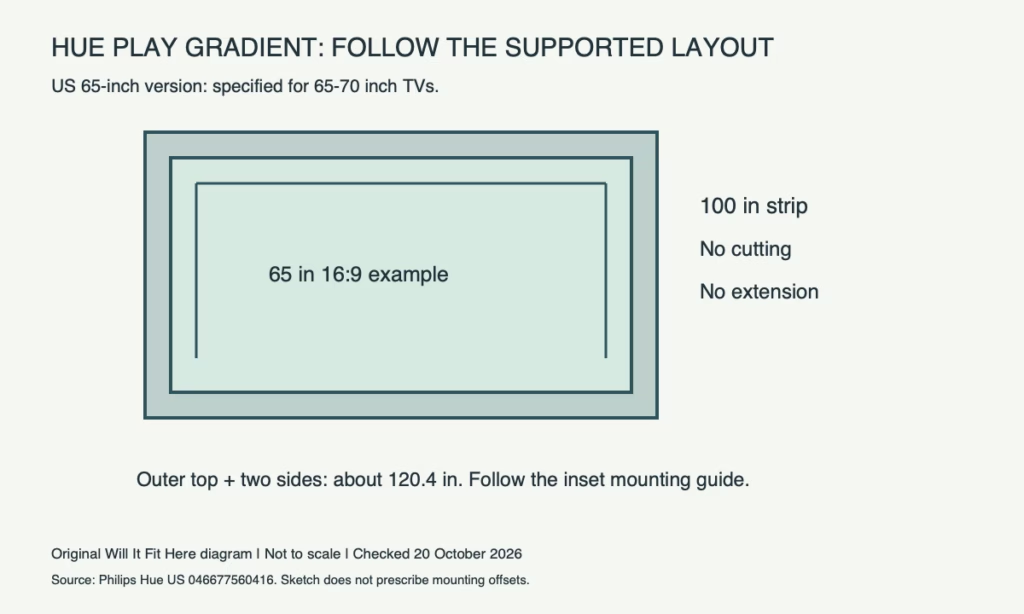
Quick answer: The US Philips Hue Play gradient lightstrip 65-inch version is specified for 65–70 in TVs; it is not a generic strip that you cut to the television’s perimeter. Confirm the exact product, supported TV range and mounting layout. A matching diagonal does not by itself settle rear-panel shape, bracket or cable clearance.
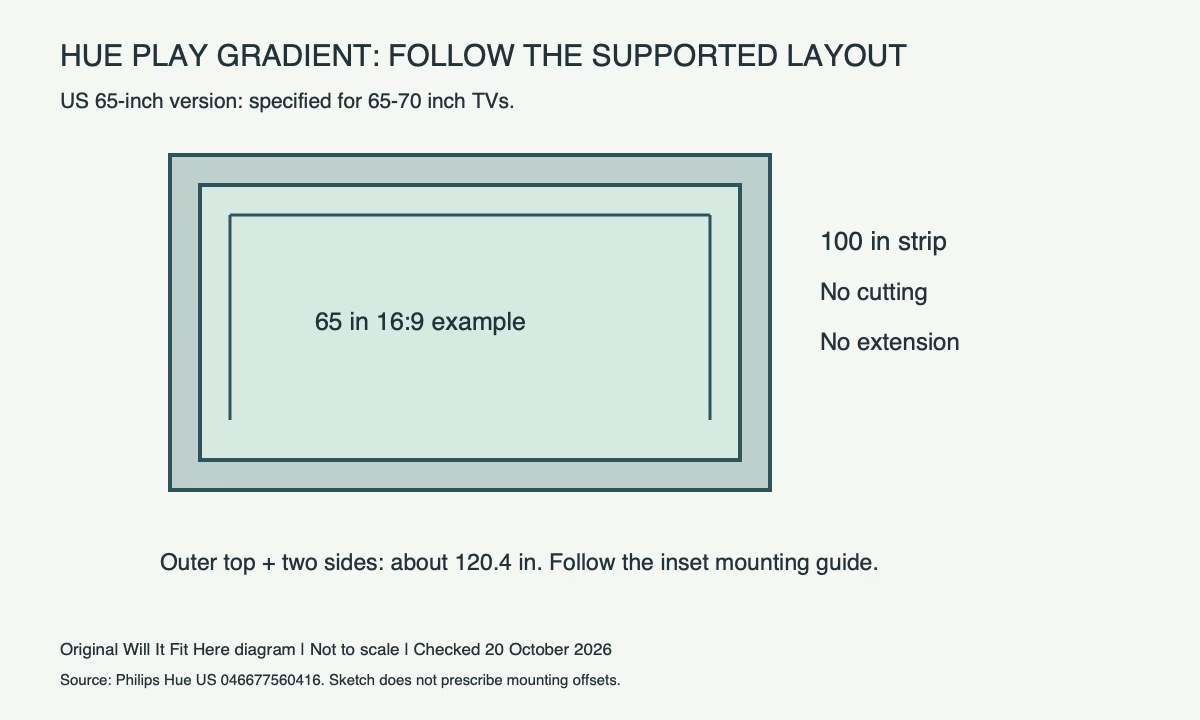
Identify the version before measuring the route
The cited US product, UPC 046677560416, lists a 100 in length and explicitly states that it cannot be cut or extended. Other Hue strips and TV-size versions have different specifications. Do not apply cut marks or connectors from a different strip family to this product.
Use perimeter arithmetic to understand the layout
An ideal 65 in diagonal, 16:9 image is about 56.65 in wide and 31.87 in high. The television’s rear body is not necessarily that size. Measuring around its outer edge is also different from the maker’s prescribed inset mounting route.
| Ideal screen calculation | Approximate length |
|---|---|
| Top plus two sides | 56.65 + 2 × 31.87 = 120.4 in |
| All four sides | 2 × 56.65 + 2 × 31.87 = 177.0 in |
| Cited strip’s published length | 100 in / 254 cm |
The mismatch is not evidence that the strip should be stretched or that a larger version is automatically right. It shows why the supported size range and the supplied mounting layout must be used together. These screen dimensions are calculated and exclude the bezel.
Inspect the back of the actual TV
- Confirm the exact TV diagonal falls in the strip version’s supported range.
- Locate the mounting positions specified by Hue, rather than inventing an edge route.
- Check curved surfaces, raised electronics housings and wall-bracket arms.
- Keep vents, screws and access panels clear.
- Reserve the supplied power/connection route without pinching cables behind the TV.
Use the manufacturer’s handling and attachment instructions. Avoid unmounting a heavy TV alone to reach the back. Also check the system’s separate control and synchronization requirements; the strip’s physical fit does not establish feature compatibility.
Common questions
Can I cut off a little excess? Not on the cited version: its product specification says no cutting or extension.
Does a 65-inch label guarantee any 65-inch TV rear panel fits? No. The mounting route and the actual rear structures still need checking.
Can I use a generic strip layout instead? Use the instructions for the exact product. Our general LED-strip layout guide covers a separate product-selection problem.
Official source and scope
Checked October 20, 2026: Philips Hue US Play gradient lightstrip 65-inch specifications. Recheck the purchased version and its setup guide. No firsthand installation or universal adhesive/clearance claim is made.


