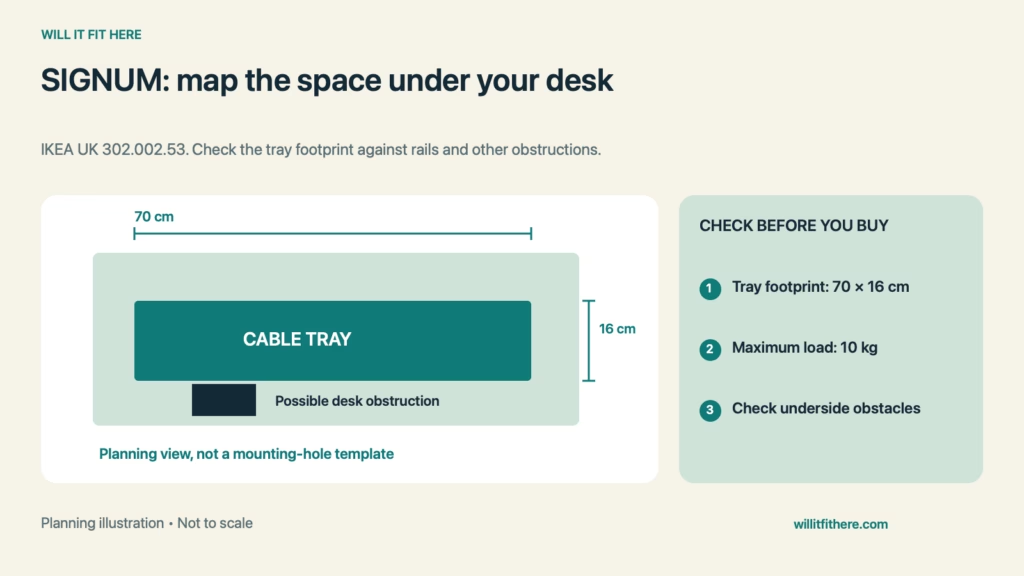
SIGNUM Cable Tray Fit is an underside-of-the-desk problem, not simply a comparison with tabletop width. IKEA’s horizontal cable trunking measures 70 cm long by 16 cm wide. A desk can be wider than that and still have a frame, drawer, or mounting plate where the tray needs to go.
Fit verdict: The tray is a candidate when an appropriate mounting surface has enough unobstructed space for the product and its installation, with access for cables and plugs. IKEA explicitly excludes glass tabletops. Confirm the current instructions and your desk’s construction before making any holes.
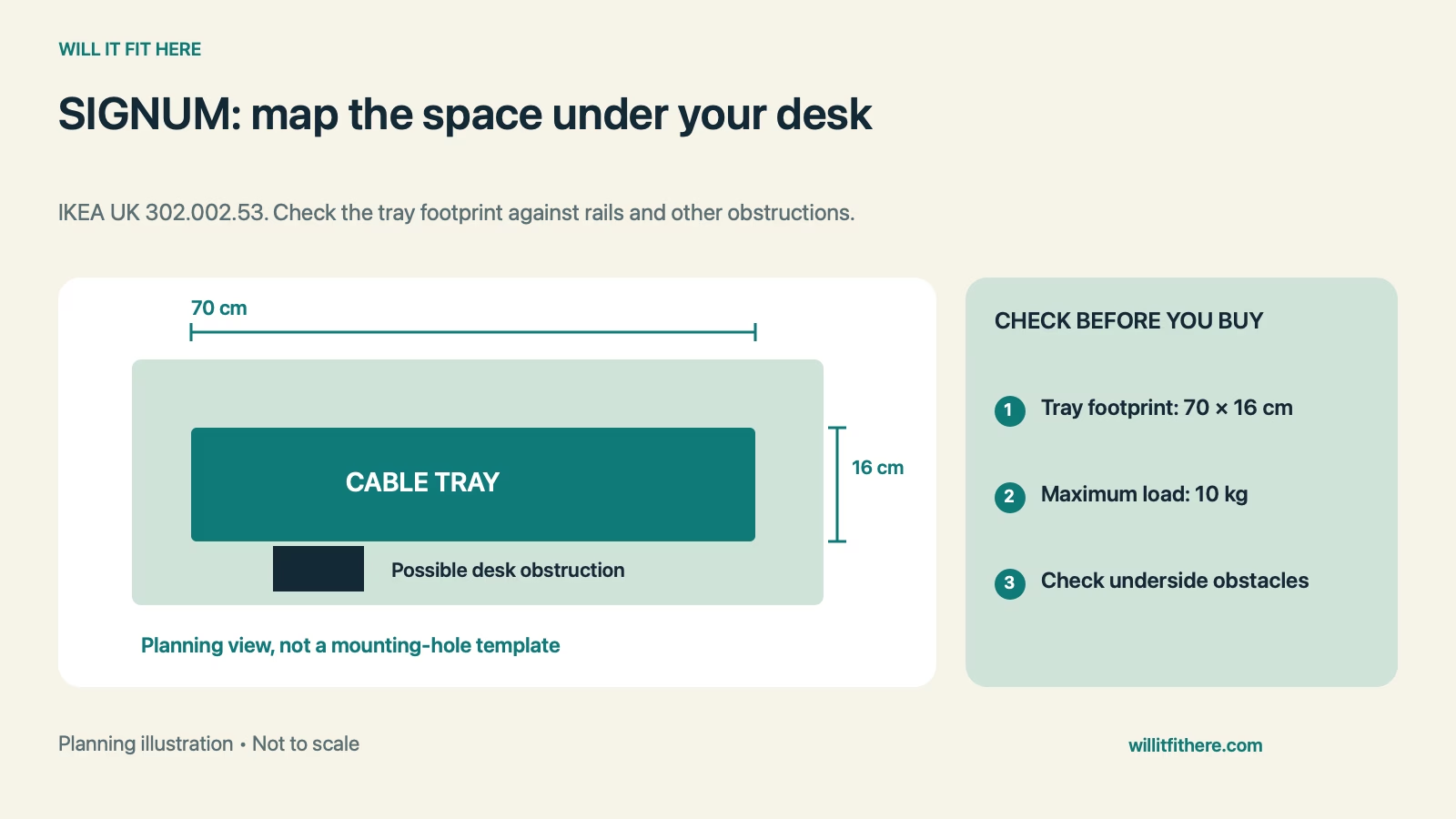
SIGNUM Cable Tray Fit: dimensions and limits
| Item | Official information | Fit implication |
|---|---|---|
| Product identification | SIGNUM 302.002.53 | Match the correct tray |
| Length | 70 cm | Check side-to-side room |
| Width | 16 cm | Check front-to-back room |
| Maximum load | 10 kg | Do not exceed stated load |
| Glass tabletop | Not suitable | Choose another solution |
The length and width describe the product, not the screw-hole spacing or guaranteed usable interior for a power strip. Do not turn this table into a drilling template. The live UK product page is the reference for this version; availability can differ by country.
1. Measure the clear underside, not the top
Look underneath the intended position and sketch the desk frame, legs, drawers, and existing hardware. Measure the uninterrupted area between them. Include anything that moves, such as a drawer box or a keyboard tray, rather than checking only its closed position.
For a hypothetical SIGNUM Cable Tray Fit check, a clear 68 cm span fails the tray’s 70 cm length. A 75 cm span passes that single comparison but still needs enough width and suitable mounting positions. Keep those decisions separate.
2. Confirm what the fasteners will enter
Identify the tabletop material and construction from the desk documentation. A surface can look solid from above while having a hollow interior or reinforcement only in certain areas. Thickness by itself does not establish that a fastener will hold correctly.
Read IKEA’s assembly instructions and the desk manufacturer’s mounting guidance before drilling. Do not improvise a glass installation or assume that every IKEA tabletop accepts the same hardware. If the attachment method is unclear, resolve that before loading the tray.
3. Plan around the complete plug assembly
Lay out your unplugged power strip, adapters, and cables in their intended arrangement. Measure the connected shapes rather than the empty strip alone. Large adapters may extend sideways, and a cable can require a different route from the one suggested by the socket orientation.
SIGNUM Cable Tray Fit must leave practical access to switches and removable plugs. Do not invent an interior height from the package dimensions. If exact clearance is critical, inspect the assembled tray or obtain the relevant measurement before committing to that location.
4. Protect knee room and ordinary access
Sit where you normally work and identify the space occupied by your knees, chair arms, and any footrest. A tray near the front edge may be easy to reach but can interfere with movement. A tray farther back may be harder to service.
Use a lightweight cardboard outline to explore placement without attaching equipment. This is only a planning mock-up. Check the route used to remove a plug, open a drawer, and reach the desk controls so the neat-looking location remains usable.
5. Check the full standing-desk travel
If the desk changes height, separate cables moving with the desktop from cables running to a fixed wall outlet or device. Trace each route through the lowest and highest intended positions. Follow the desk’s instructions and avoid pinching cables in moving parts.
Finish SIGNUM Cable Tray Fit by considering maintenance: can you identify and remove one cable without pulling on all the others? Arrange the contents so the tray is not an excuse to conceal inaccessible connections or exceed electrical equipment instructions.
Installation-planning checklist
- Measure an unobstructed 70 × 16 cm product area.
- Check actual mounting positions using the instructions.
- Confirm suitable tabletop construction; exclude glass.
- Include connected plugs, controls, and cable bends.
- Check seated comfort and every intended desk height.
FAQ
Is the 70 cm length the mounting-hole spacing?
No. SIGNUM Cable Tray Fit uses that as the product length. Use the actual assembly instructions for fastener locations.
Can the tray support any 10 kg object?
No. The published load limit does not make it a universal shelf or establish that your desk attachment can support every proposed load.
Will a power strip fit because it is shorter than 70 cm?
Not necessarily. SIGNUM Cable Tray Fit also depends on width, connected adapters, access, and the assembled opening.
Related fit checks
Review the standing-desk cable slack guide for moving cable routes. For competing underside hardware, see our Ergotron LX mounting guide.
Official sources
Checked November 5, 2026: IKEA UK SIGNUM specifications and assembly-document link. This is a measurement guide with hypothetical examples, not a firsthand installation report.