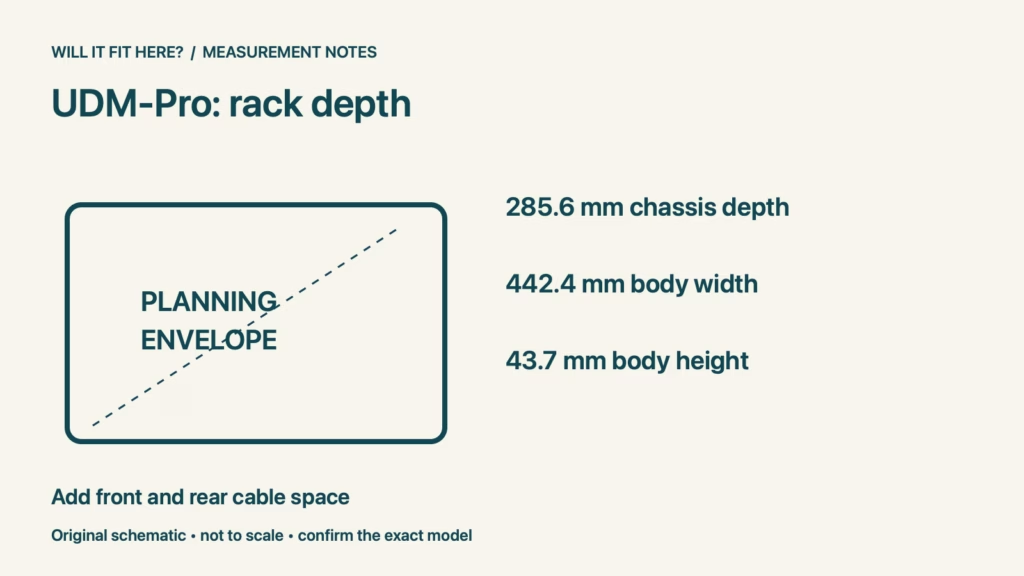
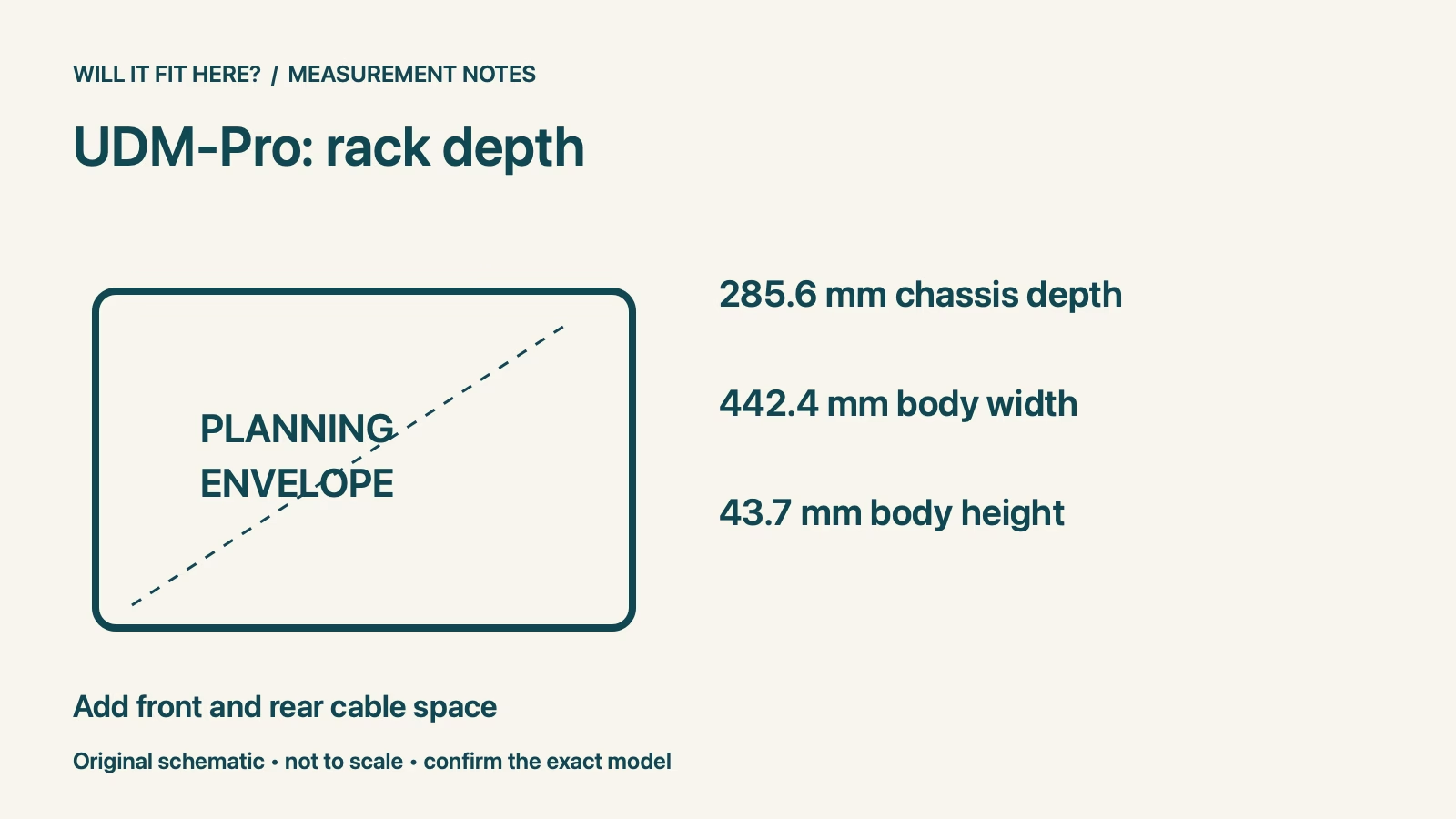
Fit verdict: UDM-Pro rack fit requires more than a cabinet advertised as deep enough for the chassis. Ubiquiti lists the Dream Machine Pro at 442.4 × 43.7 × 285.6 mm and identifies it as a 1U rack-mounted device. Check the mounting arrangement, front and rear connections, closed-door space and access needed to service the installed unit.
Dimensions and conditions
| Check | Reference | Planning consequence |
|---|---|---|
| Chassis dimensions | 442.4 × 43.7 × 285.6 mm | Keep width, height and depth in the correct order. |
| Form factor | Rack mount, 1U | Confirm the rack and supplied mounting arrangement. |
| Usable depth | Measure your cabinet internally | External cabinet depth does not establish cable space. |
Start UDM-Pro rack fit at the mounting position
Draw a side view of the proposed rack with the front mounting plane, doors, rear obstruction and cable-management parts marked. Measure the usable space from the actual mounting position rather than copying the cabinet’s outside depth. A front rail set far back can reduce the room available behind the device while leaving unused space at the door. Confirm that the intended rack arrangement matches the installation guide. The chassis width is not the same measurement as the nominal mounting standard associated with a rack.
Include front patch cables and rear power
The body depth excludes the extra room needed by connected plugs and cable routing. Inspect the exact patch leads, transceivers or other connectors you intend to use, together with the power connection at the rear. Follow their bend-radius and installation requirements instead of choosing an arbitrary universal cable allowance. A short lead can still have a bulky boot, and a connector may project directly toward a closed door. Test the planned route with the real parts before committing to a shallow cabinet.
Check doors and cable movement together
A cabinet that closes around an unconnected device may not close correctly after cabling. Examine the door path, hinges, lock hardware and any cable organisers in the same plane as the connections. Do not force the door against plugs or use its pressure to bend cables into place. Allow an orderly route that avoids strain and keeps connectors accessible. If the layout changes later, repeat the closure check rather than assuming that a previous successful arrangement covers a new cable type or additional connection.
Preserve ventilation and maintenance access
Follow Ubiquiti’s installation instructions for mounting, ventilation and operating conditions. Do not interpret unused depth as permission to block openings or pack loose cables tightly around the unit. Plan how you will reach connections and service the front drive area where applicable, following the device’s maintenance procedure. The rack also needs suitable support for its equipment and mounting hardware. If your cabinet is already crowded, draw the complete equipment layout before purchase so that solving this unit’s depth does not obstruct neighbouring devices.
UDM-Pro rack fit: a worked fit example
Suppose your proposed mounting arrangement provides 350 mm of usable internal depth. Subtracting the 285.6 mm chassis depth leaves 64.4 mm in total. That remainder is only a first comparison: how it is divided between front and rear depends on the mounting position, and the actual plugs may consume it differently. A door latch or cable organiser can reduce it further. These are hypothetical cabinet dimensions, not Ubiquiti’s required clearance. Confirm the connected configuration and service access rather than treating a positive subtraction as proof of a workable rack.
Before you decide: 5 checks
- Confirm the exact UDM-Pro model and current installation guide.
- Measure internal space from the intended mounting plane.
- Include front connectors, rear power and cable bend requirements.
- Check door closure without pressure on cables or plugs.
- Verify mounting support, ventilation and maintenance access.
FAQ
Does UDM-Pro rack fit follow from a 285.6 mm cabinet depth?
No. That is the listed chassis depth; the cabinet also needs suitable mounting, connections and access.
Can I use dimensions from the UDM-SE or another model?
Use the specifications for the exact device. Similar names or appearances do not establish identical installation requirements.
Is there one cable allowance that works for every rack?
No. Check the actual connectors, cable specifications, mounting position and cabinet obstructions.
Related fit guides
- Why component thickness changes an installation
- Checking exact-model enclosure compatibility
- More Installation & Setup fit guides
Sources
Sources checked 4 November 2026. Specifications apply to the named version and market. Example spaces and calculations are illustrative planning guidance, not manufacturer clearance requirements. Recheck the exact model or current operator policy before buying, installing or travelling.