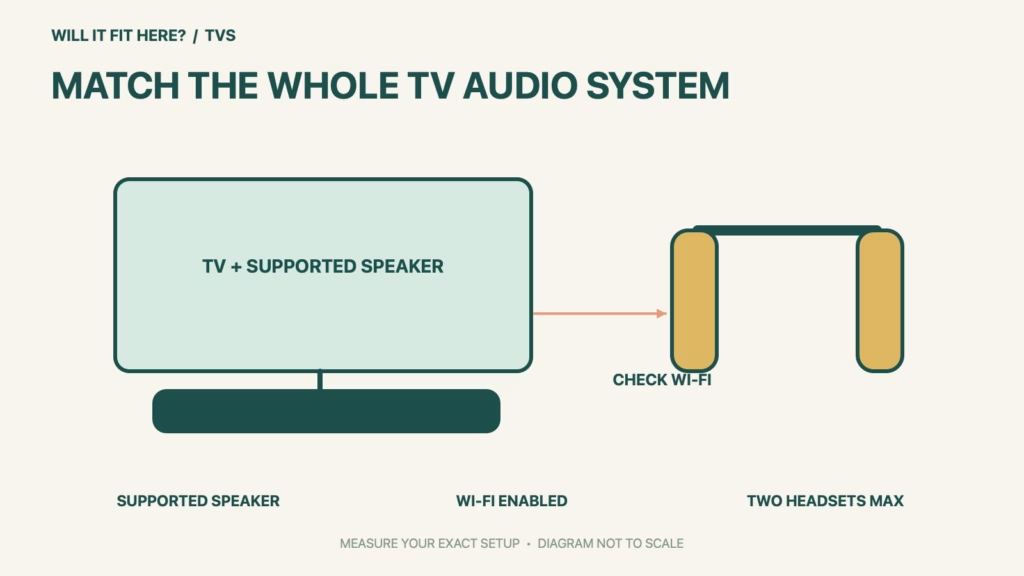
Fit verdict: Sonos Ace TV Audio Swap fits a system only when the headphones and home theater speaker are supported and configured together. A TV having Bluetooth does not establish this feature’s compatibility. Start with the exact Sonos speaker identity, then check the mobile setup and wireless requirements before buying headphones for private TV listening.
This is a system-compatibility guide, not a claim about headphone comfort or a measured wireless range. Sonos’s current support page lists Arc, Arc SL, Arc Ultra, Beam (Gen 1), Beam (Gen 2), Beam Ultra and Ray as supported home theater speakers. Check that live list again if your product name or generation differs.
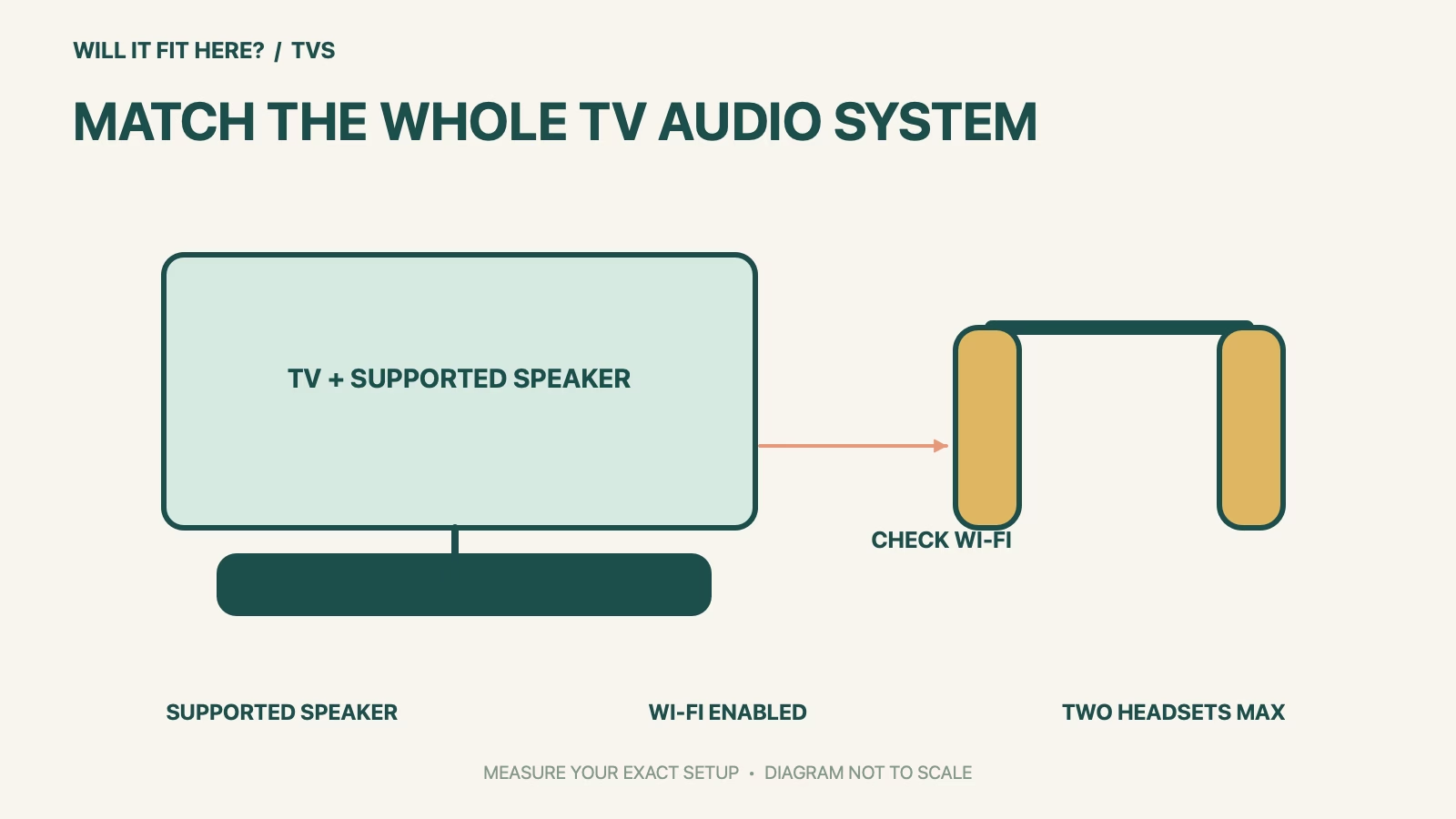
Dimensions and conditions
| Check | Official reference | What to verify |
|---|---|---|
| Headphone identity | Ace or Ace Ultra in current support | Read the full model name. |
| Home theater speaker | Must be on Sonos’s supported list | Match generation as well as family. |
| Speaker Wi-Fi | Must remain enabled for this feature | Ethernet alone does not replace this check. |
| Setup device | Sonos app on iOS or Android | Set up and connect the headphones first. |
| Shared listening | At most two headsets per session | Configure each set separately. |
1. Map the Sonos Ace TV Audio Swap signal path
Write a simple chain on paper: the TV, the home theater speaker receiving its audio, and the headphones you want to use. Read model names from the products or their product information rather than relying on a retailer’s shortened bundle title. A room containing several Sonos speakers can make this confusing: the relevant device is the supported home theater speaker attached to the TV. Keep an unsupported or unidentified model marked unresolved instead of assuming that membership in the same brand guarantees the same feature.
2. Check the wired room and wireless requirement together
Sonos requires the home theater speaker’s Wi-Fi to be enabled for TV Audio Swap. That is an important distinction in a room where the soundbar has an Ethernet cable and Wi-Fi was disabled during an earlier installation. Inspect the speaker’s current setting through the normal Sonos app and follow the linked official instructions if it needs attention. Do not unplug a working network arrangement merely to see whether a different one might help. Keep a note of the actual speaker and app configuration so someone else in the household can reproduce the same setup.
3. Prove the intended listening session before changing the room
Have ordinary TV audio playing through the home theater speaker before checking a swap session, as Sonos’s guide requires. For shared listening, configure both headphone sets rather than treating the second set as automatically ready. Try the actual programmes, seating positions and controls your household uses before deciding where to store chargers or reorganize a cabinet. This is a practical acceptance check, not a promised coverage distance. If the supported model cannot be selected in the app, resolve that setup issue with Sonos before treating the system as compatible.
Before you decide: 5 checks
- Record the exact Sonos Ace TV Audio Swap headphone and home theater speaker models.
- Compare the speaker generation with the current official supported list.
- Confirm the speaker’s Wi-Fi is enabled, including in an Ethernet-wired room.
- Prepare the iOS or Android app and configure each intended headset.
- Test TV sound at the speaker, then the intended single or shared listening session.
Keep a short Sonos Ace TV Audio Swap fit record with the exact product or service identity, the official rule you checked and the measurements from your own setup. Mark anything you could not verify as unresolved. Recheck the record if the product, accessories, route or surrounding space changes; an earlier fit result belongs to the configuration that was actually checked.
FAQ
Does Sonos Ace TV Audio Swap work with any Bluetooth TV?
A Bluetooth label on the TV is not the compatibility test for this feature. Use a supported Sonos home theater speaker and the documented setup.
Does an Ethernet cable let me disable the speaker’s Wi-Fi?
Not for this feature: Sonos states that Wi-Fi must be enabled on the home theater speaker.
Can three people join one TV Audio Swap session?
The current official maximum is two headphone units. Plan a different arrangement if more people need private listening at once.
Related fit guides
Continue with Roku Voice Remote Pro Fit: 5 Device-Model Checks or browse TVs fit guides. Check each item against its own specifications; a related guide does not establish this product’s compatibility.
Official sources
- Sonos: current TV Audio Swap requirements and supported speakers
- Sonos: enable or disable Wi-Fi on products
Sources checked 30 October 2026. Measurements and conditions are attributed above; room and packing checks are planning guidance. Recheck the current official instructions before purchase, installation or travel.


