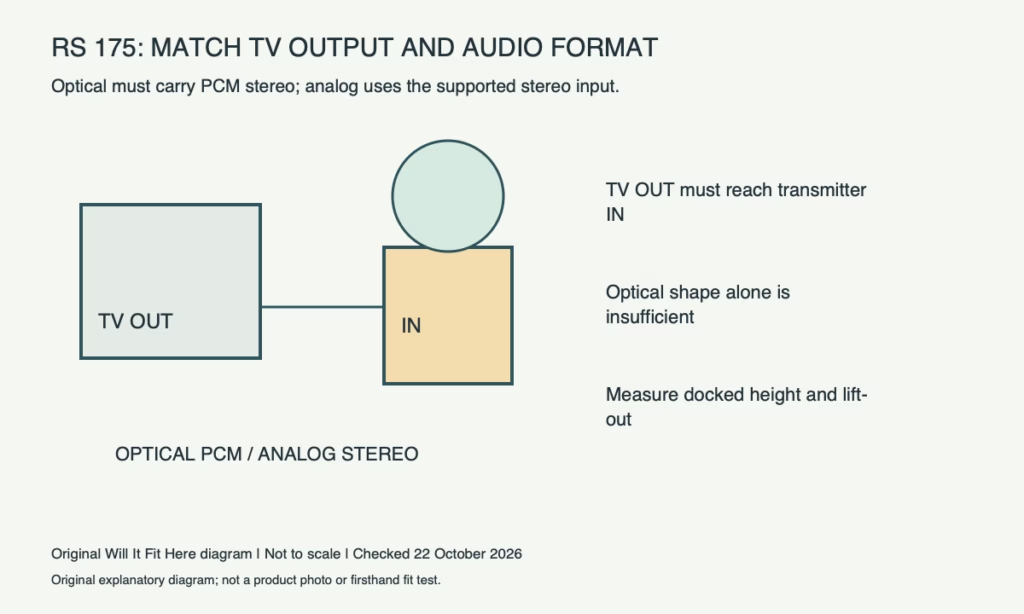
Result — Conditional. The RS 175 transmitter accepts optical digital audio or a 3.5 mm analog stereo connection. For optical use, the TV must supply PCM stereo. A socket that merely looks suitable, or an HDMI-only output, does not establish a direct connection.
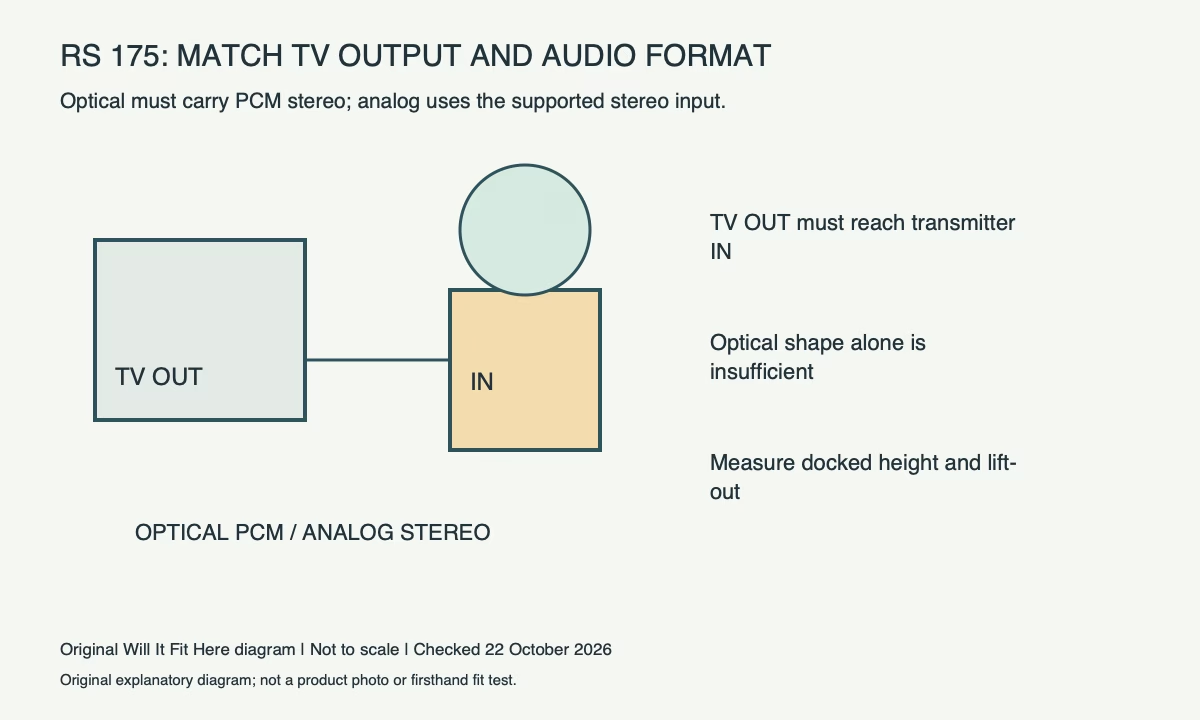
Follow the signal from the television outward
Find an audio output in the TV’s model-specific manual. An input brings sound into the TV and cannot replace an output just because a plug fits. Read the printed label as well as inspecting the shape. Sennheiser identifies optical digital and analog 3.5 mm stereo inputs for the RS 175 system.
Write a short connection path before buying adapters: TV output, cable, transmitter input. If the TV has only an HDMI ARC/eARC output, there is no direct matching input in the two connection options listed for this system. Any separate conversion device needs its own compatibility and power checks; a passive cable does not automatically supply that conversion.
| TV connection found | Direct RS 175 route | Additional condition |
|---|---|---|
| Optical digital output | Optical cable to transmitter | TV output set to PCM stereo |
| 3.5 mm headphone/analog output | Analog stereo cable | Check TV volume and speaker behaviour |
| Optical digital input | No output path | Find the actual TV audio output |
| HDMI ARC/eARC only | No direct listed matching input | Assess a suitable separate solution |
A physical optical fit can still be silent
Sennheiser’s RS 175 guidance says its optical input supports PCM/stereo and does not support surround-sound digital formats. Check the TV’s digital-audio output menu for the actual setting. A source device or app can change the format reaching that output, so test the services and HDMI sources you actually watch.
Do not select a surround setting simply because the headphones offer a surround listening feature. The transmitter’s accepted incoming format and its listening effects are different stages. If sound disappears after changing TV inputs, inspect the signal format before replacing a cable that is correctly connected.
Check speaker sharing before choosing analog
A TV’s headphone output may mute its own speakers; Sennheiser notes this depends on the television. If you need both speakers and headphones, confirm the TV’s supported simultaneous-output behaviour in its manual or settings. An adapter cannot promise that a television will keep an output active.
For analog use, start with the instructed volume setup and verify comfortable, clean sound. Avoid assuming that every 3.5 mm socket is a headphone output: service, AV input and other sockets can share a similar appearance.
Dimensions: measure the working charging station
Plan the transmitter position with the headphones docked, not only the base sitting empty. Measure the actual base footprint, complete docked height and the hand movement needed to lift the headphones free. Record cable projection behind it and the route to power. A shelf may admit the docked system but prevent removal of the headphones.
Use a light cardboard outline to test a tight shelf, then confirm the actual arrangement gently. Keep controls reachable and follow the product’s placement instructions. A successful audio connection and a usable charging location are separate pass conditions; both must work for the setup to fit your room.
Before you decide
- Identify a genuine TV audio output and its format settings.
- Use optical PCM stereo or the supported analog stereo route.
- Confirm simultaneous TV-speaker behaviour if required.
- Measure docked height, headphone lift-out space and connected cables.
FAQ
Will an optical cable guarantee sound?
No. The TV must output a supported PCM stereo signal as well as have the correct physical connection.
Can I plug HDMI directly into the RS 175 optical input?
No. Those are different interfaces; a cable shape adapter alone does not establish signal conversion.
Official sources and scope
Specifications and guidance checked on 22 October 2026. The named model and region control; follow the matching current instructions for your product. Worked examples are identified as hypothetical.


