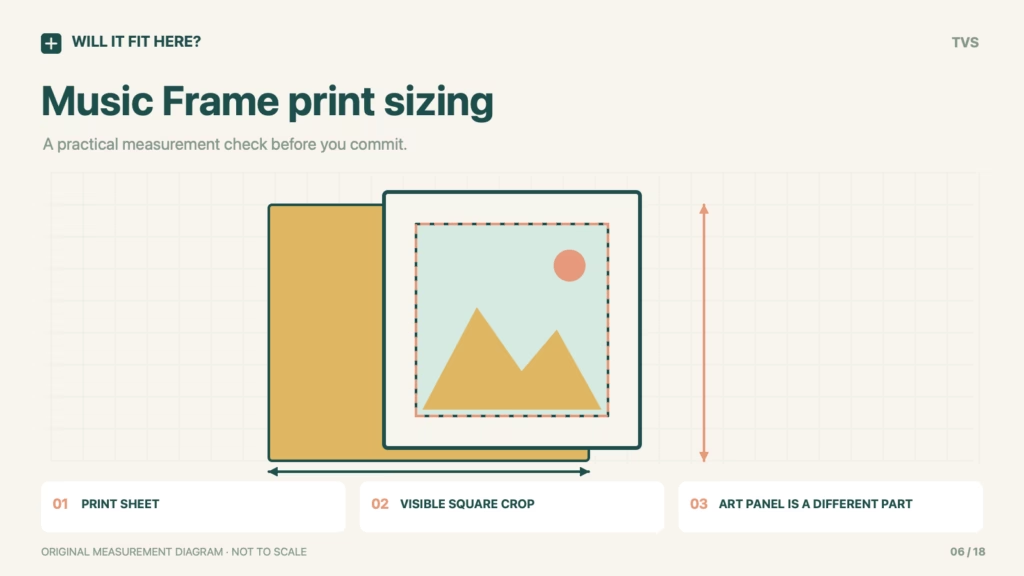
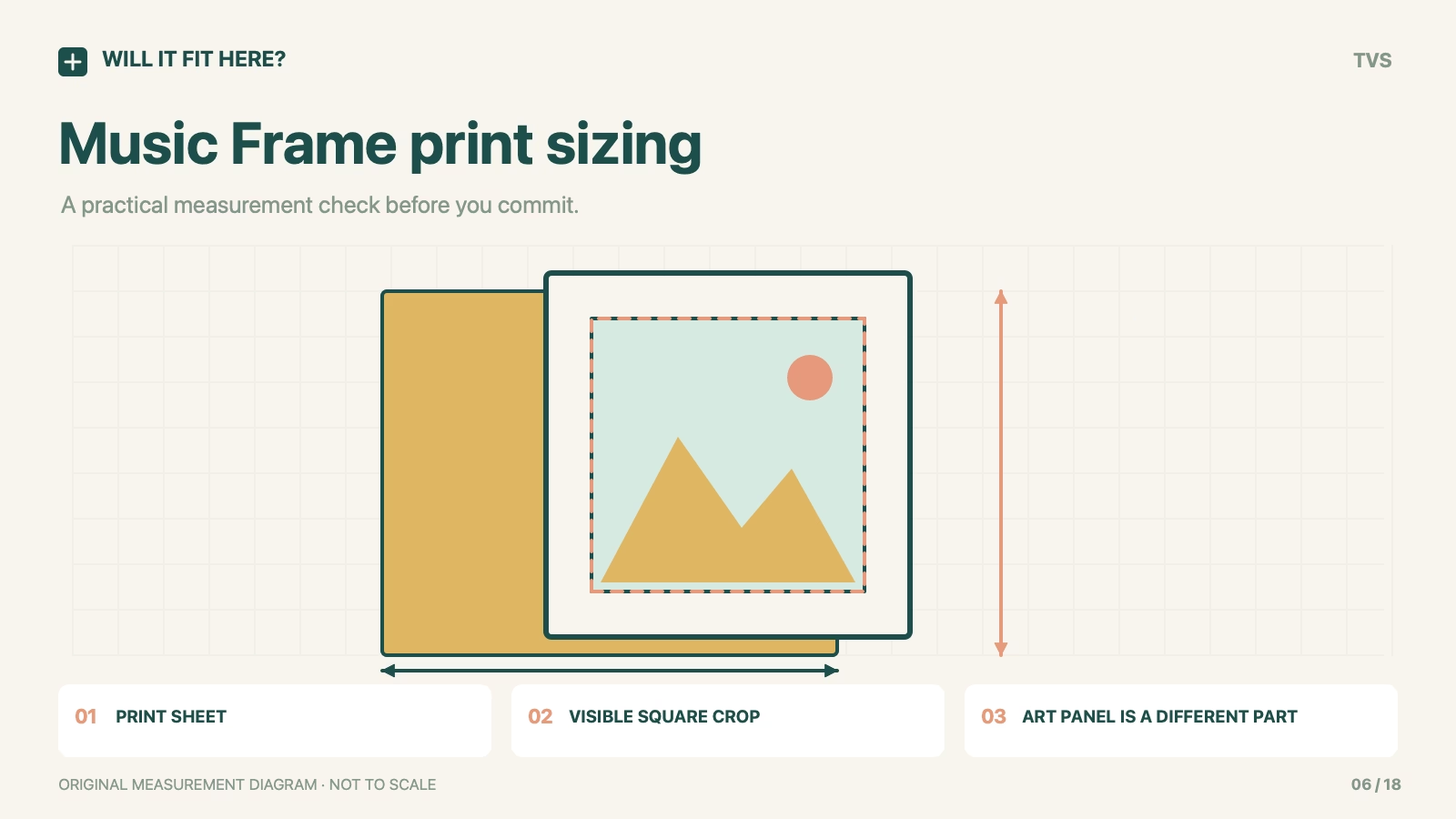
Fit verdict — Yes for a correctly sized insert, subject to the supplied holder and crop. Samsung Music Frame photo fit involves three different sizes: the print sheet, the visible image window and an optional rigid Art Panel. Samsung US says the included mat holds 8 × 10-inch or 8 × 8-inch photos with an 8 × 8-inch visible area. That does not mean every part of an 8 × 10 photograph will remain visible.
Samsung Music Frame photo fit: scope
Samsung Music Frame HW-LS60D and the supplied photo holder. Regional setup guidance differs; check the holder supplied with the actual unit before printing.
Dimensions and conditions
| Check | Reference or condition | What it means |
|---|---|---|
| US photo-holder description | 8 × 10 in or 8 × 8 in photos | Samsung US specifies the included mat. |
| US visible area | 8 × 8 in | A window size is not a promise that the whole rectangular print is visible. |
| Canadian replacement steps | 8 × 10 in photo | Use the actual supplied holder and regional instructions. |
| Separate Art Panel | 330.0 × 330.0 × 5.0 mm | Samsung CA describes a different accessory, not ordinary photo paper. |
| Subject placement | Preview the square crop before printing | Keep faces and text inside the actual visible window. |
1. Identify the Samsung Music Frame part you are replacing
Look at the supplied photo holder before ordering a print or panel. Ordinary photo paper sits in the photo arrangement; the optional Art Panel uses a different part and attachment method. A photo that fits the paper slot is not therefore an Art Panel replacement. Keep the regional model instructions with the unit. If a seller offers a custom panel, compare its complete finished construction with Samsung’s accessory requirements rather than the image size alone.
2. Separate sheet size from the visible crop
Create a preview with the intended window over the photograph. Move the crop so that faces, captions and important edges remain visible. The unused area of a rectangular print can be hidden behind the mat even though the sheet itself is correctly sized. Print a plain-paper positioning test first if the composition is close. That check is especially useful for a group photograph with a person near an edge or lettering that depends on the full landscape frame.
3. Check the actual holder before the final print
Measure the removed holder and inspect how the existing sheet sits without forcing clips or bending the assembly. Follow Samsung’s replacement sequence for removal and locking. Compare the new print with the actual template before inserting it. Do not compensate for a crop problem by using an over-thick backing or a larger sheet. Once assembled, inspect all four sides of the visible image and confirm that the holder closes normally.
Before you decide: 5 checks
- Identify the Music Frame model, region and supplied photo-holder arrangement.
- Choose ordinary photo paper or the separately specified Art Panel intentionally.
- Preview the visible square crop inside the chosen sheet size.
- Compare a paper test with the physical holder before ordering a final print.
- Follow the regional replacement steps and close every locking point without force.
FAQ
Will the whole 8 × 10 photo be visible?
Not through the US-listed 8 × 8 visible window. Compose for the crop rather than assuming the sheet edges define the visible image.
Is a 330 mm square print the same as an Art Panel?
No. The panel specification includes thickness and a different mounting arrangement. A paper square is not automatically a compatible rigid panel.
Why are US and Canadian photo instructions different?
They describe different supplied-holder references. Use the instructions for the actual unit and check its holder; do not merge regional dimensions into one universal template.
Official sources and scope
Checked on 26 October 2026. The cited product, variant and region control. Follow the matching current instructions. The measurement workflow is editorial guidance; no firsthand installation or universal fit is claimed.


