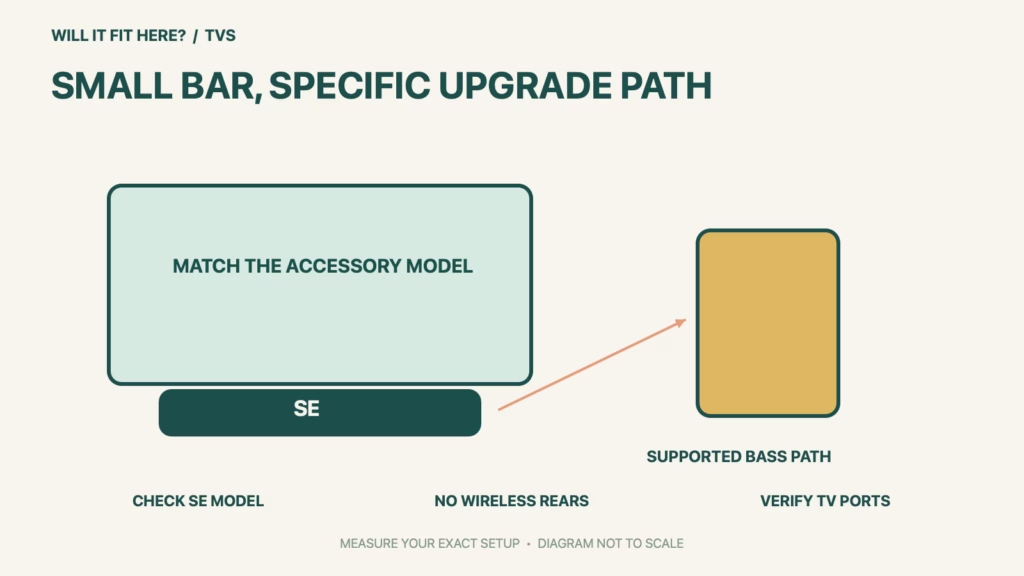
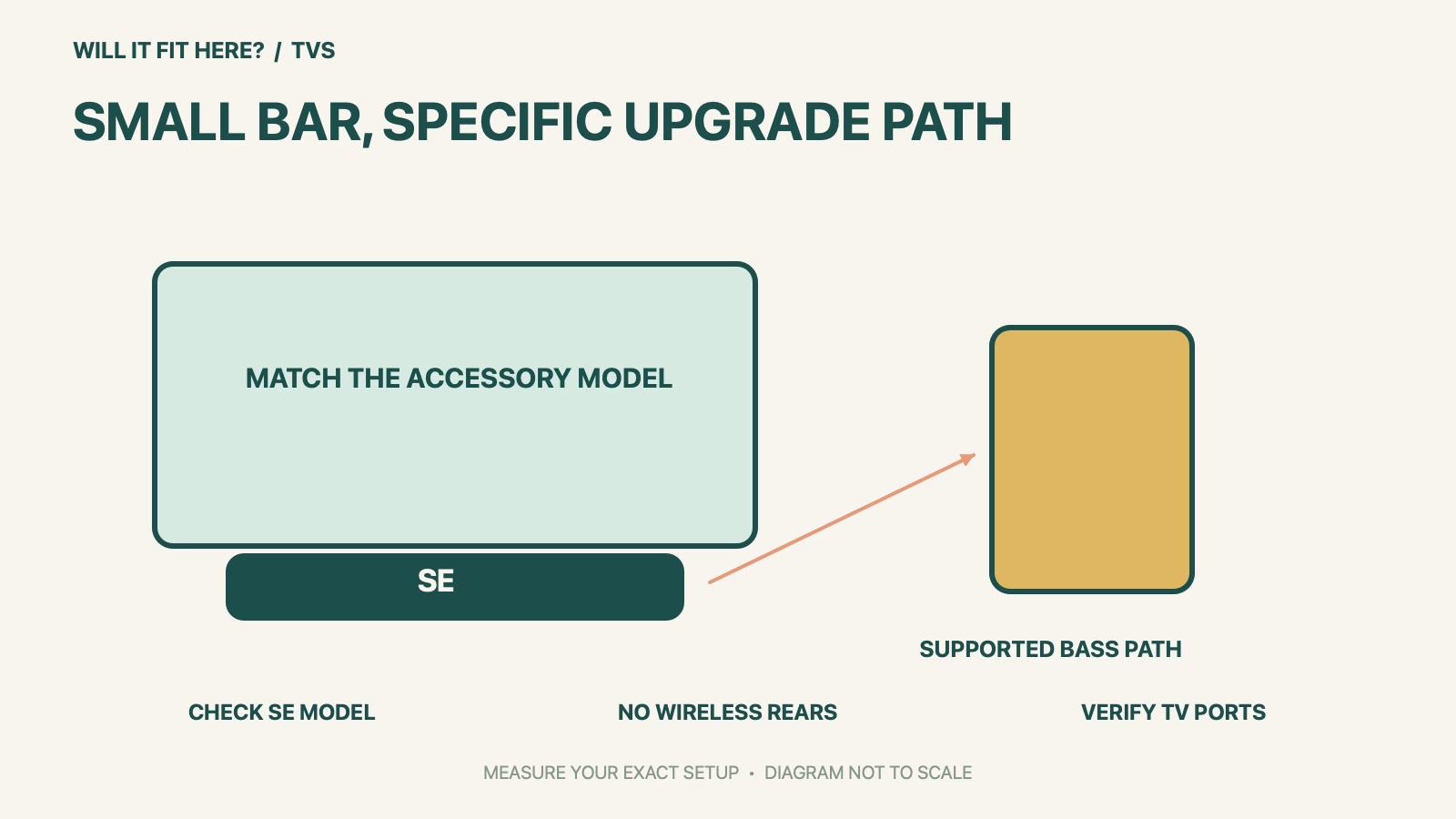
Fit verdict: Roku Streambar SE does not support adding Roku Wireless Speakers. Roku’s current compatibility guide permits the SE alone for stereo, or with a compatible Roku Wireless Subwoofer for a 2.1 arrangement. If your goal is rear speakers, stop at this model check before choosing stands, running power cables or buying an accessory bundle.
This guide concerns the Streambar SE model 9104R, not the older Streambar or Streambar Pro. Roku lists the SE body size as 2.4 × 9.6 × 3.5 inches and its weight as 2 pounds. Those compact dimensions help with placement, but they do not establish an upgrade path shared by every product bearing the Streambar name.
Dimensions and conditions
| Check | Official reference | What to verify |
|---|---|---|
| Exact bar | Streambar SE / 9104R | Do not omit the SE suffix. |
| Wireless speakers | Not supported by Streambar SE | Do not buy a rear pair for this bar. |
| Bass upgrade | Roku Wireless Subwoofer 9200 or 9201 in support table | Confirm the accessory model. |
| TV audio connection | HDMI ARC, or HDMI plus optical | Read labels on the actual TV. |
| Body reference | 2.4 × 9.6 × 3.5 in; 2 lb | Allow for real plugs and cabinet access. |
1. Identify the Roku Streambar SE before planning an upgrade
Check the product label and write the complete name beside the proposed accessories. A used listing, gift receipt or family member’s description may say only Streambar, which is not enough to select compatible speakers. Keep the model number with your room plan so that a later purchase cannot silently substitute a different version. If the desired result is sound behind the seating area, treat the SE’s lack of wireless-speaker support as a decision point now; physical space for two speakers does not make them pair with this bar.
2. Check the TV connection separately from the accessory link
Roku’s setup guide uses HDMI ARC for the straightforward TV-audio connection, or HDMI together with optical when ARC is unavailable. Inspect the socket labels and the TV manual rather than counting HDMI holes. Note which cable already serves a console or another source before moving anything. A TV connection that works correctly still does not change the bar’s accessory compatibility. Keep these as separate lines on your fit record: TV-to-bar audio first, then the exact permitted bass accessory if you want one.
3. Make a useful cabinet and room template
Use the published body measurements to sketch the bar on paper or mark its footprint with removable tape on a suitable surface. Then add the actual connector projection and cable route from your intended arrangement; do not invent a universal rear-clearance allowance. Check that the bar does not block the screen or the TV’s remote receiver and that controls and cables remain reachable. If adding a supported subwoofer, choose its position from its own instructions and test the intended arrangement before committing furniture or cable covers to a permanent location.
Before you decide: 5 checks
- Record Roku Streambar SE and model 9104R from the actual item.
- Confirm that the desired upgrade is supported bass rather than unsupported wireless rear speakers.
- Match any proposed subwoofer to Roku’s current model table.
- Inspect the TV’s ARC or HDMI-plus-optical connection path.
- Measure the bar, real plugs, screen sightline and the proposed accessory position.
Keep a short Roku Streambar SE fit record with the exact product or service identity, the official rule you checked and the measurements from your own setup. Mark anything you could not verify as unresolved. Recheck the record if the product, accessories, route or surrounding space changes; an earlier fit result belongs to the configuration that was actually checked.
FAQ
Can Roku Streambar SE use Roku Wireless Speakers as rear speakers?
No. The official current guide explicitly excludes wireless speakers from the SE’s supported arrangements.
Is the older Streambar’s compatibility a reliable guide for the SE?
No. Roku treats these as separate models. Use the SE row and the exact accessory model.
Does a shelf wider than 9.6 inches prove the installation fits?
No. Measure the real cable connections, available depth, screen position and access as well as the listed body size.
Related fit guides
Continue with Roku Voice Remote Pro Fit: 5 Device-Model Checks or browse TVs fit guides. Check each item against its own specifications; a related guide does not establish this product’s compatibility.
Official sources
- Roku: speaker compatibility and SE 2.0/2.1 combinations
- Roku: Streambar SE dimensions, model and TV connections
- Roku: set up your Streambar SE
Sources checked 30 October 2026. Measurements and conditions are attributed above; room and packing checks are planning guidance. Recheck the current official instructions before purchase, installation or travel.


