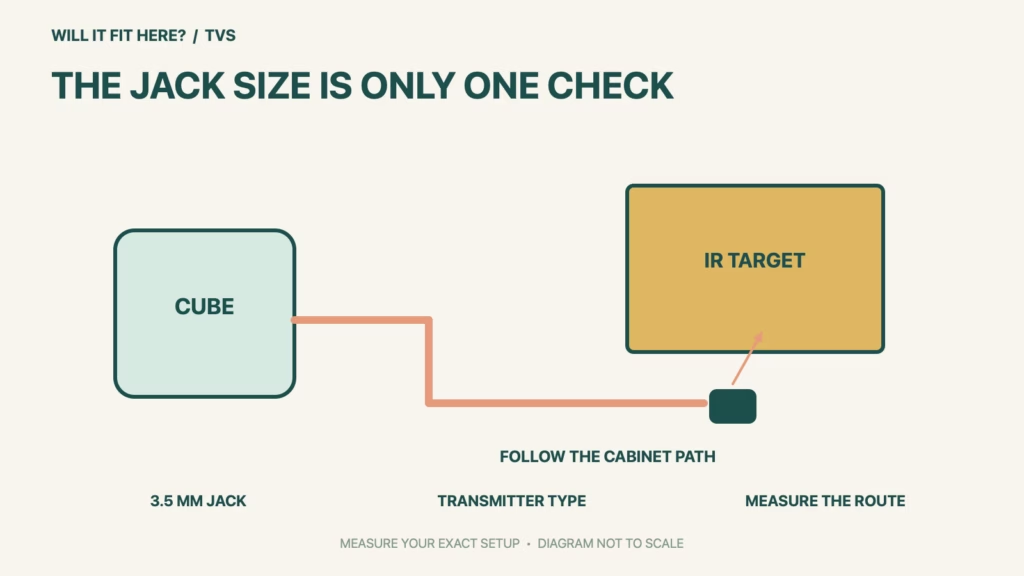
Fit verdict: A Fire TV Cube IR extension must be an infrared transmitter cable with a 3.5 mm jack under Amazon’s compatibility guidance. A plug that happens to fit is insufficient: an IR receiver cable and a headphone audio cable do different jobs. Amazon recommends a blaster-style cable for reaching compatible equipment that the Cube’s built-in blaster cannot see.
This guide covers the cable type and its practical route to obstructed TV equipment, not a promise that any device behind a cabinet door can be controlled. Amazon’s third-generation Cube specifications list a dedicated IR extender connection. Check the exact Cube generation, cable description and controlled device before choosing a route or attaching an emitter.
Dimensions and conditions
| Check | Official reference | What to verify |
|---|---|---|
| Plug size | 3.5 mm jack in Amazon guidance | Match the designated IR connection. |
| Cable function | IR transmitter required | Receiver or audio cable is not equivalent. |
| Emitter style | Blaster style recommended | Compare with the equipment’s receiver position. |
| Cube identity | Check exact generation and ports | Do not infer from a similar-looking box. |
| Route length | Measure your actual cabinet path | No universal length allowance is assumed. |
1. Read the Fire TV Cube IR cable description
Look for the words describing what the cable does, not just the plug diameter in a marketplace title. Amazon specifies an IR transmitter and recommends a blaster-style extension. If a listing only calls the item an infrared cable without explaining its role, ask the supplier for an explicit compatibility statement for your Cube. Keep the exact cable model on your fit record. Do not modify a connector, guess a pin arrangement or force a plug to make an ambiguous accessory fit.
2. Map the cabinet route before attaching anything
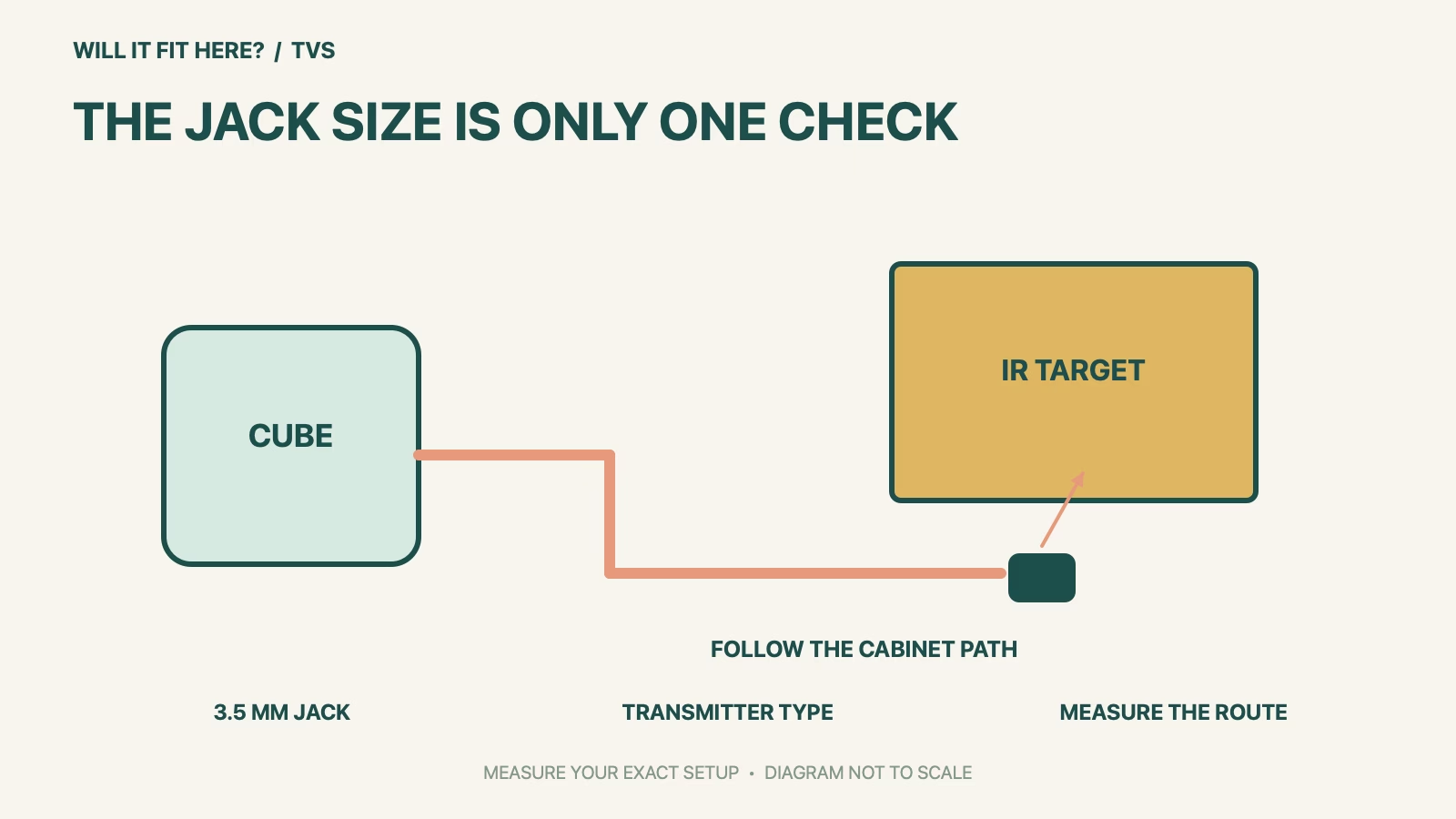
Locate the controlled equipment’s IR receiving area using its own manual. Draw the route from the Cube’s designated IR port to that area and measure along the route the cable will actually follow, including corners and the approach to each connector. Check doors and drawers through their full motion with the route temporarily marked. Keep the cable away from pinching edges and avoid using a taut straight-line measurement as your purchase length. These are planning checks for your cabinet, not an additional Amazon cable-length specification.
3. Separate visibility problems from unsupported controls
The Cube’s internal IR blaster can control compatible equipment that is in view; the extension is intended to help reach an obstructed location. That makes it useful to identify the actual problem before buying a cable. If the equipment does not respond in the ordinary supported setup, establish device compatibility and equipment-control configuration first. For a prospective cable, check the manufacturer’s instructions and test the intended commands before fixing the emitter or concealing the route. Keep access available so the connection can be inspected later without dismantling the cabinet.
Before you decide: 5 checks
- Record the exact Fire TV Cube IR connection and Cube generation.
- Confirm that the cable is an IR transmitter with the specified 3.5 mm plug.
- Locate the target equipment’s IR receiver from its official instructions.
- Measure the real route and check cabinet-door and drawer movement.
- Test compatible equipment control before securing or concealing the emitter.
Keep a short Fire TV Cube IR fit record with the exact product or service identity, the official rule you checked and the measurements from your own setup. Mark anything you could not verify as unresolved. Recheck the record if the product, accessories, route or surrounding space changes; an earlier fit result belongs to the configuration that was actually checked.
FAQ
Will any 3.5 mm cable work as a Fire TV Cube IR extension?
No. Amazon also requires the correct IR transmitter function; matching the plug diameter alone does not establish compatibility.
Is an IR receiver cable interchangeable with a transmitter?
Do not treat them as interchangeable. The Cube extension guidance calls for a transmitter cable.
Does the extension guarantee control of every device inside a cabinet?
No. Confirm the controlled device and setup as well as emitter placement. The extension addresses the IR path, not universal device support.
Related fit guides
Continue with Roku Voice Remote Pro Fit: 5 Device-Model Checks or browse TVs fit guides. Check each item against its own specifications; a related guide does not establish this product’s compatibility.
Official sources
- Amazon: IR extender cable compatibility for Fire TV Cube
- Amazon developer documentation: Fire TV Cube generation and ports
- Amazon: Fire TV Cube help hub
Sources checked 30 October 2026. Measurements and conditions are attributed above; room and packing checks are planning guidance. Recheck the current official instructions before purchase, installation or travel.


