Fit verdict: DDR5 SODIMM memory fits only a laptop designed for that module type and the supported specification. It is not a drop-in replacement for DDR4 SODIMM, desktop DIMM, soldered memory or CAMM2. Check the exact laptop model before judging fit by appearance.
This guide covers replaceable laptop memory modules. It does not authorize opening every laptop or promise that a machine with DDR5 memory has a user-accessible SODIMM socket. Use the system manufacturer’s service and memory specifications.
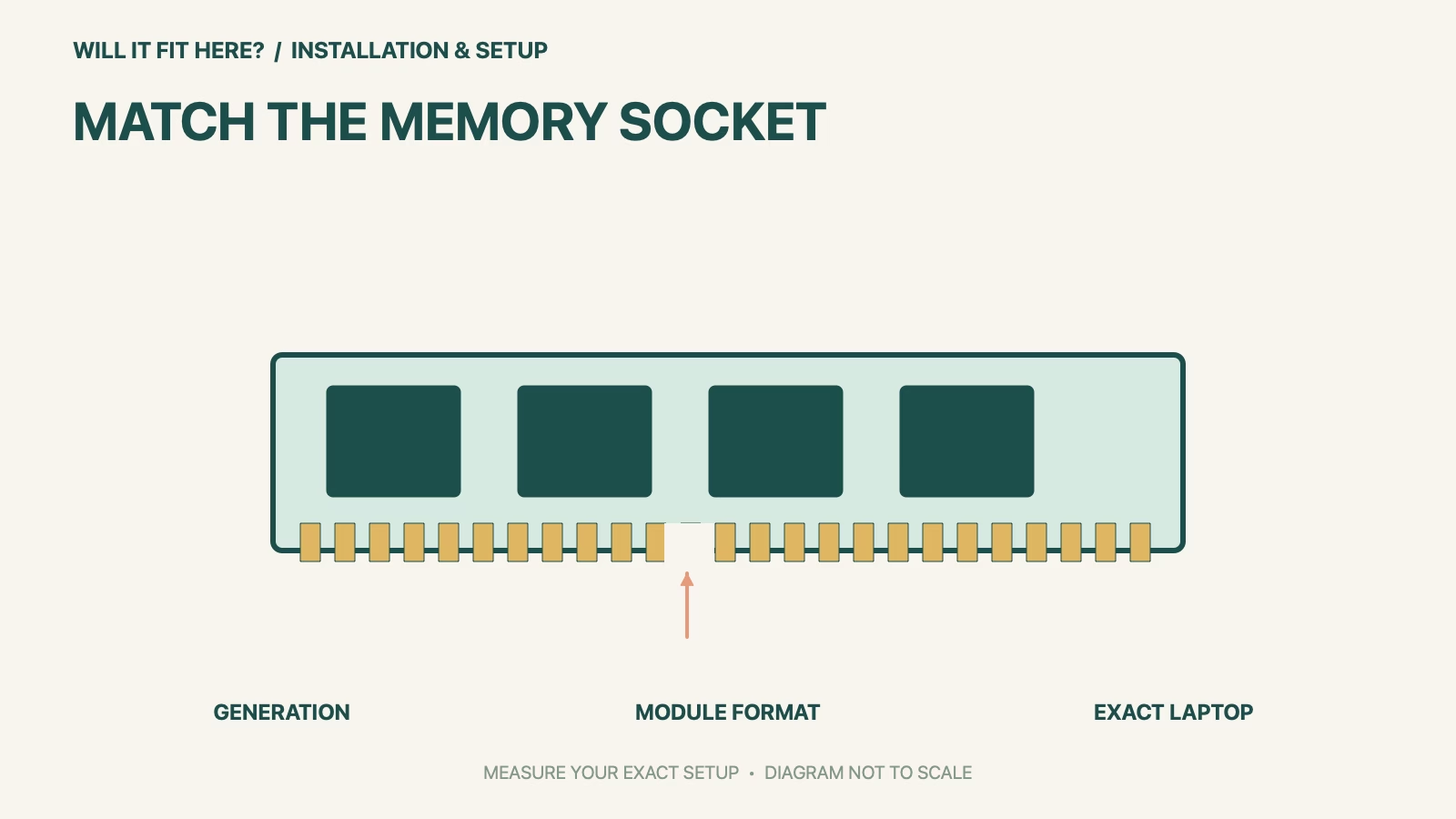
Dimensions and conditions
| Check | Official reference | What to verify |
|---|---|---|
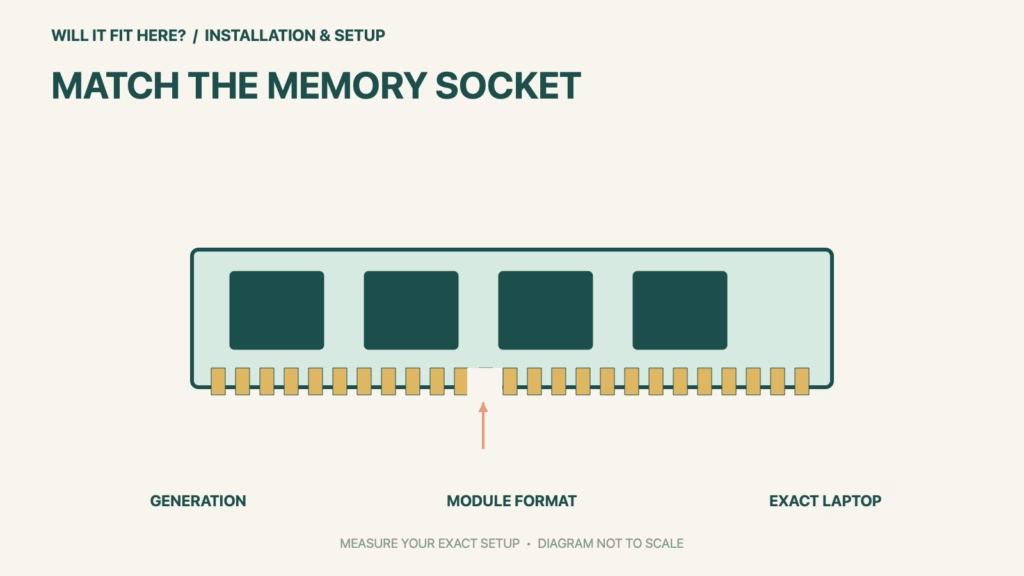
| DDR5 laptop module | SODIMM, 262 pins | Check the exact system’s supported generation and format. |
| DDR4 laptop module | SODIMM, 260 pins | Not interchangeable with DDR5. |
| Desktop versus laptop | DIMM and SODIMM are different formats | A matching DDR generation is not enough. |
| Other laptop arrangements | Soldered memory or CAMM2 may be used | Confirm a replaceable SODIMM slot actually exists. |
| Capacity/speed configuration | System-specific | Use the service manual and an exact-model compatibility selector. |
1. Identify the DDR5 SODIMM system requirement
Read the complete laptop model and any machine-type suffix, then find the manufacturer’s memory specification. A marketing family name can cover several motherboard versions. Record the memory generation, replaceable module format, supported capacity and configuration. Kingston and Crucial both provide compatibility guidance, but the system’s own service information remains important for slot access and installation. Do not infer an empty socket just because a configuration was sold with less memory.
2. Check the socket type before the module speed
DDR4 and DDR5 differ physically and electrically; Kingston states that they are not socket-compatible. Crucial’s comparison distinguishes 260-pin DDR4 SODIMM from 262-pin DDR5 SODIMM. A similar overall outline does not make the notch or contacts equivalent. Never cut a notch or force a module into an incompatible socket. A desktop DDR5 DIMM is also not a laptop SODIMM. Capacity and speed come after the format and generation have been established.
3. Verify access, population and the supported configuration
Use the exact-model service manual to check whether the memory is replaceable, how many slots are present and what configuration is supported. Some modern systems use soldered memory or a different removable standard such as CAMM2. Check the memory vendor’s exact-system compatibility list rather than choosing solely by a module’s maximum advertised speed. Follow the manufacturer’s power, battery and handling precautions if installation is permitted; this fit guide does not replace those model-specific steps.
Before you decide: 5 checks
- Record the complete laptop model and motherboard variant.
- Verify that replaceable DDR5 SODIMM sockets are present.
- Match generation, form factor and the correct module specification.
- Check supported total capacity and module population.
- Follow the exact service procedure and verify recognition after installation.
Keep a short DDR5 SODIMM fit record with the exact product or service identity, the official rule you checked and the measurements from your own setup. Mark anything you could not verify as unresolved. Recheck the record if the product, accessories, route or surrounding space changes; an earlier fit result belongs to the configuration that was actually checked.
FAQ
Can DDR5 SODIMM replace DDR4 laptop RAM?
No. The generations are physically and electrically incompatible.
Does a DDR5 laptop always have SODIMM slots?
No. It may use soldered memory or another module arrangement; check the exact model.
Is the fastest module automatically the best fit?
No. Confirm system compatibility, supported configuration and any platform limits before choosing speed.
Related fit guides
Continue with Kohler Verdera Fit: 5 Recess-and-Door-Swing Checks or browse Installation & Setup fit guides. Check each item against its own specifications; a related guide does not establish this product’s compatibility.
Official sources
- Crucial DDR5 and DDR4 comparison
- Kingston DDR memory-generation compatibility
- Kingston exact-system memory selector
- Kingston DDR5 262-pin SODIMM technical datasheet
Sources checked 27 October 2026. Measurements and conditions are attributed above; room and packing checks are planning guidance. Recheck the current official instructions before purchase, installation or travel.