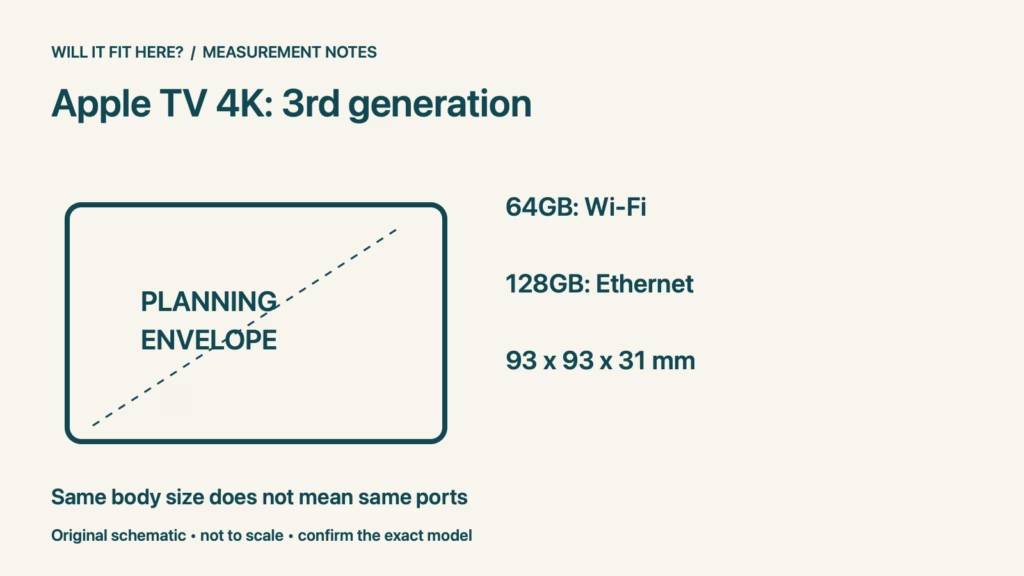
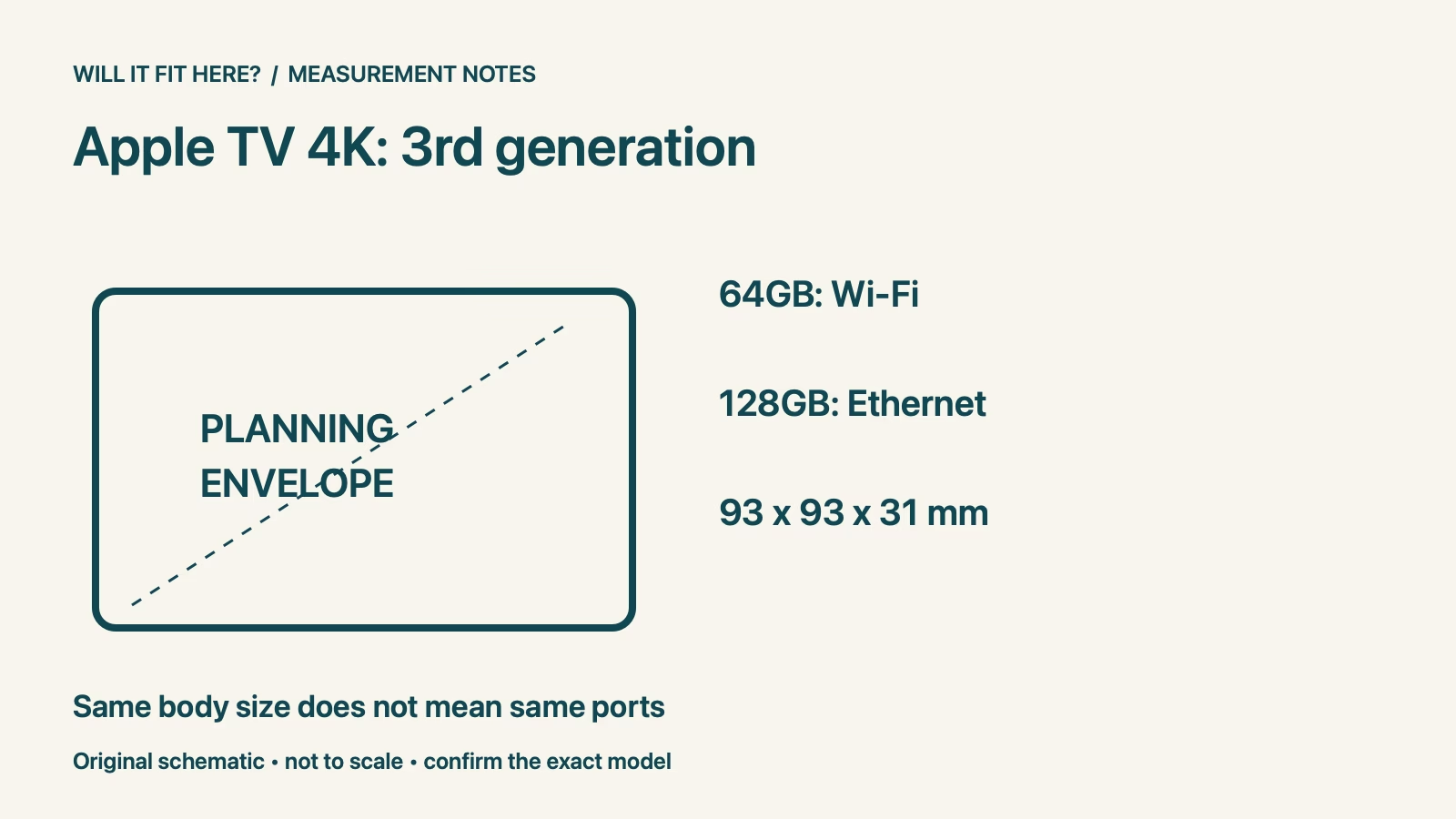
Fit verdict: Apple TV 3rd-gen Ethernet fit starts with the model, not the size of the black box. Apple’s third-generation specifications list a 64GB Wi-Fi model and a 128GB Wi-Fi + Ethernet model. Both have the same listed 93 × 93 × 31 mm body dimensions, but only the Wi-Fi + Ethernet version has the Gigabit Ethernet port. This guide concerns the third generation, not a newer Apple TV.
Dimensions and conditions
| Check | Reference | Planning consequence |
|---|---|---|
| Third-generation 64GB | Wi-Fi model | No built-in Ethernet port in this variant |
| Third-generation 128GB | Wi-Fi + Ethernet | Includes Gigabit Ethernet |
| Body dimensions | 93 × 93 × 31 mm | Add room for attached cables and access |
1. Identify the Apple TV 3rd-gen Ethernet fit model
Read the device information and compare it with the seller’s exact listing before ordering. A photograph of the top surface is a poor way to establish the port configuration. Ask for the rear connection panel or a clear model description when buying a used unit. Keep the generation and capacity together in your notes. A claim about a current Apple TV does not automatically describe a third-generation unit that happens to be available from another seller.
2. Inspect the cable route before choosing the shelf
Plan the path from the router or network socket to the intended TV location. Include the route around the back of the cabinet and any cable-management channels. Measure the cable in that routed position rather than drawing a straight line across the room. At the device end, allow the connector to enter straight and the cable to turn without being trapped against the wall. The small square footprint describes the device body, not the complete connected assembly.
3. Leave access to the connector latch
Ethernet plugs normally need finger access to release their retaining latch. A device can be easy to push into a narrow cubby yet awkward to disconnect later. Test the unplugging motion with the cabinet empty, and avoid a position that makes the cable carry the weight of the device. A right-angle accessory is not automatically a solution: connector orientation and nearby ports determine whether it helps. Use supported connections and avoid forcing an unfamiliar adapter into a socket.
4. Check the complete viewing setup separately
A network connection does not replace the HDMI path to the television. Map both connections, the power lead and any cabinet opening they share. Keep the manufacturer’s placement and ventilation guidance available while selecting the location. If you are changing an older bracket, verify that the bracket supports this exact generation; a similar-looking enclosure can be a different size. After installation, test the intended network connection and playback before fastening cables permanently or moving the cabinet back against the wall.
Apple TV 3rd-gen Ethernet fit: a worked fit example
An illustrative shelf has a clear 110 × 110 mm footprint. Compared with the listed 93 × 93 mm body, it leaves 17 mm in each direction, or 8.5 mm per side if perfectly centred. That arithmetic says nothing about the cable connector projecting behind the box. More importantly, placing a third-generation 64GB Wi-Fi unit on that shelf does not create an Ethernet port: the required hardware variant is a separate decision from shelf fit.
Before you decide: 5 checks
- Confirm third generation and storage variant together.
- Inspect the actual rear ports.
- Allow space for network, HDMI and power connections.
- Keep connector latches reachable.
- Verify network operation before final cable tidying.
FAQ
Does matching body size prove Apple TV 3rd-gen Ethernet fit?
No. The two third-generation variants have the same listed body dimensions but different network hardware.
Is a USB-C port on the remote an Ethernet connection for the box?
No. The remote and the Apple TV enclosure are separate devices; check the enclosure’s specified ports.
Can I use this guide for a newer generation?
Use its own specifications. The dimensional and capacity comparison here is explicitly for the third generation.
Related fit guides
Sources
Sources checked 4 November 2026. Specifications apply to the named version and market. Example spaces and calculations are illustrative planning guidance, not manufacturer clearance requirements. Recheck the exact model or current operator policy before buying, installing or travelling.


