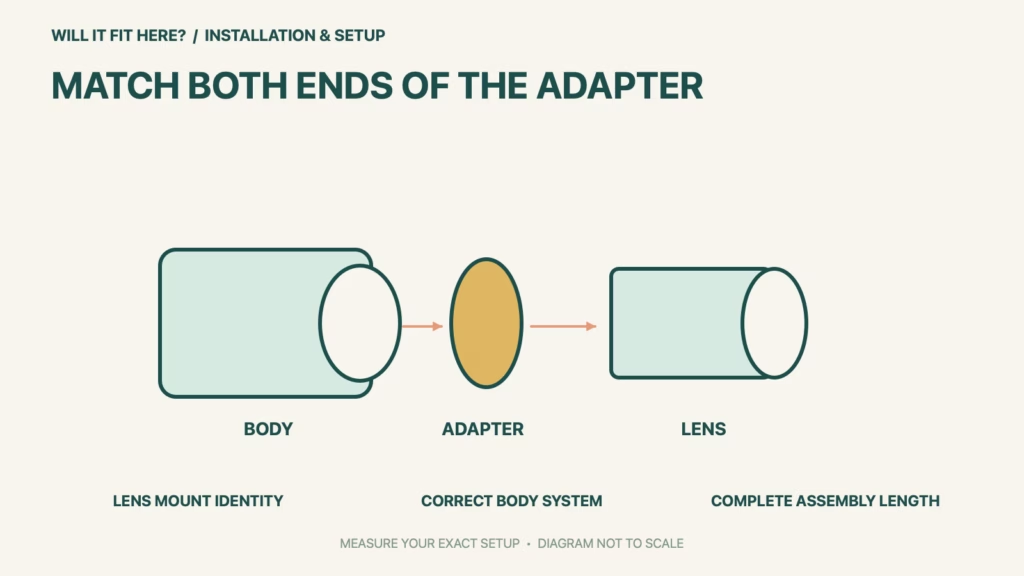
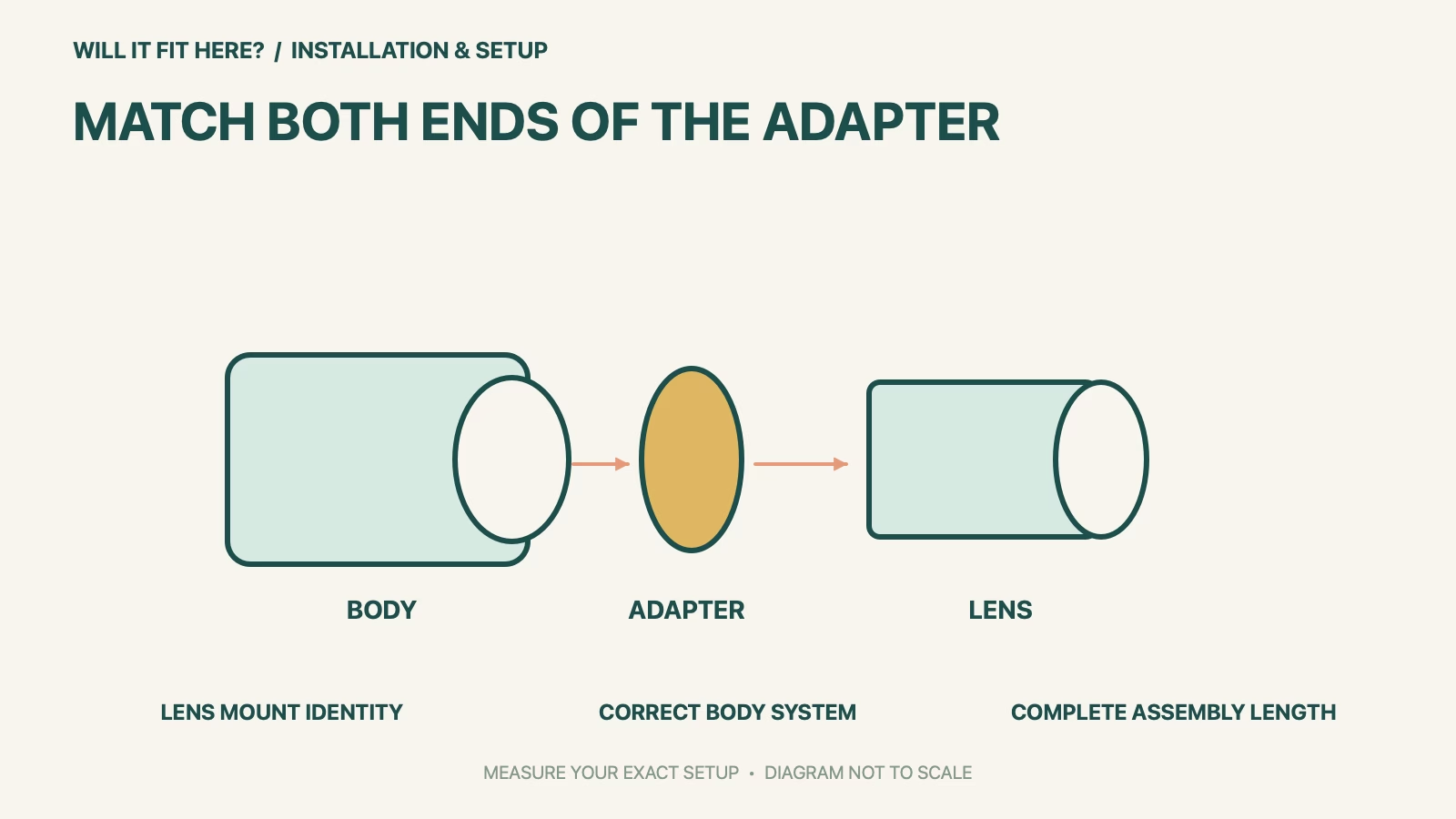
Fit verdict: A Canon EF-EOS R Adapter connects supported Canon EF or EF-S lenses to EOS R-system cameras. It does not make an EF-M lens compatible with an EOS R body, and the conversion is not interchangeable with an EF-EOS M adapter. Identify the lens mount and camera system before comparing the physical size of the rings.
The reference is Canon’s standard Mount Adapter EF-EOS R. Control-ring, drop-in-filter and third-party adapters have different physical details. Canon’s compatibility guide also identifies crop-related limitations for APS-C lenses on full-frame bodies; use the exact camera manual to resolve the resulting image and operating conditions.
Dimensions and conditions
| Check | Official reference | What to verify |
|---|---|---|
| Supported conversion | EF / EF-S lens to EOS R camera | Read the lens and body identities separately. |
| EF-M lens | Not compatible through this adapter | EF-EOS M is a different adapter and receiving system. |
| Standard adapter dimensions | About 71.2 mm diameter × 24 mm length | Adapter only; add lens, body, caps and other fittings. |
| EF-S on full frame | Crop and model-specific limitations | Check the actual EOS R camera manual. |
| Complete assembly | Body, adapter, lens and accessories | Reassess bag space, support and handling. |
1. Identify both sides of the Canon EF-EOS R Adapter
Record the camera model and the lens’s full model name, then check Canon’s mount-compatibility guide. Do not use the lens cap diameter or filter thread as evidence of the lens mount. Similar letters in EF, EF-S, EF-M, RF and RF-S names describe different parts of the camera ecosystem. Follow the adapter’s documented conversion direction. A ring that appears to engage is not proof that an unsupported combination can be used, and the camera and lens should never be forced together.
2. Check crop behavior before planning the result
Mechanical attachment does not mean that every lens covers every sensor in the same way. Canon explains that EF-S optics used on full-frame EOS R bodies via the adapter produce cropped images, with further limitations depending on the camera. Read the body manual for the exact combination and the intended shooting mode. Keep this separate from the fit question: the lens may attach correctly while the image area, resolution or available functions differ from what the buyer expected.
3. Measure the complete mounted assembly
The standard adapter’s listed 24-millimeter length is not the added space needed for every storage arrangement. Build the approved combination and measure its actual outline with the intended lens hood, caps, straps and support parts. If the lens extends during normal operation, assess that working envelope separately from its stored length. Follow the camera and lens instructions for supporting the combination; do not infer a permitted unsupported load from the adapter’s small size. Check access to release buttons and controls before choosing a tight bag divider or fixed camera position.
Before you decide: 5 checks
- Record the exact camera system and full lens model.
- Confirm the supported lens-to-body conversion in Canon’s guide.
- Distinguish EF-EOS R from EF-EOS M and other adapter variants.
- Read the camera’s EF-S crop and feature conditions where relevant.
- Measure and support the complete approved assembly with accessories.
Keep a short Canon EF-EOS R Adapter fit record with the exact product or service identity, the official rule you checked and the measurements from your own setup. Mark anything you could not verify as unresolved. Recheck the record if the product, accessories, route or surrounding space changes; an earlier fit result belongs to the configuration that was actually checked.
FAQ
Can Canon EF-EOS R Adapter accept an EF-M lens?
Canon’s compatibility guide does not support EF-M lenses through this conversion. An EF-EOS M adapter is for a different receiving system.
Does the same filter diameter prove lens compatibility?
No. The front filter thread and the rear camera mount are different interfaces. Check the lens mount and camera model.
Is a 24-millimeter gap enough in a camera bag?
That is the standard adapter-only length reference. Measure the complete assembled camera, lens, caps, hood and other parts.
Related fit guides
Continue with Brother TN830 Fit: 5 Toner-and-Drum Checks or browse Installation & Setup fit guides. Check each item against its own specifications; a related guide does not establish this product’s compatibility.
Official sources
- Canon official EOS R adapter conversion and EF-S crop behavior
- Canon official lens-system compatibility guide
- Canon standard EF-EOS R adapter dimensions and supported lenses
Sources checked 29 October 2026. Measurements and conditions are attributed above; room and packing checks are planning guidance. Recheck the current official instructions before purchase, installation or travel.