Fit verdict: The Siri Remote USB-C third-generation model can replace a compatible Apple TV remote when the receiving box is on Apple’s compatibility list and pairing succeeds. Apple lists Apple TV HD and the first three Apple TV 4K generations for this 2022 remote. A USB-C charging socket does not mean it controls any older black Apple TV box.
The product in this guide is Siri Remote (USB-C), third generation, introduced in 2022. Other Siri Remote generations and regional Apple TV Remote names need their own identification. This is a replacement-control guide, not a remote-case sizing guide or a claim that a new remote upgrades the box’s video capabilities.
Dimensions and conditions
| Check | Official reference | What to verify |
|---|---|---|
| Remote identity | Third generation; introduced 2022 | Confirm the USB-C model before using this list. |
| Body dimensions | 136 × 35 × 9.25 mm | Measure any storage slot separately with a case fitted. |
| Listed Apple TV support | Apple TV HD; 4K generations 1, 2 and 3 | Read the box’s exact model identity. |
| Charging connection | USB-C | The charging cable does not establish control compatibility. |
| Pairing reference | About 3 in from the Apple TV | Follow Apple’s current onscreen pairing procedure. |
1. Identify the Siri Remote USB-C and receiving box
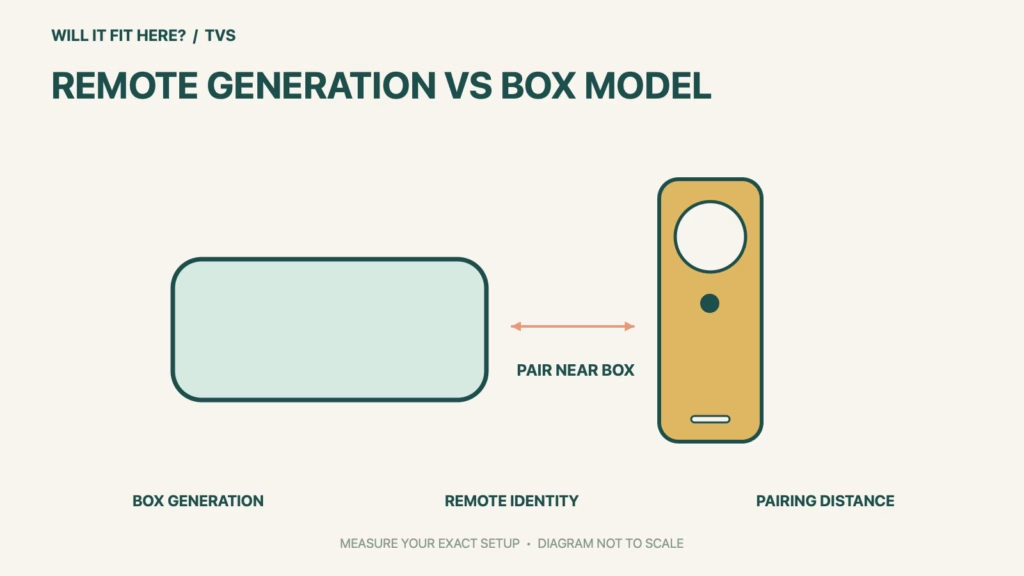
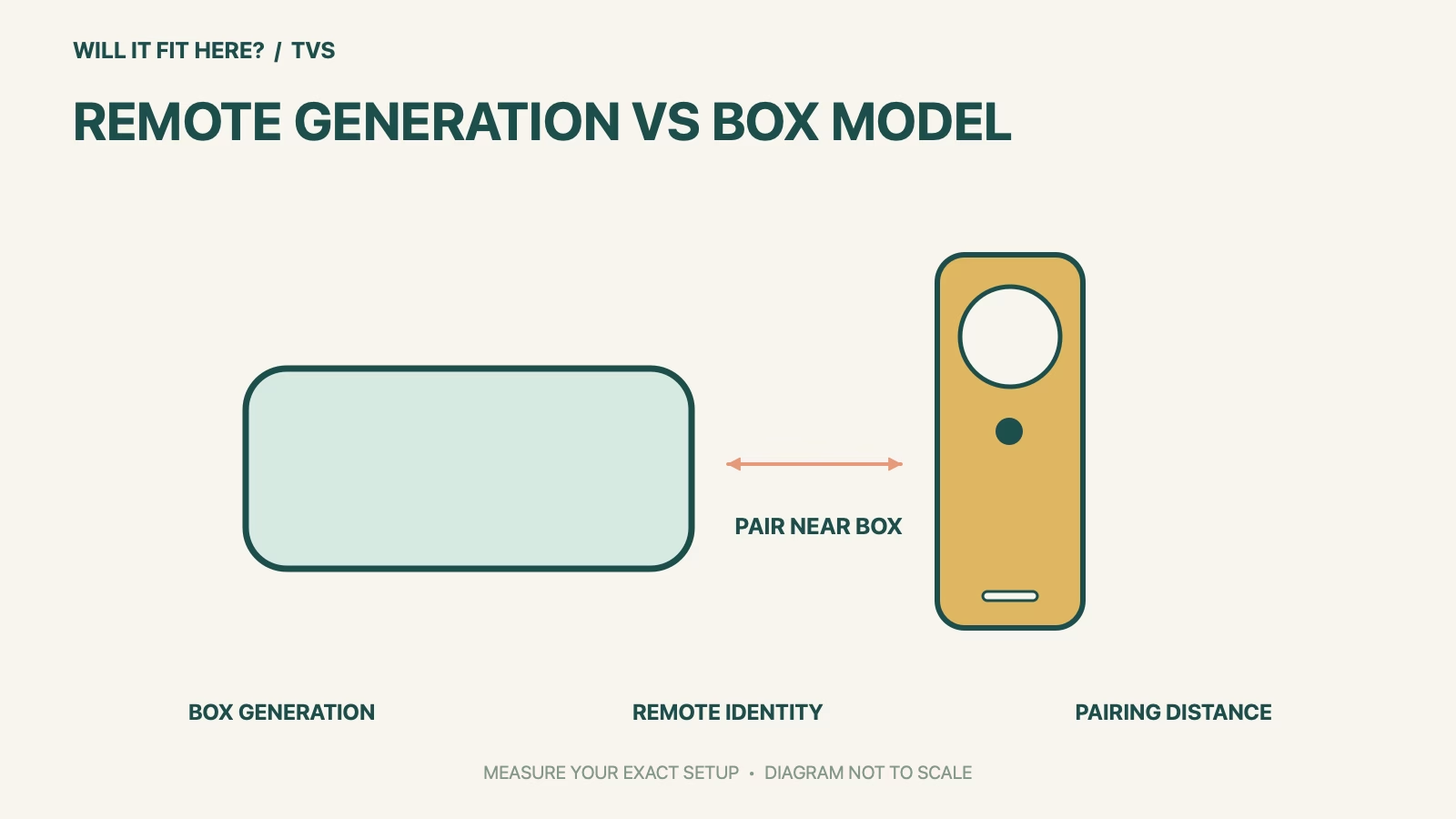
Read the Apple TV model information rather than judging the enclosure from its black finish or square shape. Write down the box generation and the remote generation as separate fields. A third-generation remote and a third-generation Apple TV are not automatically a matching pair simply because both names contain the number three. Compare the receiving box with the specific compatibility list above. If the model remains uncertain, resolve it through Apple’s identification information before purchasing a replacement based on a photograph.
2. Check charging, storage and the pairing position
Use the correct charging connection and a suitable cable and power source for the remote. If it lives in a fitted tray, sleeve or organizer, compare that opening with the actual remote, including the case and plugged-in cable where relevant. Do not infer storage fit from the remote’s bare width alone. For control setup, Apple’s current instructions start with the remote about three inches from the box and use Back or Menu together with Volume Up for five seconds. Follow any prompt to place it on the box to complete pairing.
3. Verify navigation and TV controls separately
After pairing, test directional navigation, selection, playback and the functions you regularly use. Then test television or receiver volume and power as separate tasks; successful navigation of the Apple TV interface does not establish every television-control function. Keep the front of the TV, receiver and soundbar unobstructed where the relevant control path needs it. Apple provides dedicated troubleshooting for pairing and volume issues. Use that model-specific support before concluding that a compatible remote is physically defective or buying another replacement.
Before you decide: 5 checks
- Confirm the 2022 third-generation USB-C remote identity.
- Record the Apple TV box model and compare Apple’s compatibility list.
- Check the charging cable and actual storage-slot dimensions.
- Pair close to the box using the current Apple procedure.
- Test Apple TV navigation separately from television volume and power.
Keep a short Siri Remote USB-C fit record with the exact product or service identity, the official rule you checked and the measurements from your own setup. Mark anything you could not verify as unresolved. Recheck the record if the product, accessories, route or surrounding space changes; an earlier fit result belongs to the configuration that was actually checked.
FAQ
Does Siri Remote USB-C work with Apple TV HD?
Apple’s technical specifications list Apple TV HD as compatible with this third-generation remote. Complete pairing and check the functions you need.
Will this remote make an older box output 4K?
No. Remote compatibility does not change the Apple TV box’s video hardware or the television’s capabilities.
Can a matching charging plug prove compatibility?
No. USB-C identifies the charging connection. The receiving Apple TV model still needs to be supported and paired.
Related fit guides
Continue with Hue Sync Box 8K Fit: 5 HDMI-Path Checks or browse TVs fit guides. Check each item against its own specifications; a related guide does not establish this product’s compatibility.
Official sources
- Apple Siri Remote USB-C third-generation specifications and compatibility
- Apple remote pairing and troubleshooting instructions
Sources checked 28 October 2026. Measurements and conditions are attributed above; room and packing checks are planning guidance. Recheck the current official instructions before purchase, installation or travel.


