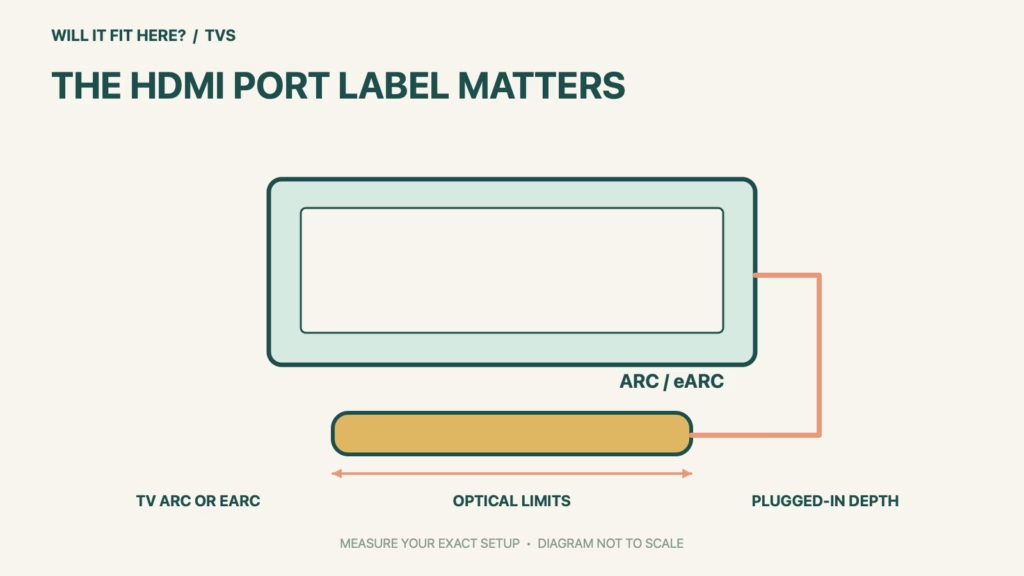
Fit verdict: Sonos Beam Gen 2 can work with a suitable TV audio output, but an ordinary HDMI socket is not enough evidence. Use the TV’s ARC or eARC port for the supported HDMI audio path, or assess the optical-adapter option with its limitations. A soundbar that fits under the screen may still lack the required connection.
This guide covers Beam (Gen 2), not Beam Ultra or a similarly sized third-party soundbar. Verify the exact TV model and current Sonos instructions. Audio format support depends on the full source-to-TV-to-soundbar chain, so a Dolby logo on one component does not establish every desired format.
Dimensions and conditions
| Check | Official reference | What to verify |
|---|---|---|
| Soundbar width and depth | 25.63 × 3.94 in / 651 × 100 mm | Add connector and placement access; these are body dimensions. |
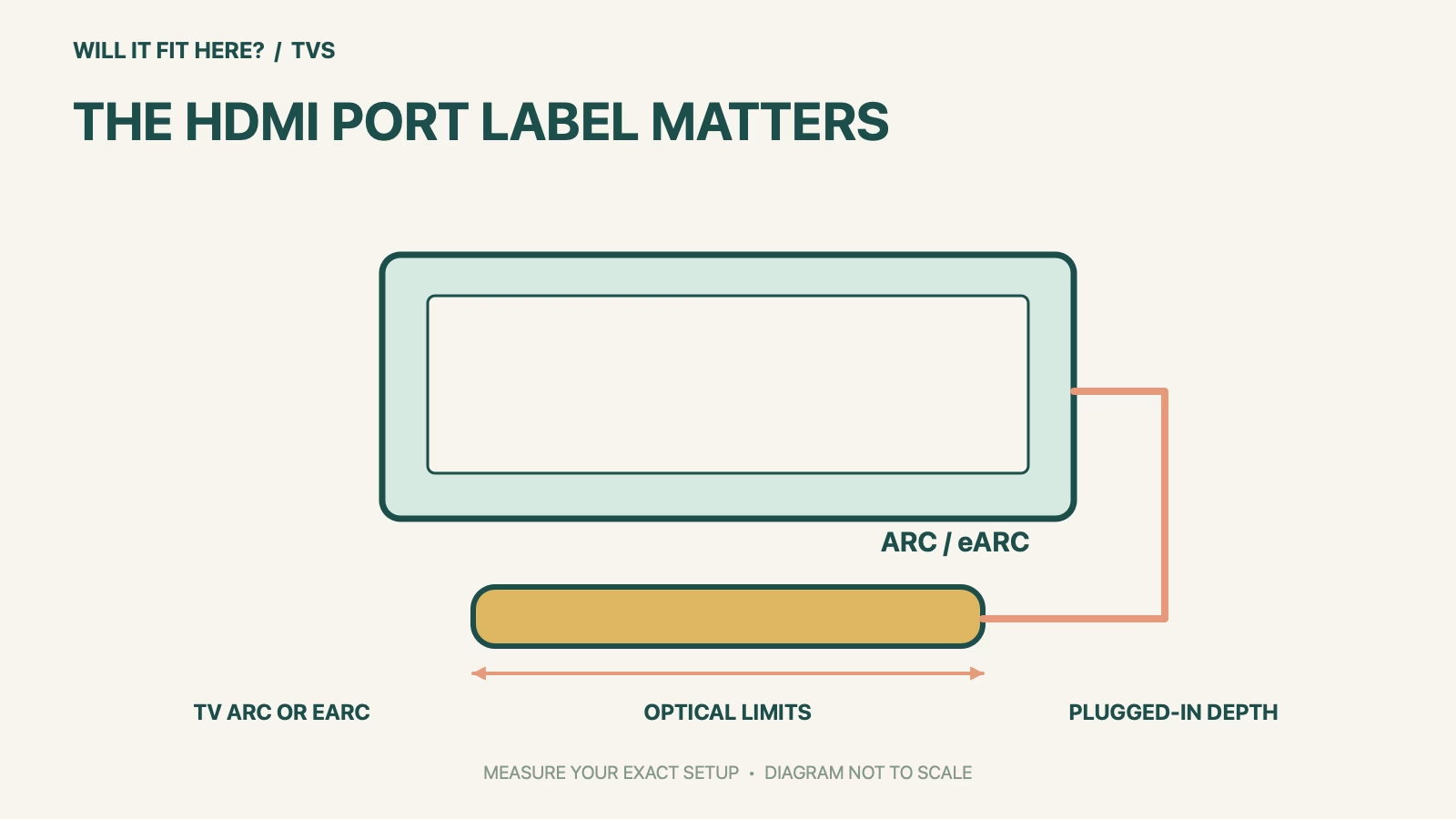
| HDMI route | TV port marked ARC or eARC | Identify the label in the exact TV manual. |
| Optical route | Digital optical output plus Sonos adapter | CEC and voice TV control are unavailable on this path. |
| Dolby Atmos | Requires supported ARC/eARC connection | Optical is not an Atmos substitute. |
| Setup app | Current Sonos app; not S1 for Gen 2 | Complete setup before expecting TV audio. |
1. Trace the Sonos Beam Gen 2 audio path
Photograph the TV’s rear and side port labels while the equipment is switched off as appropriate for handling. Locate the model-specific manual and identify the ARC or eARC socket rather than choosing the most convenient HDMI input. Draw a simple chain from each streaming box, console or disc player to the television and then to the soundbar. This separates the video source’s connection from the return-audio connection. Keep track of which ports are already occupied before deciding whether the arrangement fits your normal viewing setup.
2. Choose the connection for the features you need
An optical output can provide a supported alternative through the Sonos adapter, but it does not preserve every HDMI feature. Sonos states that CEC and supported voice control of the TV are unavailable over optical, and Atmos requires ARC or eARC. List what you actually need: basic TV sound, a particular surround format, or TV power and volume control. Check the TV and source manuals for the format they can pass through. Do not buy a generic plug adapter on the assumption that connector shape guarantees the required audio conversion.
3. Reserve physical space and setup access
Template the soundbar’s body footprint on the intended surface, then add the actual plugs and their natural cable routes. Check the TV feet, screen edge and remote-sensor position; a narrow space beneath the screen can interfere with use even when the soundbar’s width fits. Follow Sonos’s placement instructions rather than treating the body outline as an approved enclosure size. Keep the model labels and cables accessible for setup. Complete the current app procedure, then test each normal TV source because one working streaming app does not prove that a console or disc player uses the same audio format.
Before you decide: 5 checks
- Identify Beam Gen 2 and the exact television model.
- Find the TV’s labeled ARC/eARC socket or digital optical output.
- Map every source and verify the required audio formats.
- Template the 651 × 100 mm body footprint with plugged-in cables.
- Complete Sonos app setup and test each normal viewing source.
Keep a short Sonos Beam Gen 2 fit record with the exact product or service identity, the official rule you checked and the measurements from your own setup. Mark anything you could not verify as unresolved. Recheck the record if the product, accessories, route or surrounding space changes; an earlier fit result belongs to the configuration that was actually checked.
FAQ
Can Sonos Beam Gen 2 use any HDMI port?
Use the TV’s appropriate ARC/eARC audio connection. An ordinary HDMI input label does not establish a return-audio path.
Will the optical adapter keep Dolby Atmos?
No. Sonos requires HDMI ARC or eARC for Atmos on Beam Gen 2. Assess optical for its supported features instead.
Does the soundbar need only its listed body footprint?
No. Include connectors, placement instructions, TV feet, screen clearance and access for normal setup and use.
Related fit guides
Continue with Hue Sync Box 8K Fit: 5 HDMI-Path Checks or browse TVs fit guides. Check each item against its own specifications; a related guide does not establish this product’s compatibility.
Official sources
- Sonos Beam Gen 2 setup requirements
- Sonos TV ports, optical and Atmos requirements
- Sonos Beam Gen 2 official user guide and dimensions
Sources checked 28 October 2026. Measurements and conditions are attributed above; room and packing checks are planning guidance. Recheck the current official instructions before purchase, installation or travel.


