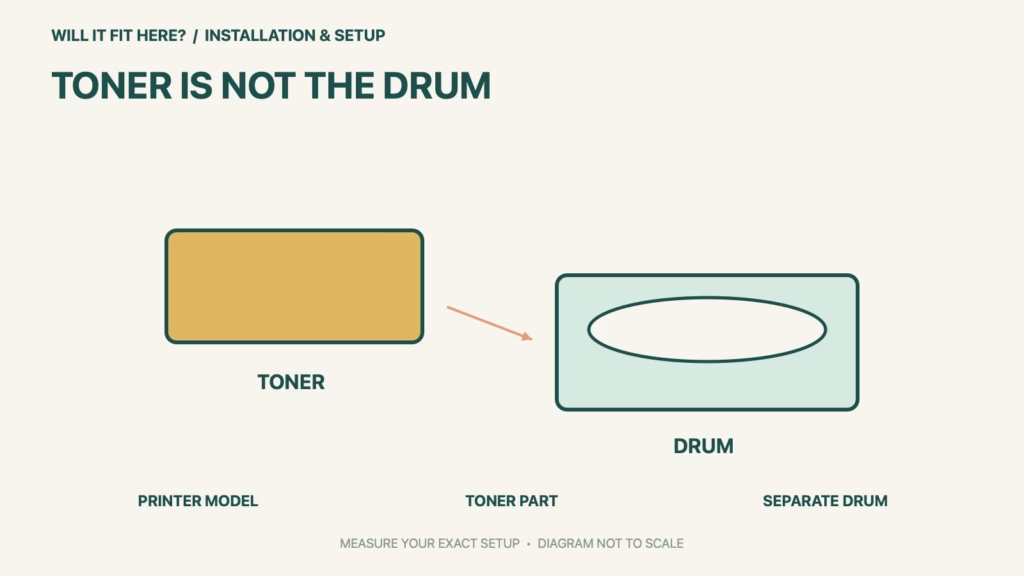
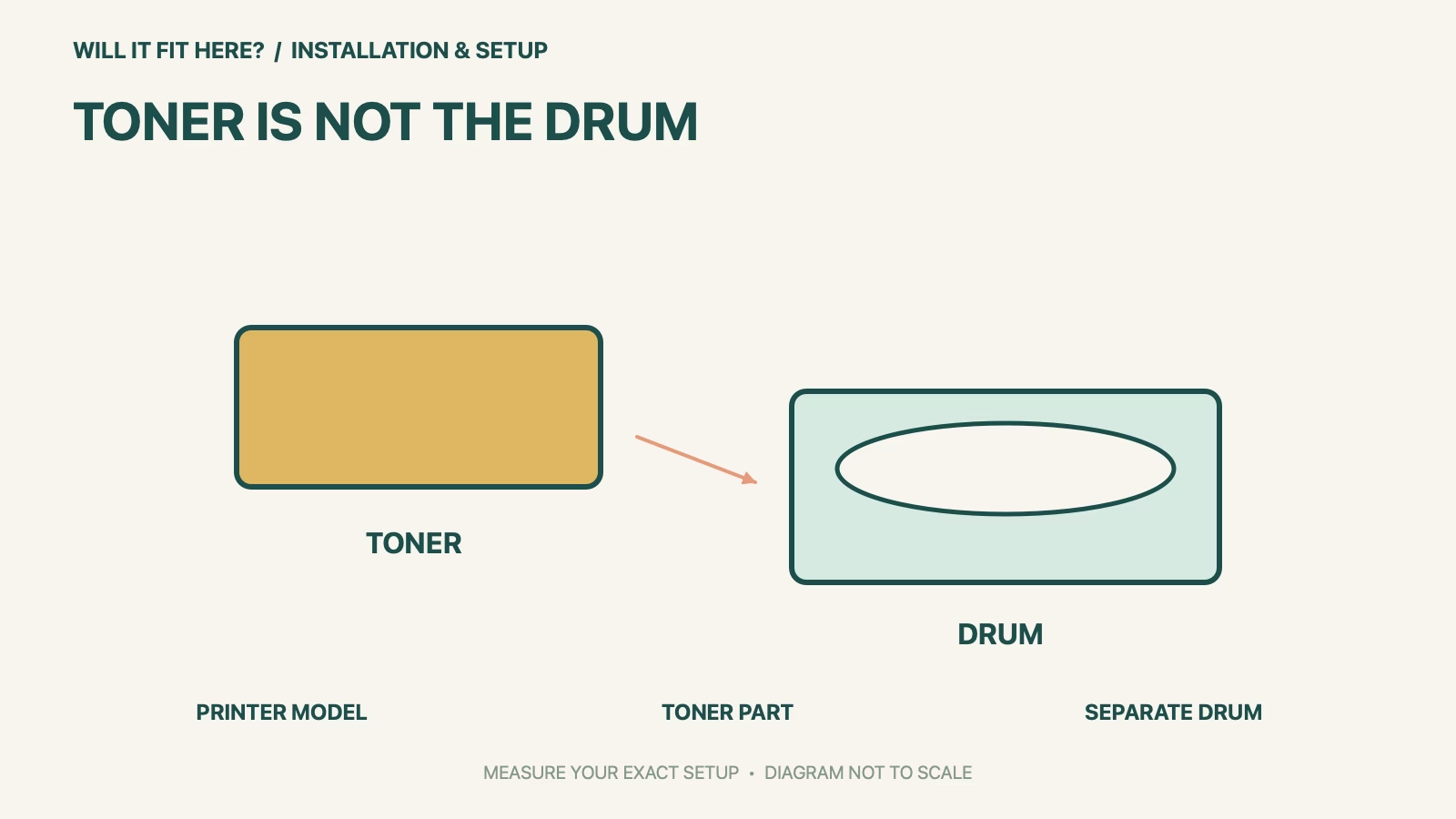
Fit verdict: Brother TN830 is a toner cartridge, while DR830 is a drum unit. They are different replaceable parts used together in supported printers. Match the exact printer model and the part named in its message before ordering; a similar cartridge shape or number is not enough.
This guide uses Brother’s US TN830 and DR830 listings. Regional supply numbers can differ even when printer names look related. It does not certify third-party cartridges, refills or a supply part from another region.
Dimensions and conditions
| Check | Official reference | What to verify |
|---|---|---|
| TN830 | Standard-yield toner cartridge | Choose toner when the relevant replacement procedure calls for toner. |
| DR830 | Separate drum unit | Not an alternative toner cartridge. |
| Example supported printer | HL-L2460DW | Appears on both cited US compatibility lists. |
| Other supported examples | DCP-L2640DW; MFC-L2820DW | Use the full current list for your exact model. |
| Look-alike older part | TN630 serves a different listed printer group | Do not substitute by matching the last digits or appearance. |
1. Match Brother TN830 to the complete printer model
Read the printer label rather than relying on a remembered family name. Copy the letters, numbers and suffix into your purchase notes, then compare that exact string with Brother’s current US compatibility list. A nearby model number is not the same model. If the printer was bought in another region, use the corresponding regional Brother support and supply listing. Keep the packaging identity available until you confirm that the replacement is the specified part.
2. Distinguish the toner cartridge from the drum assembly
The toner cartridge and drum are separate components, so a message concerning one does not automatically call for replacement of both. Read the on-screen message and the printer’s maintenance instructions before opening new supplies. The cited HL-L2460DW is an example appearing on both TN830 and DR830 lists; that means the printer uses both kinds of component, not that either one can replace the other. Follow the model’s illustrated procedure to separate and reassemble them.
3. Check the replacement procedure before fitting
Do not force a cartridge into a drum or printer that the current compatibility list does not support. Compare the replacement part number, region and protective packaging instructions, then use the exact model’s official maintenance steps. Keep hands away from surfaces the manual says not to touch and remove only the protection identified for the new part. If the printer still reports a problem, consult the matching support procedure rather than resetting unrelated counters to hide the message.
Before you decide: 5 checks
- Read the complete printer model from its label.
- Identify whether the message calls for toner or a drum.
- Compare the exact part with the current regional compatibility list.
- Follow the illustrated model-specific replacement procedure.
- Verify correct recognition and printing without bypassing an unresolved message.
Keep a short Brother TN830 fit record with the exact product or service identity, the official rule you checked and the measurements from your own setup. Mark anything you could not verify as unresolved. Recheck the record if the product, accessories, route or surrounding space changes; an earlier fit result belongs to the configuration that was actually checked.
FAQ
Can DR830 replace Brother TN830 toner?
No. DR830 is the drum unit; TN830 is the toner cartridge. They have different roles.
Can I use TN630 because the number looks similar?
Use the exact printer compatibility list. Brother lists TN630 for a different group of printers.
Should I replace the drum whenever toner runs out?
Follow the printer’s message and maintenance instructions. The parts are separate and are not interchangeable.
Related fit guides
Continue with Kohler Verdera Fit: 5 Recess-and-Door-Swing Checks or browse Installation & Setup fit guides. Check each item against its own specifications; a related guide does not establish this product’s compatibility.
Official sources
- Brother US TN830 toner compatibility list
- Brother US DR830 drum compatibility list
- Brother US TN630 comparison list
Sources checked 27 October 2026. Measurements and conditions are attributed above; room and packing checks are planning guidance. Recheck the current official instructions before purchase, installation or travel.