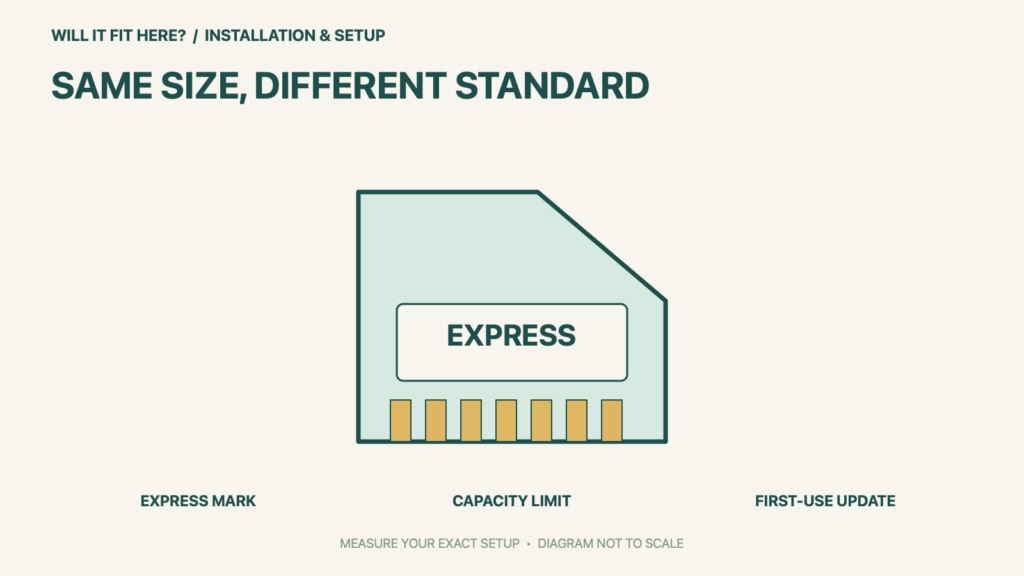
Fit verdict: Nintendo Switch 2 requires microSD Express for expandable game storage. An older microSD card can physically resemble the right card while lacking the required standard. Check the Express marking and supported capacity before buying or transferring a card.
This guide is about storage-card compatibility, not the dock or a console system transfer. Nintendo allows a limited use of older microSD cards to load screenshots and videos from Switch; that does not make them supported game-storage expansion for Switch 2.
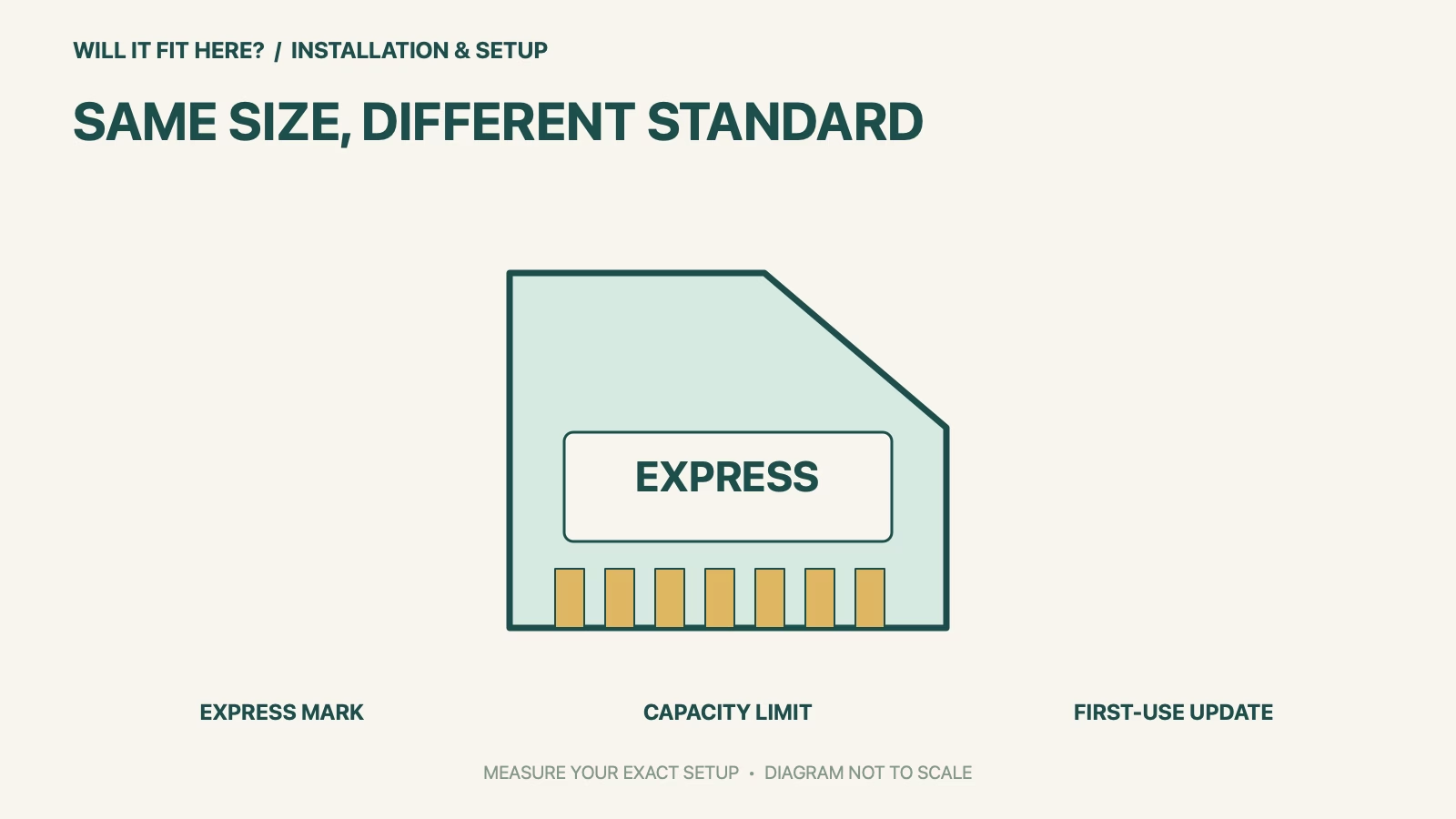
Dimensions and conditions
| Check | Official reference | What to verify |
|---|---|---|
| Required standard | microSD Express | Look for the Express identification, not only microSDXC. |
| Supported capacity | Up to 2 TB | The card must also meet the Express standard. |
| First use | Internet system update required | Follow Nintendo’s current setup instructions. |
| Older non-Express card | Not supported for Switch 2 game expansion | Physical entry into the slot is not the compatibility test. |
| Old captures | Screenshots/videos can be loaded as described by Nintendo | This is a limited transfer use, not a game-storage exception. |
1. Identify the microSD Express marking
Read the card and its packaging before inserting it. Nintendo’s compatibility page highlights the Express symbol and distinguishes these cards from ordinary microSD. A large capacity or an impressive speed claim is not a substitute for the specified interface standard. Keep the exact product description with your purchase record so that a replacement order does not silently switch to a similarly named non-Express card. Do not try to solve an interface mismatch by forcing or modifying the card.
2. Separate expansion from transferring old captures
Nintendo describes a limited ability to load screenshots and videos captured on an older Switch microSD card. That wording should not be turned into a general compatibility claim for games or save data. Decide whether your goal is storage expansion, moving captures or a console transfer, then use the corresponding official instructions. Keep any important files backed up before following a procedure that changes or formats storage; do not assume that inserting a card automatically transfers everything.
3. Check capacity and first-use setup together
Nintendo supports Express cards up to two terabytes and says an internet system update is required the first time one is used. Plan that setup before relying on the card away from a connection. Follow the console’s prompts and official instructions for insertion and management. If a supported card is not recognized, use Nintendo’s troubleshooting rather than repeatedly removing it during activity. Matching the label is the purchase check; correct setup and recognition are the operational checks.
Before you decide: 5 checks
- Confirm the console is Nintendo Switch 2.
- Find the microSD Express identification on the exact card.
- Check that the capacity is within the supported maximum.
- Plan the required first-use system update.
- Use the appropriate official workflow for expansion or old captures.
Keep a short microSD Express fit record with the exact product or service identity, the official rule you checked and the measurements from your own setup. Mark anything you could not verify as unresolved. Recheck the record if the product, accessories, route or surrounding space changes; an earlier fit result belongs to the configuration that was actually checked.
FAQ
Will my old Switch card work without microSD Express?
Only if it also meets the microSD Express standard. Ordinary older cards are not supported for that expansion use.
Does a 2 TB label prove compatibility?
No. Capacity and the Express standard are separate conditions.
Can an old card ever be read?
Nintendo describes loading old Switch screenshots and videos, which is distinct from game-storage expansion.
Related fit guides
Continue with Kohler Verdera Fit: 5 Recess-and-Door-Swing Checks or browse Installation & Setup fit guides. Check each item against its own specifications; a related guide does not establish this product’s compatibility.
Official sources
Sources checked 27 October 2026. Measurements and conditions are attributed above; room and packing checks are planning guidance. Recheck the current official instructions before purchase, installation or travel.