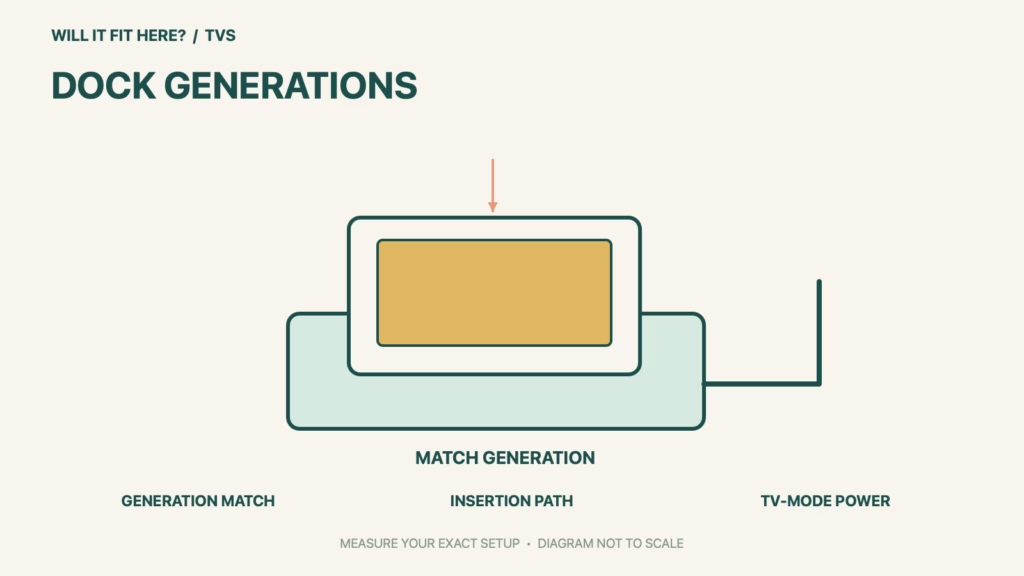
Fit verdict: An original Nintendo Switch dock does not work with Nintendo Switch 2. A console that appears close in size still needs the correct dock, power equipment and HDMI path. Start with generation compatibility before measuring the TV cabinet.
This guide compares original Switch equipment with the Nintendo Switch 2 dock. It does not certify third-party docks. Nintendo lists several original accessories separately; one compatible controller does not make an old dock compatible.
Dimensions and conditions
| Check | Official reference | What to verify |
|---|---|---|
| Old Nintendo Switch dock | Not compatible with Switch 2 | Do not force the console into an old cradle. |
| Correct TV-mode dock | Nintendo Switch 2 dock | Identify the dock, not only the console. |
| Old Switch AC adapter | Can charge console; insufficient for TV mode | Charging is not proof of docked-output compatibility. |
| HDMI cable | Use the supplied Ultra High Speed HDMI cable | Old bundled cable has a different standard. |
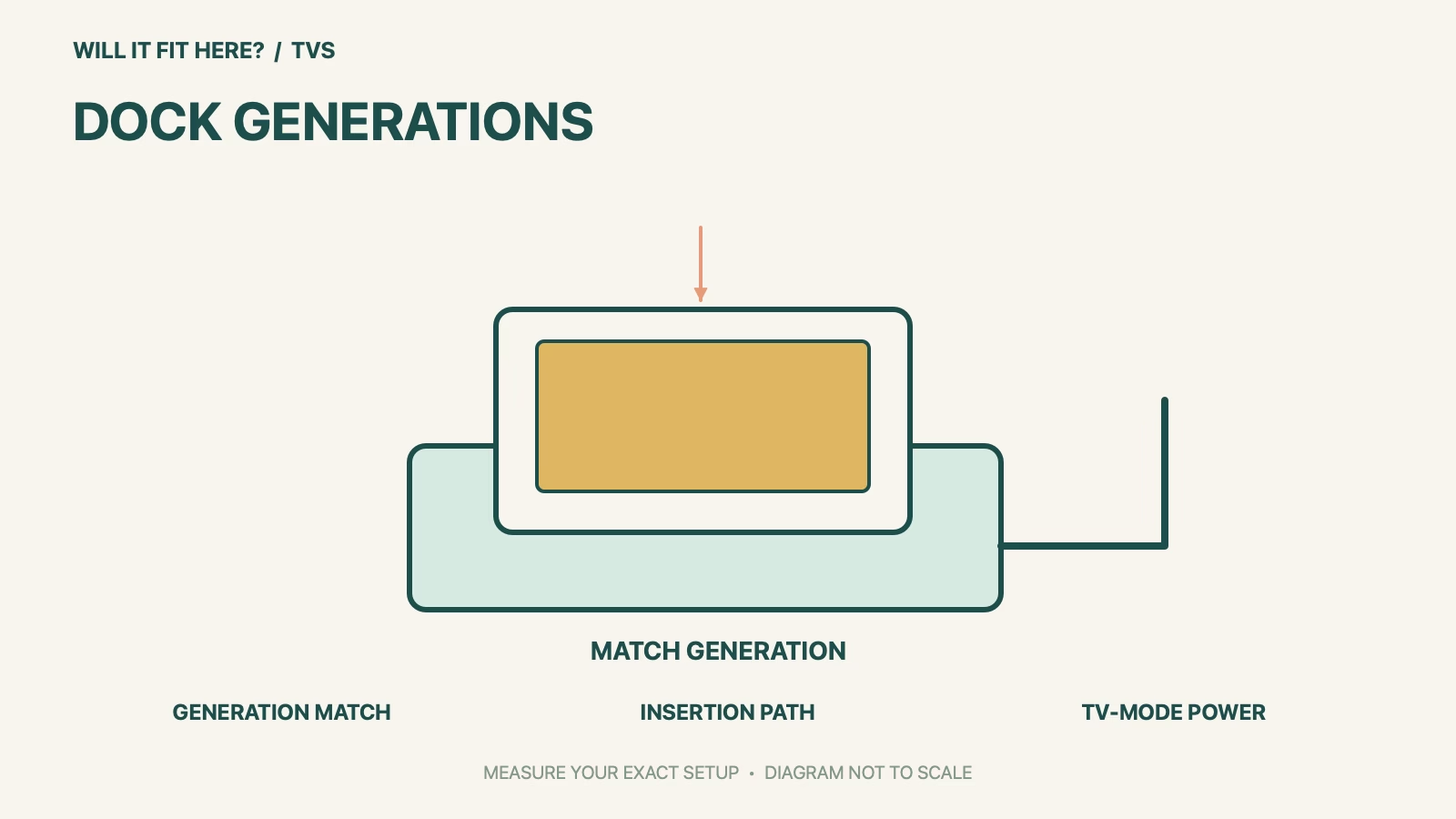
| Cabinet space | Measure complete dock with connectors and console | Allow insertion and cable access without blocking ventilation. |
1. Identify the Nintendo Switch 2 dock and its power parts
Read the labels before moving equipment between rooms. Nintendo explicitly marks the original Switch dock as incompatible with Switch 2. Its compatibility page also distinguishes charging a console from supplying enough power for TV mode. Keep the new dock, its adapter and the appropriate cable together as a set. A USB-C plug that enters the socket does not prove the adapter supports the required docked operation.
2. Measure the insertion path in the cabinet
A dock parked on a shelf needs room for the console to enter and leave it. Measure with the shelf above, TV supports and cabinet doors in their normal positions. Use your actual console and dock for a careful unpowered trial, following Nintendo’s handling instructions. Avoid a position that requires scraping the screen against furniture or pulling connectors sideways every time. The usable opening is the narrowest part along the complete movement.
3. Check the whole display connection
Follow Nintendo’s TV-mode instructions rather than substituting old parts until an image appears. Confirm the HDMI input on the TV and use the supplied Ultra High Speed cable to support the intended performance. If an AV receiver or switch sits in the path, check that device independently for the video mode you want. A picture at one resolution is not a blanket test of every refresh rate, HDR setting or intermediate accessory.
Before you decide: 5 checks
- Separate the old and new dock generations by their labels.
- Keep the Switch 2 dock and specified power equipment together.
- Measure the cabinet with the console inserted and cables connected.
- Check the vertical insertion and removal movement.
- Test the intended TV input and display mode after correct setup.
Keep a short Nintendo Switch 2 dock fit record with the exact product or service identity, the official rule you checked and the measurements from your own setup. Mark anything you could not verify as unresolved. Recheck the record if the product, accessories, route or surrounding space changes; an earlier fit result belongs to the configuration that was actually checked.
FAQ
Can the old dock replace a Nintendo Switch 2 dock?
Nintendo says the original dock is not compatible. Physical connector appearance does not change that.
Can I keep the old AC adapter?
Nintendo distinguishes console charging from TV mode; it says the old adapter’s output is insufficient for TV mode.
Does the old HDMI cable prove the new setup is fully supported?
No. Nintendo recommends the supplied Ultra High Speed HDMI cable for Switch 2 performance.
Related fit guides
Continue with Sonos Era 300 Fit: 5 Open-Shelf Placement Checks or browse TVs fit guides. Check each item against its own specifications; a related guide does not establish this product’s compatibility.
Official sources
Sources checked 27 October 2026. Measurements and conditions are attributed above; room and packing checks are planning guidance. Recheck the current official instructions before purchase, installation or travel.


