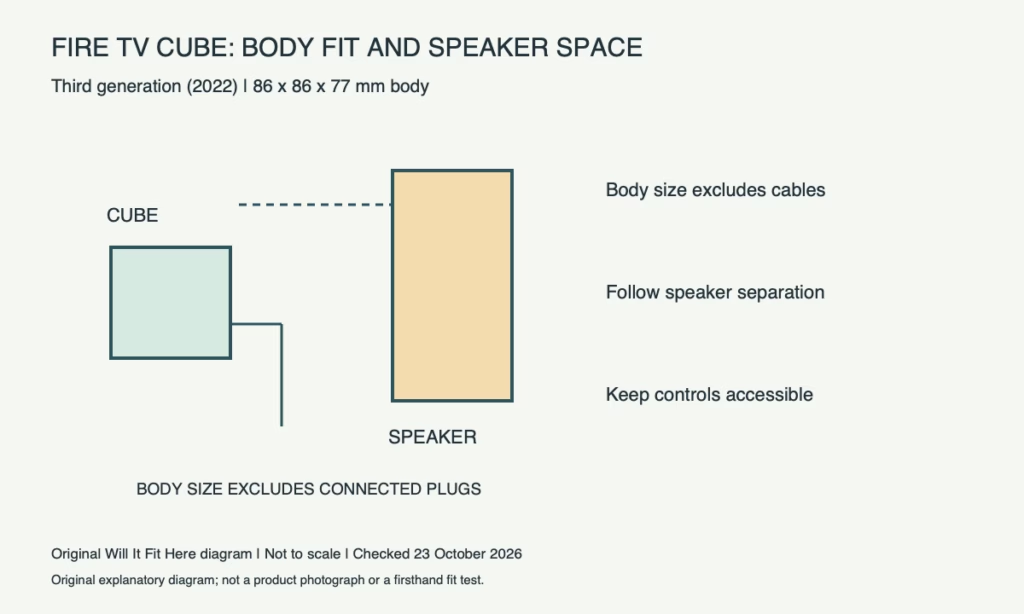
Result — Conditional. A third-generation Fire TV Cube has an 86 × 86 × 77 mm body, but its recommended setup is larger than that small outline. Amazon’s setup guidance places it about one foot from speakers with the ports facing away from you. Check usable shelf space, voice access and the connected cable envelope together.
1. Identify your Fire TV Cube generation
This guide concerns the third-generation model released in 2022, identified as AFTGAZL in Amazon’s developer specifications. Earlier generations have different connectivity, so do not use a photograph of an old unit to plan a new installation. Read the actual model identification and use the corresponding setup guide. The 86 × 86 × 77 mm body measurement comes from Amazon’s current third-generation retail specification; the supplied accessories and inserted plugs occupy additional space.
2. Dimensions: mark body space and rear connections
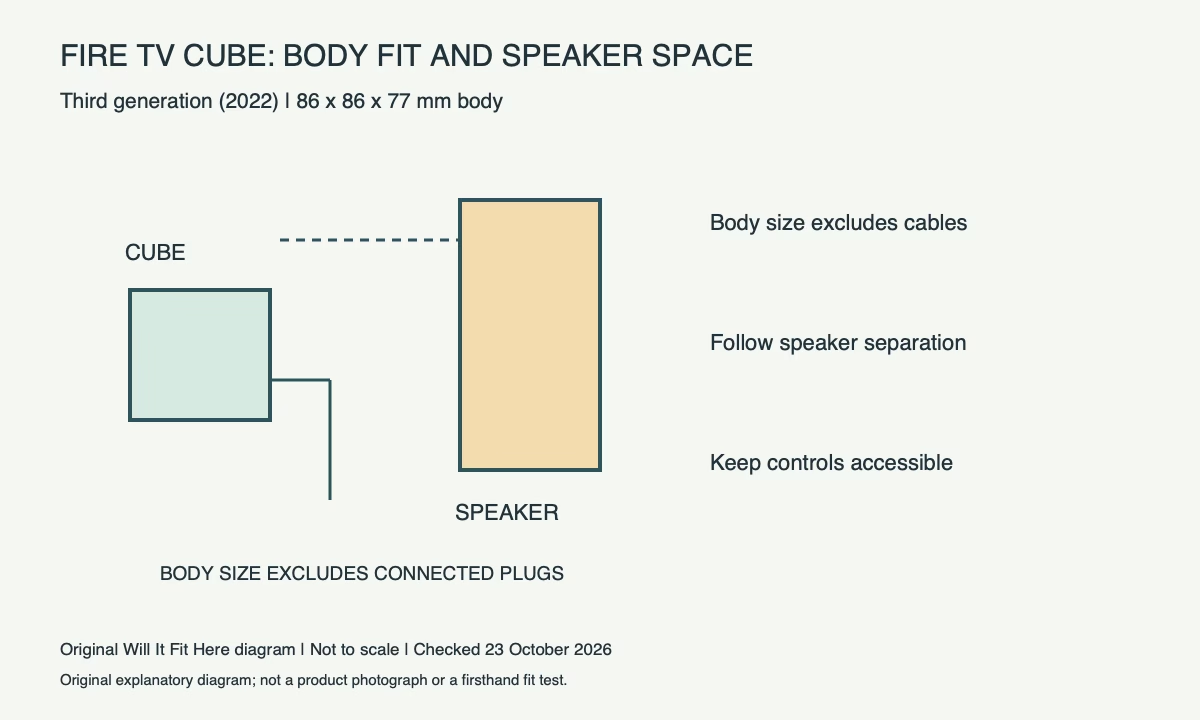
Draw the 86 mm square footprint on a shelf plan and mark the 77 mm body height. Then draw the connectors and the cable routes you actually need, keeping input and output connections identifiable. A shelf with only 86 mm usable depth does not establish room for a connected 86 mm-deep device. Check a raised rear lip, decorative trim and any wall behind the shelf. Use the real plug dimensions or a light mock-up rather than assigning a universal bend allowance.
| Check | Reference / action |
|---|---|
| Check | Reference or action |
| Scope | Fire TV Cube, 3rd generation, 2022 |
| Body outline | 86 × 86 × 77 mm |
| Speaker placement | Dedicated setup: 1 ft / about 30 cm away |
| Cable space | Measure connected plugs and their natural routes |
| Access | Top controls, voice use and rear connections |
3. Account for the nearby speaker
Amazon’s dedicated setup page says to place the Cube one foot, or about 30 cm, from speakers. Some retail setup text expresses the recommendation as one to two feet. Plan from the matching instructions supplied for your device and avoid positioning it hard against a soundbar simply because the body fits. One foot converts exactly to 304.8 mm. Treat this as the maker’s placement guidance, distinct from the small footprint and from the TV’s own ventilation instructions.
4. Check the intended voice and control arrangement
Place the ports towards the rear as directed and think about where the device will sit relative to the people using it. A closed drawer can change the practical voice-control arrangement and access to the top controls even if its interior dimensions look generous. Follow Amazon’s setup instructions for controlling your particular television, soundbar or receiver. Physical proximity alone does not establish compatibility with every control method or every AV component. Test the normal commands from the viewing position before finalizing the layout.
5. Test the complete shelf before tidying cables
Connect the permitted power and AV arrangement, confirm the right television input and check that no plug carries the weight of a hanging cable. Inspect the shelf again with the TV and soundbar in their normal positions. Leave access to the device’s buttons and connectors for ordinary troubleshooting. If the arrangement works only while a cabinet door is propped open or a cable is sharply folded, revise the layout before treating it as a completed fit. Recheck after adding another connected device.
Before you decide
- Identify the third-generation model and matching guide.
- Allow for the body and every connected rear plug.
- Check the speaker separation guidance in the actual layout.
- Test voice/control operation before final cable tidying.
FAQ
Does the 77 mm height describe the whole shelf requirement?
No. It is the body height. Connections, access, placement guidance and the surrounding equipment still matter.
Can the HDMI input and output be treated as interchangeable?
No. Identify the ports and use the intended signal path in the setup instructions.
Official sources and scope
Checked on 23 October 2026. These references apply to the identified product, version and region. Follow its matching current instructions. Any worked measurement example is hypothetical.


