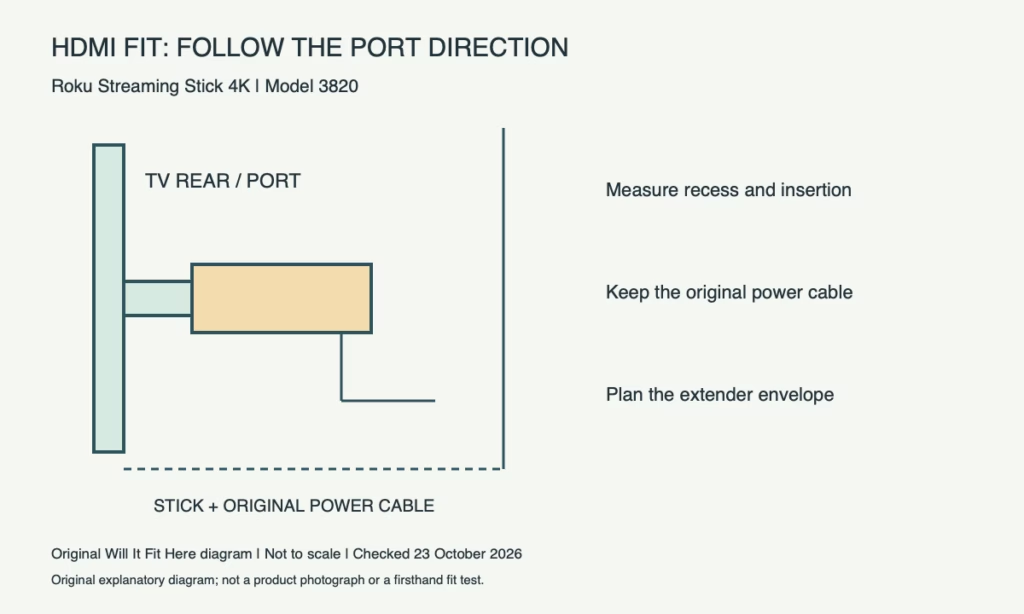
Result — Conditional. Roku Streaming Stick 4K model 3820 needs a usable HDMI connection and space for its original power cable. If the stick cannot fit at the TV port, Roku identifies an HDMI extender as the solution. Do not push the TV against the device or replace the special power cable just to make a tight installation close.
1. Identify the Roku Streaming Stick 4K model
This guide follows Roku’s current setup instructions for model 3820. It is distinct from the Streaming Stick, Streaming Stick Plus and older similarly named products. Check the device label and matching guide before relying on a measurement or cable arrangement. A slim player advertised as fitting behind a TV can still meet a problem specific to your recessed port, neighbouring connector or wall-mount bracket. Record which HDMI socket you intend to use before planning the cable route.
2. Dimensions: measure along the port direction
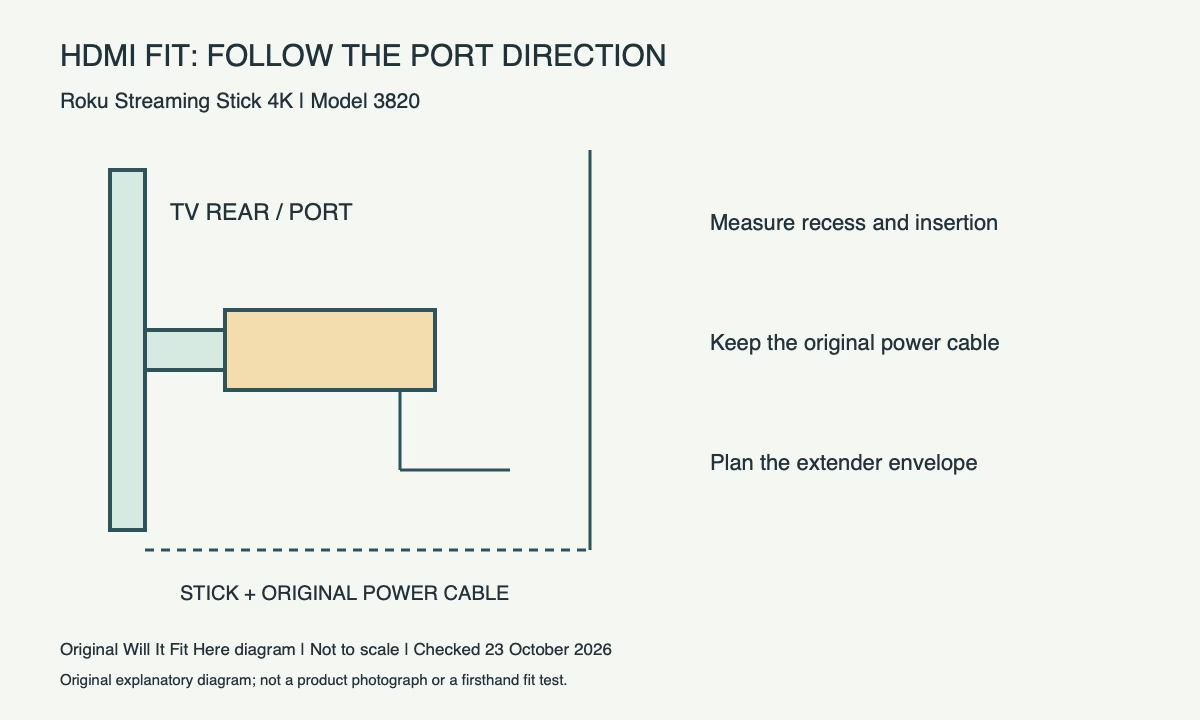
Find whether the chosen port faces sideways, backwards or downwards. The important gap follows the inserted device in that direction; the distance from the front of the screen to the wall is not the same measurement. Measure the recess opening and nearby obstructions as well as the available straight space. A cardboard outline based on your actual device can help plan insertion. Use it as a geometry check only, keeping paper clear of operating equipment and removing it before use.
| Check | Reference / action |
|---|---|
| Check | Measure or confirm |
| Model scope | 3820; not every Roku stick generation |
| TV connection | Available HDMI socket and insertion direction |
| Physical envelope | Actual stick, recess, adjacent plugs and mount movement |
| Power route | Original cable/receiver and suitable power source |
| Tight-space option | Roku’s official HDMI extender request |
3. Check neighbouring plugs and mount movement
Inspect the complete row of ports with every cable you plan to leave connected. An HDMI plug on one side and a power connector on another can change the insertion path even when the empty socket appears accessible. If the TV mount swivels or retracts, check the cables throughout the intended movement. The most distant wall position is not necessarily the tightest point. Support the television and follow its installation instructions before reaching behind it; avoid pulling on connectors to gain access.
4. Include the original power-cable receiver
Roku says model 3820’s supplied USB power cable contains its long-range Wi-Fi receiver. Replacing it with a shorter generic cable is therefore not a simple space-saving equivalent. Route the original cable so its connectors can sit normally and the TV cannot trap it when returned to position. The maker recommends the supplied wall adapter; some TV USB ports provide insufficient power. Record a practical route to the power source as part of the fit decision, instead of stopping after HDMI insertion.
5. Use the official extender route for a tight port
Roku’s setup page directs users to request its free HDMI extender when the player will not fit. Check the current request form and regional availability yourself before assuming delivery timing. An extender changes the geometry: you now need room for its TV-end plug, flexible cable and the relocated stick. Plan all three, then confirm normal operation before pushing the television back. Do not force an angled connector, sharply fold a cable or use the device as a spacer against the wall.
Before you decide
- Identify model 3820 and its original cable.
- Measure along the selected HDMI port’s direction.
- Check neighbouring plugs and the mount’s full motion.
- Confirm power and test the extender arrangement if needed.
FAQ
Does any USB cable work if its plug fits?
Roku instructs owners of model 3820 to use the supplied cable because the Wi-Fi receiver is built into it.
Will a wall gap equal to the stick’s thickness be enough?
Not necessarily. Port orientation, insertion length, cable connectors and mount movement determine the useful space.
Official sources and scope
Checked on 23 October 2026. These references apply to the identified product, version and region. Follow its matching current instructions. Any worked measurement example is hypothetical.


