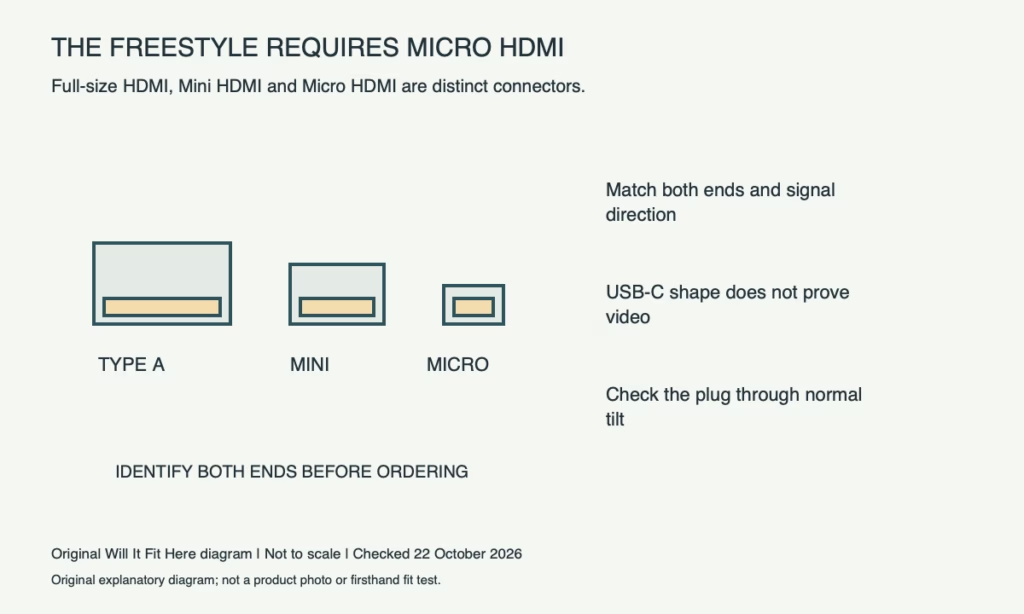
Result — Conditional. The Freestyle requires a Micro HDMI connection at the projector. A full-size HDMI or Mini HDMI plug will not directly fit that port. Match the source’s output and the cable’s two ends, then check signal direction, power and connector clearance.
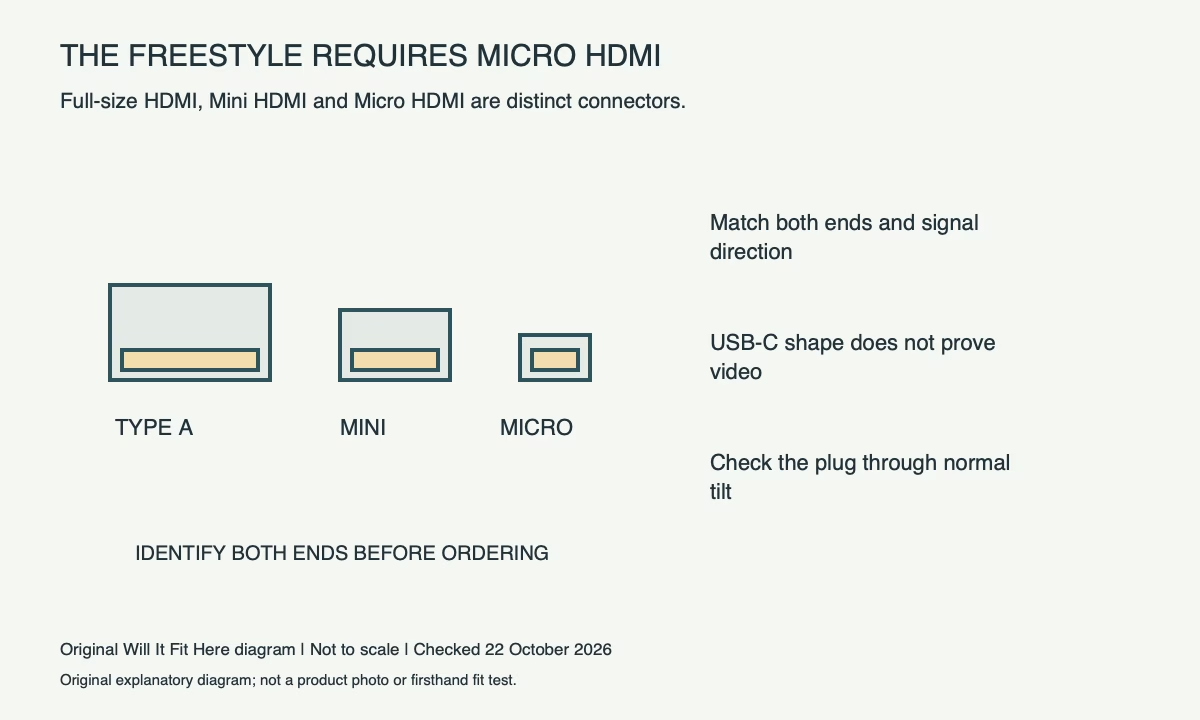
Micro and Mini are different connectors
Samsung’s US connection guide explicitly distinguishes Micro HDMI from Mini HDMI and specifies Micro HDMI for The Freestyle. A listing that says only “small HDMI” is insufficient. Read the connector type at each end of the cable, and compare it with the labelled ports on both devices.
A normal game console or Blu-ray player commonly uses a full-size HDMI output, but inspect the exact source rather than assuming. For the route described by Samsung, the source’s HDMI output connects to the projector’s Micro HDMI port. A cable with two full-size ends does not become suitable because its signal supports the right resolution.
| Cable or port found | Physical result at The Freestyle | Next check |
|---|---|---|
| Full-size HDMI plug | Does not directly fit the Micro HDMI port | Choose the correct projector end |
| Mini HDMI plug | Different from Micro HDMI | Do not force or trim it |
| Micro HDMI plug | Correct stated projector connector type | Confirm other end, signal and cable routing |
| USB-C on a source | Shape alone does not establish video output | Check the source manual and conversion direction |
Trace the complete video path
Write down source output → cable or supported adapter → projector Micro HDMI. Adapter direction matters: a product intended to take HDMI into a different device is not automatically usable in reverse. Confirm the source can produce the intended video signal and that the cable or adapter supports the required mode.
Samsung mentions Micro HDMI-to-USB Type-C arrangements while directing users to their external device’s manual. This does not mean every USB-C phone or laptop supplies video through any USB-C cable. Check that source’s documented display-output support and the exact adapter’s intended direction before ordering.
Power is a separate connection
Use the power supply and cable specified for your exact Freestyle model and region. Samsung’s setup guidance identifies the projector’s USB-C power connection separately from the external-video Micro HDMI route. Do not assume the projector will receive a direct video image merely because a USB-C cable physically connects two sockets.
Read the model code, generation and local power instructions when using an accessory battery. Avoid copying a wattage from a different regional product page. An adapter that powers a phone is not automatically the specified power source for the projector.
Dimensions: check the plug while the projector tilts
The useful local measurement is the connected plug envelope, not a guessed port width. With power disconnected as instructed, inspect the Micro HDMI opening and any surrounding case edge. Once the correct cable is connected, check the normal tilt range without letting the cable support the projector’s weight or press against a nearby wall.
Measure the moulded connector and naturally routed lead in the intended viewing position. A rigid right-angle adapter can point into a bracket or change the permitted movement, even though its connector type is correct. Keep connections accessible and follow the device instructions when attaching or removing them.
If the plug resists normal insertion, stop and identify it again. Similar-looking Mini and Micro plugs are not made compatible by force.
Before you decide
- Read the exact Freestyle model code and source output label.
- Choose a Micro HDMI projector end, not Mini or full-size.
- Verify USB-C source video support and adapter direction when relevant.
- Check specified power and the connected cable through normal tilt movement.
FAQ
Can a Mini HDMI cable replace Micro HDMI?
No. Samsung identifies them as different connectors and requires Micro HDMI at The Freestyle.
Will any USB-C phone cable carry video to the projector?
No. Physical USB-C compatibility does not prove video-output support or the correct conversion path.
Official sources and scope
Specifications and guidance checked on 22 October 2026. The named model and region control; follow the matching current instructions for your product. Worked examples are identified as hypothetical.
- Samsung US: connect external devices to The Freestyle
- Samsung US: start using The Freestyle and its power connection


