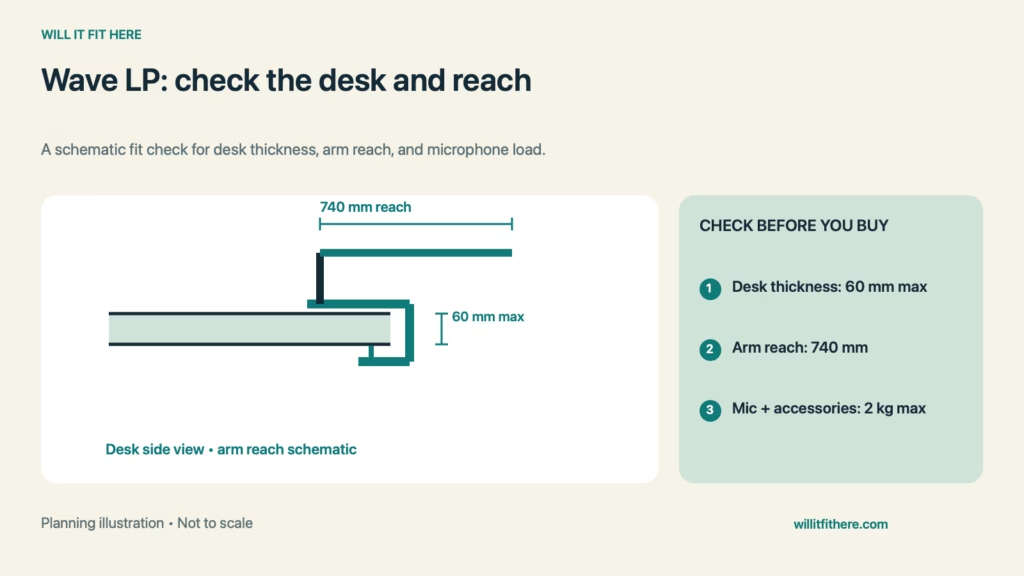
Wave LP Clamp Fit starts with the thickness of your actual mounting edge, not the desk’s advertised top thickness. Elgato’s Wave Mic Arm LP accepts a desk clamp opening up to 60 mm, but an apron, bevel, or cable tray can prevent the padded faces from seating properly. Measure the complete installation before ordering.
Fit verdict: The arm is a candidate when the mounting edge is within the stated opening, the desk construction supports a clamp, and the microphone can reach its working position without collisions. A thickness pass alone does not establish secure mounting or comfortable use.
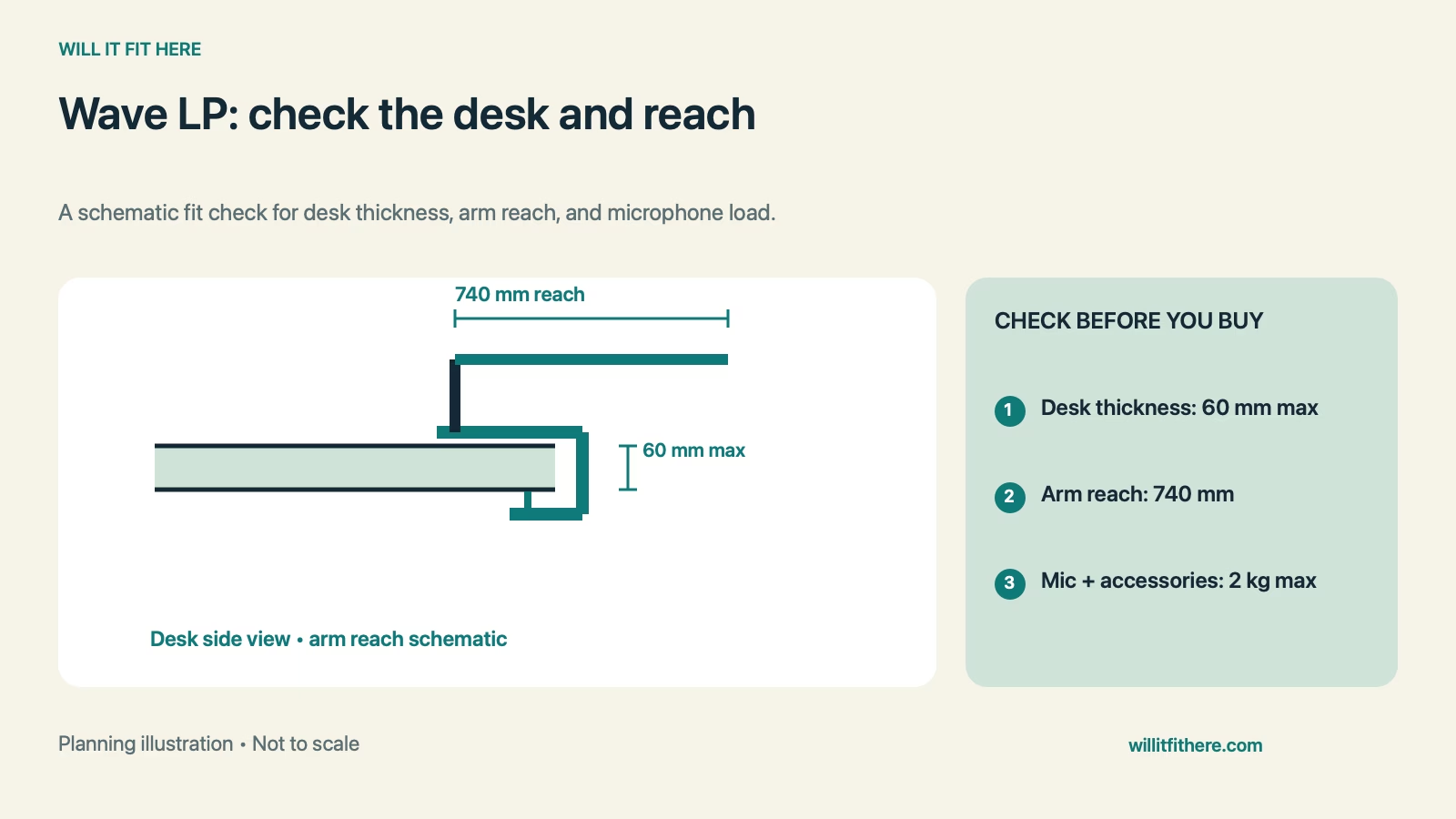
Wave LP Clamp Fit: reference dimensions
| Official specification | Value | What to compare |
|---|---|---|
| Desk clamp opening | Up to 60 mm / 2.4 in | Complete mounting thickness |
| Horizontal reach | 740 mm / 29.1 in | Clamp-to-microphone route |
| Lower arm clearance | 70 mm / 2.8 in | Objects beneath the lower arm |
| Upper arm clearance | 160 mm / 6.3 in | Objects beneath the upper arm |
| Maximum load | 2 kg / 4.4 lb | Microphone plus accessories |
These are product specifications, not a promise that every desk under the thickness limit is suitable. The published clearances also should not be mistaken for the complete arm’s height above the desktop.
1. Measure where the clamp will actually sit
Use a ruler across the intended edge and inspect its underside. A decorative lip or metal frame may make that location thicker than the main desktop. Check the whole pad contact area rather than one convenient point near the corner.
For a hypothetical Wave LP Clamp Fit comparison, a 55 mm mounting section is within the published opening, while a 63 mm section exceeds it. That arithmetic does not certify the 55 mm desk’s material or strength. Ask the desk manufacturer about clamping if the construction is uncertain.
2. Check the edge shape and tightening access
A rounded or heavily chamfered edge may leave too little flat contact. Look for obstructions below the top and space to operate the tightening mechanism. Do this with the desk in its normal position against the wall.
Elgato’s setup guide explains how its ratchet can be repositioned where a full handle rotation is unavailable. That feature helps with adjustment; it does not make a blocked clamp or unsuitable surface usable. Avoid treating a visible gap as evidence of proper seating.
3. Map the microphone’s working and parked positions
Mark the proposed clamp position with removable tape, then measure toward where the microphone needs to sit when you are seated naturally. Compare that route with the stated horizontal reach. Include the microphone’s own body and mount orientation when judging comfort.
Wave LP Clamp Fit also involves movement. Sketch the path from parked to speaking position and identify the monitor, speaker, lamp, and keyboard as obstacles. A reachable endpoint is not enough if the arm must pass through a monitor stand to get there.
4. Count every supported accessory
Weigh the microphone together with its shock mount, pop filter, and adapters that the arm must carry. Compare the combined total with the load limit. Do not use a microphone-only shipping specification if your actual assembly includes other parts.
The supplied thread adapters accommodate different mounting interfaces, but inspect your microphone mount before assembly. A thread that begins to engage is not proof of the correct interface. Follow the instructions for the exact arm revision and mounting hardware.
5. Leave the cable free to move
Route the microphone cable through the intended path and check every position before securing it neatly. A taut cable can restrict travel even when the arm itself clears everything. Keep plugs accessible so removal does not require pulling on the cable.
Finish your Wave LP Clamp Fit assessment by returning the arm to its parked position. Check that the cable is not pinched and that you can still operate nearby drawers, controls, and desk accessories.
Before-you-install checklist
- Measure mounting-edge thickness, including trim.
- Confirm suitable desk construction and flat pad contact.
- Check tightening access below the desktop.
- Compare loaded microphone weight and required reach.
- Test the planned movement and cable route.
FAQ
Does a 60 mm desk automatically pass?
No. Wave LP Clamp Fit still depends on edge shape, contact, structure, and access at that location.
Is 740 mm a guaranteed usable reach in my setup?
It is the stated horizontal reach. Your microphone orientation and obstacles can reduce useful positioning options.
Can I use the arm specifications for another Elgato model?
No. Check the exact model. Wave LP Clamp Fit figures here apply to the Wave Mic Arm LP.
Related fit checks
Compare mounting approaches in our Ergotron LX desk clamp guide. For another edge-mounted accessory, see the RANARP shelf clamp guide.
Official sources
Checked November 5, 2026: Elgato specifications and Elgato first-time setup. This is a measurement-planning guide, not a firsthand installation test.