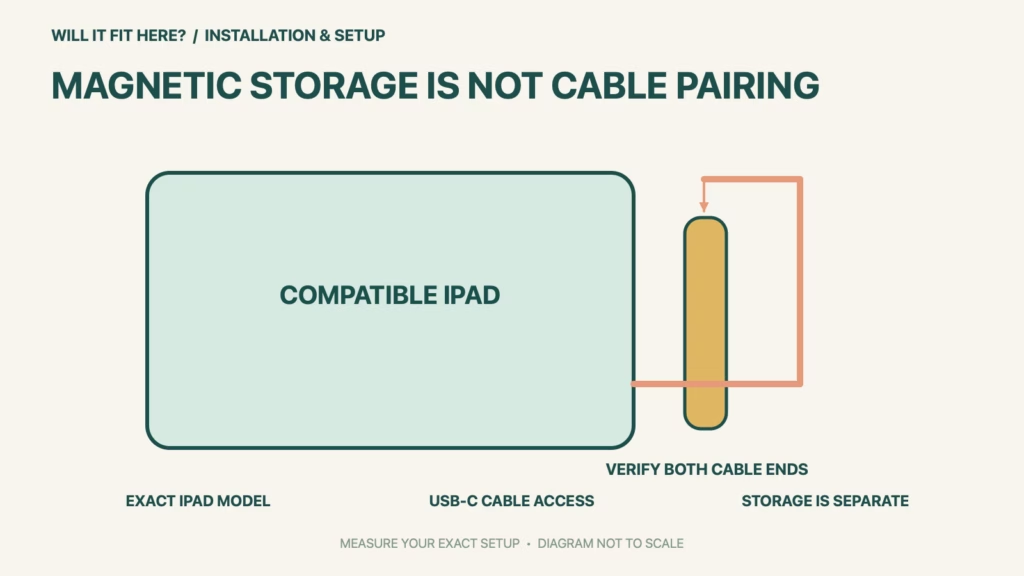
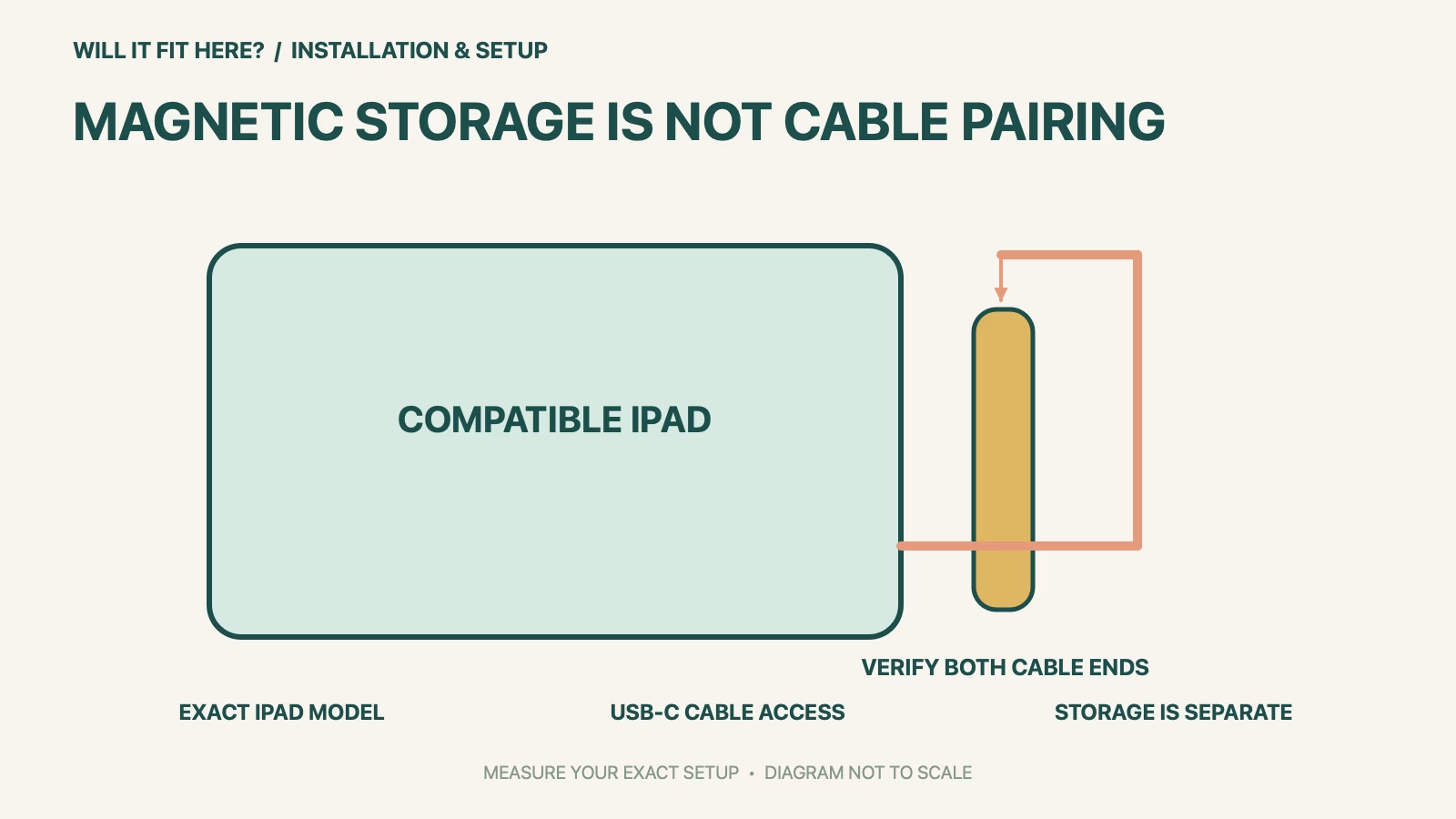
Fit verdict: Apple Pencil USB-C works only with the models in Apple’s current compatibility list, and its iPad use requires iPadOS 17.1.1 or later. It pairs and charges through a USB-C Charge Cable. Magnetic attachment to an iPad is described as storage, so a stylus sticking to the side does not establish a working pairing or charging arrangement.
Apple names this model Apple Pencil (USB-C), separate from Apple Pencil Pro and the first- and second-generation models. This guide focuses on compatible iPads and the physical cable/case setup. Current listed examples include iPad (A16), iPad (10th generation) and iPad mini (6th generation); consult the full live list for every other exact model.
Dimensions and conditions
| Check | Official reference | What to verify |
|---|---|---|
| Exact stylus | Apple Pencil (USB-C) | Do not substitute a different Pencil generation. |
| iPad software | iPadOS 17.1.1 or later | Also confirm the exact iPad model. |
| Pairing and charging | USB-C Charge Cable | Plan access at both cable ends. |
| Magnetic attachment | Storage as described by Apple | Do not treat it as proof of charging. |
| Pencil body reference | 155 mm long; 8.9 mm diameter | Check the actual holder, cap and connector access. |
1. Identify the Apple Pencil USB-C and iPad models
Read the iPad’s model information and compare it with Apple’s current compatibility table before buying a stylus or case. Screen size alone is not enough, because several iPad generations can have similar dimensions while supporting different Pencil models. Record the stylus name exactly as well. If a second-hand listing only says Apple Pencil, ask for a clear model identity before deciding it matches. Keep compatibility and software as separate checks so that a supported hardware name is not mistaken for confirmation that the device is ready to pair.
2. Plan cable access through the real case
Check the intended USB-C cable against the actual openings in the iPad case and the Pencil’s sliding-cap connection area. A case can leave a port visible while still restricting a wider connector housing or the movement needed to use it. Do not infer usable access from the connector standard alone. Measure and inspect the actual cable ends you intend to use, keeping them free of pressure from the edge of a shelf or bag. If access is obstructed, use an explicitly compatible case arrangement rather than forcing a plug or cutting the case around it.
3. Check storage separately from charging
Apple lists the Pencil body as 155 mm long and 8.9 mm in diameter. Compare those references with the case maker’s explicit model support, then inspect the real holder and how the Pencil can be removed. A generic elastic loop or closed compartment needs usable access as well as enough nominal length. Keep the storage position distinct from the cable route: a magnetic resting place does not replace the USB-C charging and pairing method for this model. Before relying on the arrangement for a class or journey, confirm normal pairing and charging through Apple’s instructions with the intended iPad and case.
Before you decide: 5 checks
- Record the Apple Pencil USB-C identity and the exact iPad model.
- Match the iPad to Apple’s live list and check the required software version.
- Check both USB-C cable ends through the intended case openings.
- Compare the holder with the body dimensions and actual removal access.
- Verify normal cable pairing and charging separately from magnetic storage.
Keep a short Apple Pencil USB-C fit record with the exact product or service identity, the official rule you checked and the measurements from your own setup. Mark anything you could not verify as unresolved. Recheck the record if the product, accessories, route or surrounding space changes; an earlier fit result belongs to the configuration that was actually checked.
FAQ
Does Apple Pencil USB-C charge just because it attaches magnetically?
Apple describes that attachment as storage. This model pairs and charges through its USB-C cable connection.
Does any iPad with a USB-C socket support this Pencil?
Do not infer that from the socket. Check the exact iPad against the current official model list.
Is a 155 mm-long case compartment enough to approve the fit?
No. Check the case maker’s model support and real insertion, removal and connector access as well as the body reference.
Related fit guides
Continue with Sonicare Brush Head Fit: 5 Handle Checks or browse Installation & Setup fit guides. Check each item against its own specifications; a related guide does not establish this product’s compatibility.
Official sources
- Apple Support: current Pencil compatibility and iPad software requirements
- Apple Support: USB-C Pencil dimensions, storage and cable connection
Sources checked 30 October 2026. Measurements and conditions are attributed above; room and packing checks are planning guidance. Recheck the current official instructions before purchase, installation or travel.