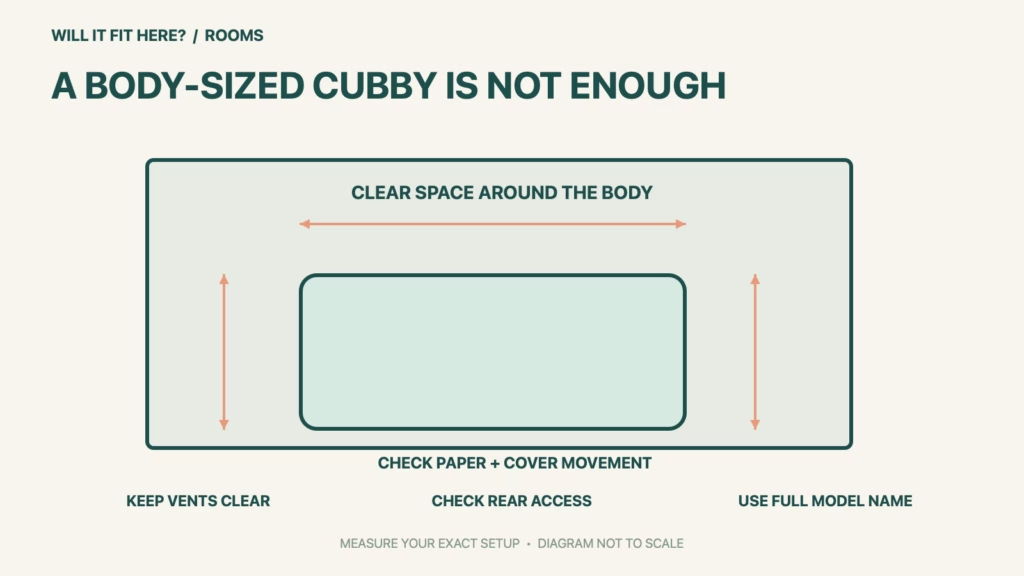
Fit verdict: Brother HL-L2460DW needs more space than its 14.0 × 14.2 × 7.2-inch body. The current linked US Product Safety Guide specifies clearances for products without scanning: 4 inches above, 5 inches behind and 4 inches at the sides, with unobstructed openings and adequate ventilation. A tight closed cubby cannot be approved from body size alone.
This guide uses the US HL-L2460DW documents, not the much older HL-2460 printer or a multifunction model. The safety guide prints metric references of 100 mm above and at the sides and 120 mm behind. Keep the manufacturer’s stated units as references; do not reduce the inch figures by treating rounded conversions as spare space.
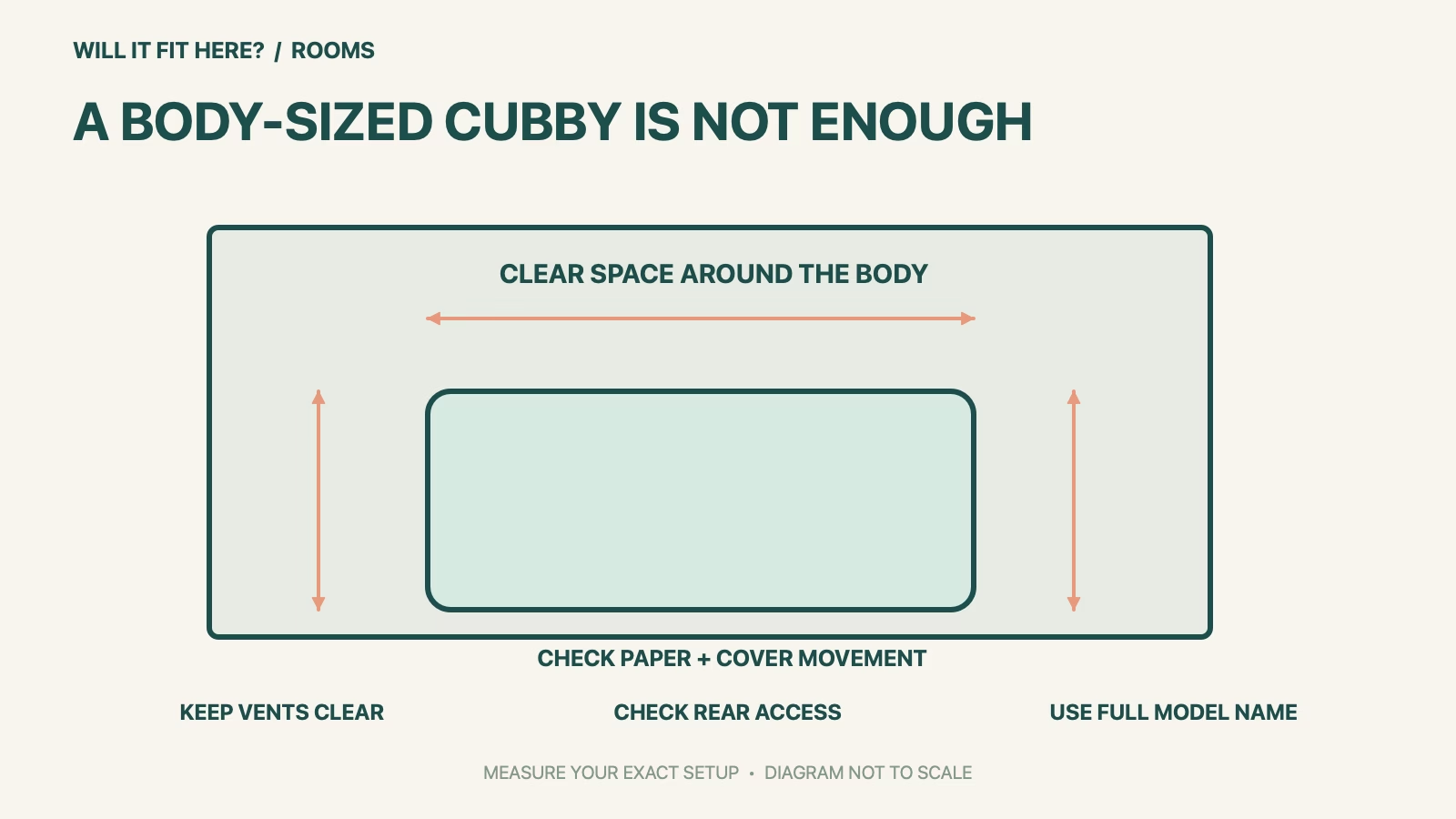
Dimensions and conditions
| Check | Official reference | What to verify |
|---|---|---|
| Body reference W × D × H | 14.0 × 14.2 × 7.2 in | 356 × 360 × 183 mm in guide. |
| Top clearance | 4 in / 100 mm | Do not fill the space with stored paper. |
| Rear clearance | 5 in / 120 mm | Check ventilation and usable rear access. |
| Side clearance | 4 in / 100 mm each side | Keep openings clear. |
| Paper and service access | Depends on actual tray and cover positions | Check beyond the static body outline. |
1. Use the Brother HL-L2460DW document set
Read the complete model name before copying a clearance from a search result. Brother’s naming includes an older HL-2460, so omitting the letter L can lead to instructions for a different printer. Keep the current model’s manual index and Product Safety Guide with your room sketch. For the HL-L2460DW, use the safety guide’s group for products without a scanning function. Do not borrow the top clearance from a scanner-equipped machine or assume that a ventilation gap can be occupied by a shelf divider.
2. Mark clear space before choosing the shelf
Mark the body’s footprint on the proposed stable, level support, then mark the required clear space outside it. Check the nearest wall, shelf sides and shelf above at their actual positions; a decorative opening at the front does not prove that the rest of a cabinet provides adequate ventilation. Keep the power outlet accessible and the cable route clear. This layout check does not certify a cabinet or replace the full safety guide. If the required arrangement cannot be maintained, choose a different location rather than operating with the door temporarily cracked.
3. Check the paper jobs you actually print
The body outline does not show every position needed to load paper, retrieve a finished sheet or open a cover. Brother’s media guidance uses the rear face-up path for certain thicker media, so a layout planned only around ordinary paper may be inconvenient for those jobs. Follow the exact media instructions and check the necessary rear-cover position without placing paper against the wall. Also plan access for the documented supply replacement and jam-clearing procedures. Keep those service tasks separate from the airflow minimums; satisfying one does not prove the other.
Before you decide: 5 checks
- Record Brother HL-L2460DW exactly and open its current US manual index.
- Mark the body and the safety guide’s clear space above, behind and at both sides.
- Check that vents remain unobstructed on a stable, level support.
- Check real tray, rear-output and cover access for your intended paper jobs.
- Keep the outlet and cables accessible without using required clear space as storage.
Keep a short Brother HL-L2460DW fit record with the exact product or service identity, the official rule you checked and the measurements from your own setup. Mark anything you could not verify as unresolved. Recheck the record if the product, accessories, route or surrounding space changes; an earlier fit result belongs to the configuration that was actually checked.
FAQ
Will Brother HL-L2460DW fit a shelf exactly 14 inches wide?
The body may match that width, but the documented side clearances still need to be maintained.
Are airflow clearance and open-cover space the same measurement?
No. Check both the safety guide’s clear space and the actual movements required for paper and service.
Can I use a manual for HL-2460?
No. The full model identity matters; use the current HL-L2460DW documents.
Related fit guides
Continue with Brother SE700 Fit: 5 Embroidery-Table Checks or browse Rooms fit guides. Check each item against its own specifications; a related guide does not establish this product’s compatibility.
Official sources
- Brother: HL-L2460DW dimensions and paper-path specifications
- Brother: current US Product Safety Guide, location requirements
- Brother: model-specific manual index
Sources checked 30 October 2026. Measurements and conditions are attributed above; room and packing checks are planning guidance. Recheck the current official instructions before purchase, installation or travel.