Fit verdict: A Garmin BC 50 camera needs a specifically compatible Garmin navigator, current navigator software and an installation location that actually delivers a usable view and wireless signal. The Garmin badge, a similar screen size or a nominal wireless range does not prove the complete system will fit your vehicle.
This guide covers the standard BC 50 camera and transmitter using Garmin’s installation instructions. Check the Night Vision version against its own documents. The focus is receiver compatibility and installation planning, not a claim that a camera can replace checking your surroundings. Garmin recommends an experienced electrical installer for the vehicle work.
Dimensions and conditions
| Check | Official reference | What to verify |
|---|---|---|
| Receiver identity | Compatible Garmin navigation device | Use Garmin’s current BC 50 compatibility information. |
| Navigator software | Latest supported software required | Check before deciding that a missing menu proves incompatibility. |
| Nominal wireless reference | About 50 ft / 15.24 m | Vehicle structure and transmitter position affect reception. |
| Multiple-camera reference | Maximum four compatible cameras | Check the receiving device’s own instructions. |
| Weather exposure | Fuse holder and connecting plug are not waterproof | Their location and protection need a separate assessment. |
1. Record the Garmin BC 50 receiving device
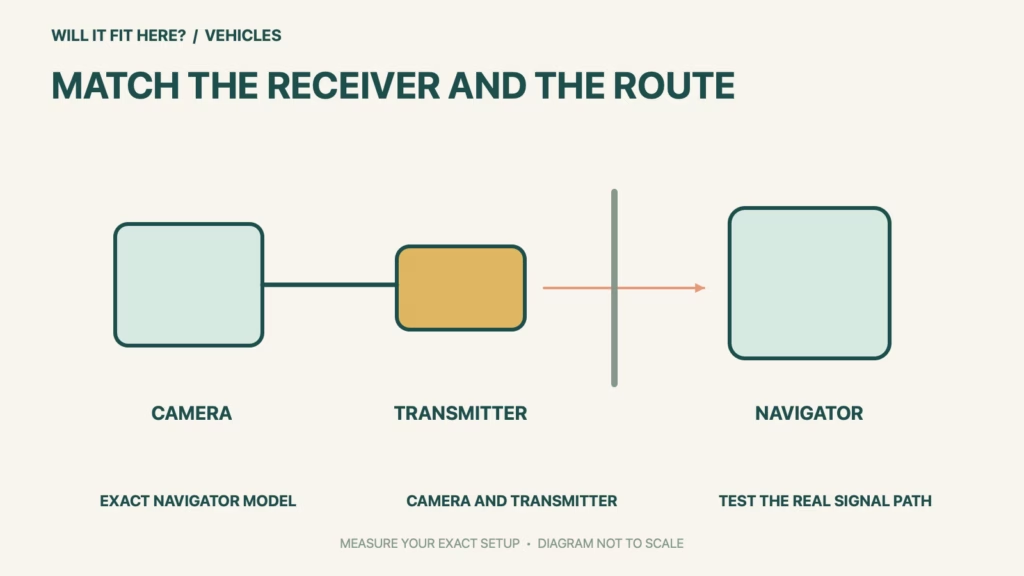
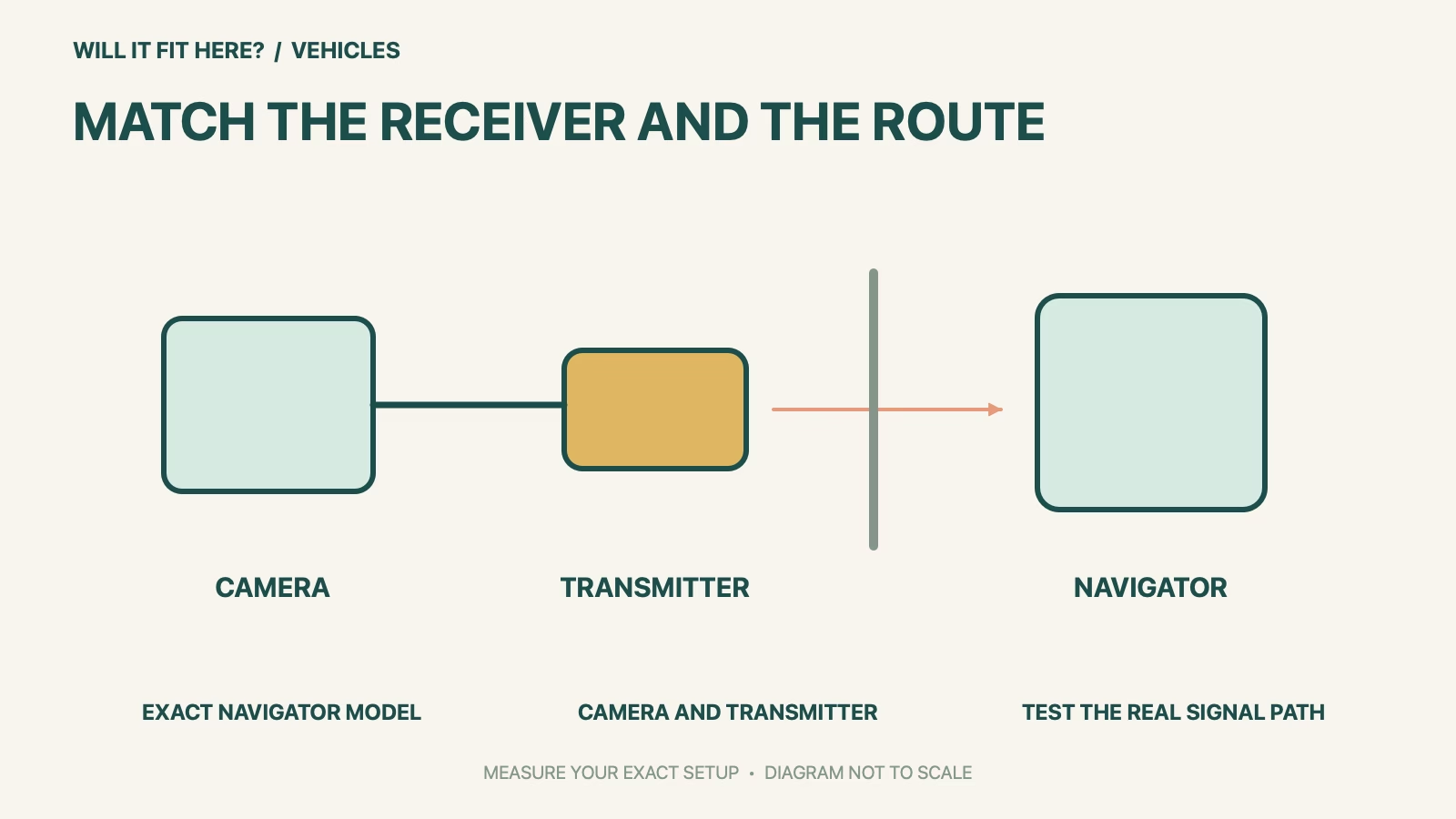
Read the navigator’s exact model from its device information or identification label, rather than using a family name from a shop receipt. Keep that identity beside the camera variant when checking Garmin’s current compatibility information. Use the navigator’s manual to locate the relevant camera function and software-update process. Menu names can differ between devices. If the exact model cannot be confirmed, resolve that question with Garmin before buying the camera; a neighboring model number is not evidence that the wireless receiver is the same.
2. Plan the camera and transmitter separately
The camera position determines the view, while the transmitter position affects the link back to the navigator. These are different locations and should be marked separately on your vehicle sketch. Note the proposed cable path between them, including openings and protected routing, without assuming that a straight-line distance is the usable route. Garmin explains that large metal objects can reduce transmission distance. Its approximate range is a planning reference, not a guarantee through every trailer, body panel or load. Account for the navigator’s normal position in the cabin, rather than testing with it temporarily held beside the transmitter.
3. Test the proposed locations before permanent mounting
Garmin instructs installers to test the selected camera view and transmitter location before fixing the parts permanently. Arrange that assessment with the actual receiver and vehicle configuration. Include the loads or trailer structure that will normally sit between the transmitter and screen. Separately review where the fuse holder and camera-to-transmitter connection will sit: the camera/transmitter water rating does not make those connections waterproof. Have an experienced installer resolve power, routing and weather protection, following the exact manual. This guide does not prescribe drilling positions, replace wiring instructions or establish an unverified spare cable length.
Before you decide: 5 checks
- Record the exact navigator and standard or Night Vision camera variant.
- Confirm current official receiver compatibility and supported software.
- Sketch camera, transmitter and normal screen positions separately.
- Assess the actual cable route and weather exposure of connections.
- Test the view and radio link before permanent mounting with qualified installation support.
Keep a short Garmin BC 50 fit record with the exact product or service identity, the official rule you checked and the measurements from your own setup. Mark anything you could not verify as unresolved. Recheck the record if the product, accessories, route or surrounding space changes; an earlier fit result belongs to the configuration that was actually checked.
FAQ
Will Garmin BC 50 work with any Garmin sat nav?
No. Garmin specifies a compatible navigation device. Check the exact current model listing and its software requirements.
Does being less than 50 feet apart guarantee video?
No. The installation instructions explain that transmitter position and obstructions affect the link. Test the actual setup before permanent mounting.
Does the camera’s water rating also cover every connector?
No. Garmin separately identifies the fuse holder and the camera-to-transmitter connection as needing appropriate protection from exposure.
Related fit guides
Continue with U-Haul Auto Transport Fit: 5 Vehicle-Width Checks or browse Vehicles fit guides. Check each item against its own specifications; a related guide does not establish this product’s compatibility.
Official sources
- Garmin BC 50 official installation instructions
- Garmin dēzlCam OTR710/LGV710 manual: BC 50 pairing and software condition
- Garmin BC 50 standard camera specifications
- Garmin BC 50 current product and compatible-device information
Sources checked 30 October 2026. Measurements and conditions are attributed above; room and packing checks are planning guidance. Recheck the current official instructions before purchase, installation or travel.