Fit verdict: WeatherTech CupFone fits only when both the phone cradle and the vehicle cup holder suit your setup. Check the phone with its everyday case installed. The regular head and Two View head have different width ranges, so a brand name or screen size alone cannot establish a fit.
The reference is WeatherTech’s current CupFone product page, including the separate Regular and Two View options. This is a physical placement guide, not a claim that any mounting position is lawful or safe in every vehicle. Set up the holder while parked and preserve vehicle controls and the driver’s view.
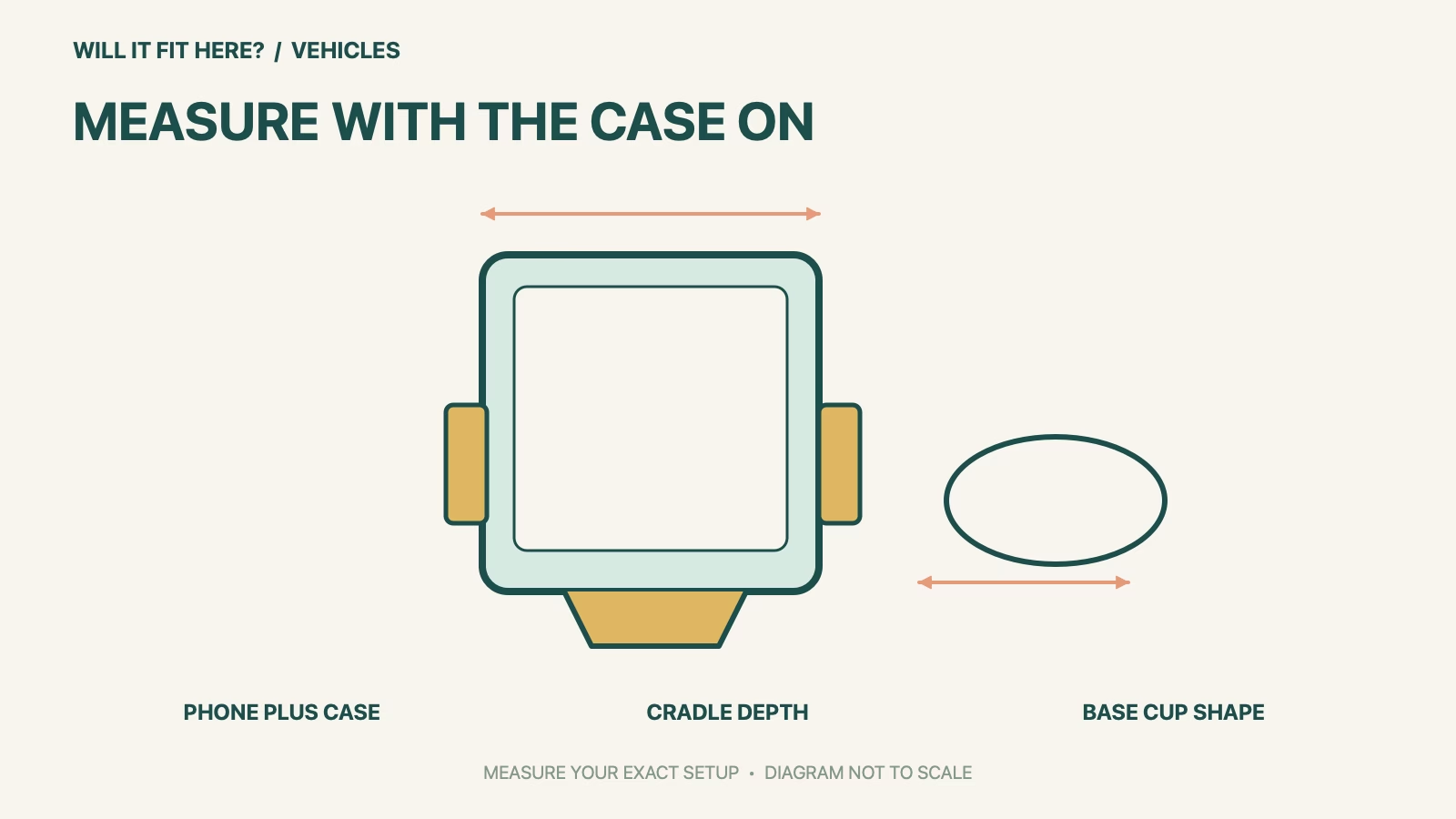
Dimensions and conditions
| Check | Official reference | What to verify |
|---|---|---|
| Regular head width | 2 3/8–3 3/8 in | Use the full outside phone-plus-case width. |
| Two View width range | 2 7/8–6 3/4 in | Match the chosen orientation and actual head. |
| Device depth | Up to 9/16 in | Check case edges and attachments at the gripping area. |
| Cup-holder interface | Tapered base cups | Test the actual opening and internal shape. |
| Charging access | Open-access cradle design | Check your connector, case cutout and cable route. |
1. Choose the WeatherTech CupFone head before measuring
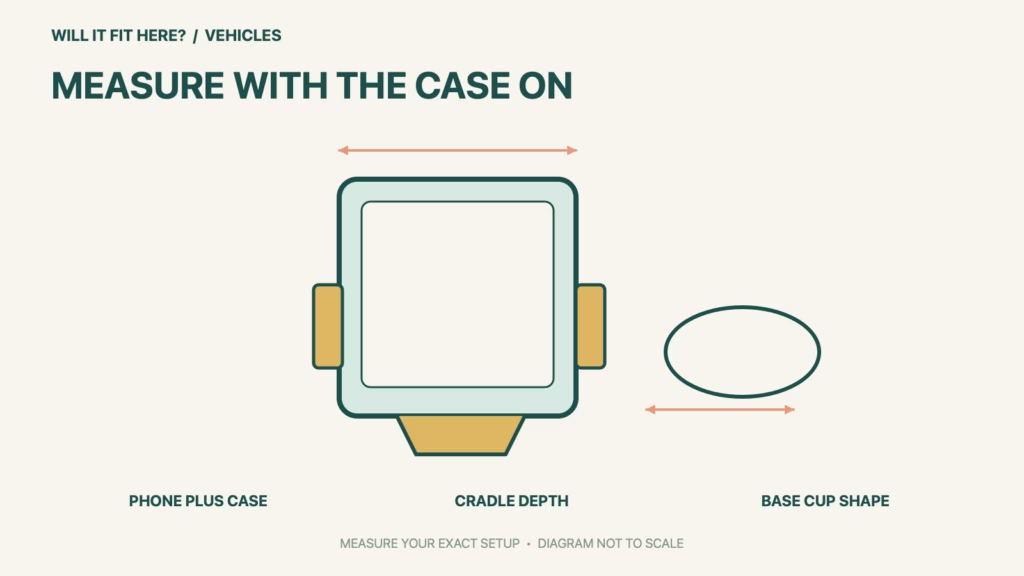
Lay the phone on a flat surface with its usual case fitted. Record its outside width and depth rather than using the diagonal screen specification. Include a card holder, battery pack or raised accessory where it reaches the cradle. Compare the result with the correct head’s limits in the table. The manufacturer’s fractional dimensions are more precise than the rounded decimal figures also shown on the page. If a measurement is close to a boundary, confirm the actual device in the actual holder before depending on it.
2. Inspect the complete cup-holder pocket
An opening that looks circular from above may taper, contain spring fingers or have a shallow bottom. Inspect the pocket with removable inserts in their normal positions, then follow WeatherTech’s instructions to select the appropriate base cup. A holder should seat as instructed without forcing trim or disabling a console mechanism. Check nearby cup holders, sliding lids and armrests. A good phone-to-cradle match does not prove that the base can be supported properly in a particular console.
3. Test the usable position and charging path
With the vehicle parked, place the screen at the intended angle and check access to the shifter, parking brake, seat controls and storage lids. Confirm that the phone can be inserted and removed without colliding with the dashboard or a neighboring object. Fit the charging plug through the case opening and route the lead along the real path to the outlet. Leave it away from moving controls. If an extension is selected, assess that complete arrangement separately rather than assuming the original low position has the same clearances.
Before you decide: 5 checks
- Identify Regular versus Two View head and any extension.
- Measure the phone’s outside width with the actual case fitted.
- Check depth and rear accessories at the cradle’s contact zone.
- Inspect cup-holder taper, inserts and neighboring lid movement.
- Verify parked viewing position, insertion movement and plugged-in cable path.
Keep a short WeatherTech CupFone fit record with the exact product or service identity, the official rule you checked and the measurements from your own setup. Mark anything you could not verify as unresolved. Recheck the record if the product, accessories, route or surrounding space changes; an earlier fit result belongs to the configuration that was actually checked.
FAQ
Will WeatherTech CupFone fit any phone with a 6.7-inch screen?
Screen diagonal does not establish outside width or depth. Measure the phone and case, then compare with the selected head’s range.
Can I assume Regular supports landscape like Two View?
No. WeatherTech describes the Regular head for portrait use and Two View for portrait or landscape. Choose and assess the specified version.
Does a tight cradle prove the whole mount fits?
No. The base still needs a suitable cup holder and the installed phone must leave controls, movement and cable access usable.
Related fit guides
Continue with Dometic CFX5 35 Fit: 5 Vehicle-Space Checks or browse Vehicles fit guides. Check each item against its own specifications; a related guide does not establish this product’s compatibility.
Official sources
Sources checked 28 October 2026. Measurements and conditions are attributed above; room and packing checks are planning guidance. Recheck the current official instructions before purchase, installation or travel.